FanCoolo WP
Build Gutenberg blocks with ease.
FanCoolo WP will help you overcome Gutenberg limitations.
You can create native blocks without need to learn react.
14 Days Money Back Guarantee
Secured Payments Stripe and PayPal
FanCoolo WP is a WordPress plugin for building custom Gutenberg blocks in PHP, without React, JSX or an npm build step. You define the fields, write a PHP render template and block-scoped SCSS, and FanCoolo writes the block.json and registers the block.
Who FanCoolo WP is for
- PHP developers who want custom blocks without learning React.
- Agencies that build client sites and want editors to work with native blocks.
- Designers moving from page builders to the block editor.
FanCoolo WP is not a page builder: the blocks it creates are native Gutenberg blocks, and editors use them like core blocks.
Learn in couple of minutes what this plugin can do
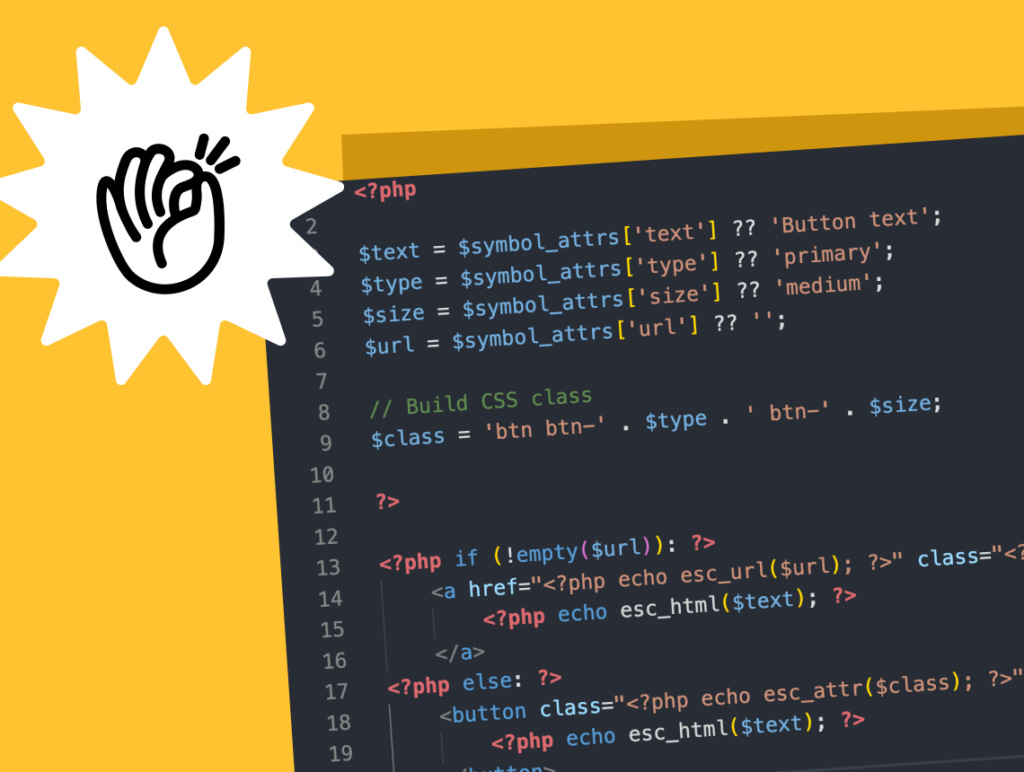
Write in PHP. No need
for JS and NPM Build
Update blocks on Server
This will bring closer developers and editors where you can start with content and create new blocks on the fly.
Reusable Symbols
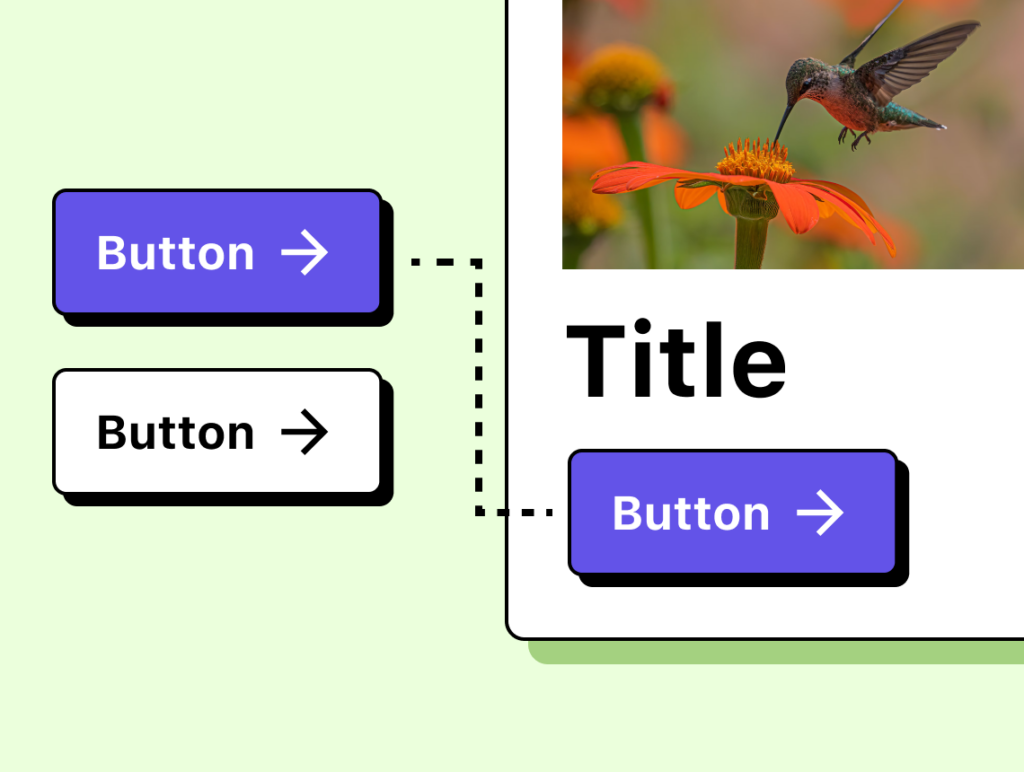
Write it once, use it in any block.
A single source of truth that unites design and development through shared components — saving hours of work and ensuring all updates happen in one place.
SCSS & Partials
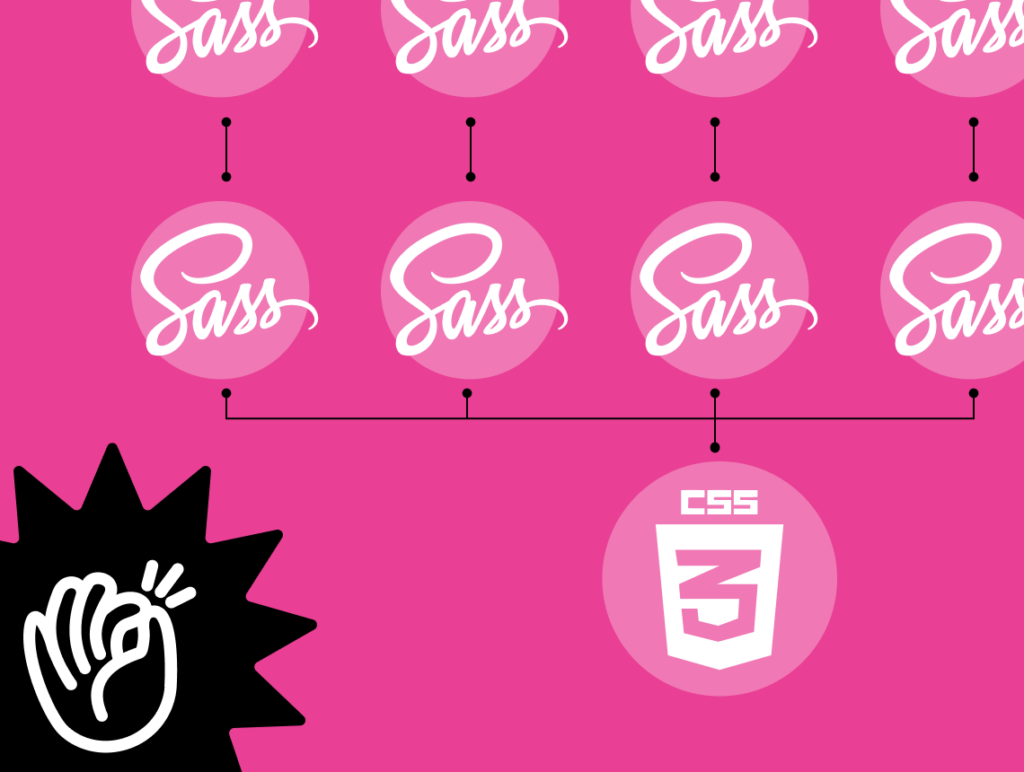
Split and organize your code.
Prepare reusable styles you can include in any block when needed, or attach them globally to all blocks — eliminating the need to add them one by one.
Native Fields
You heard it right!
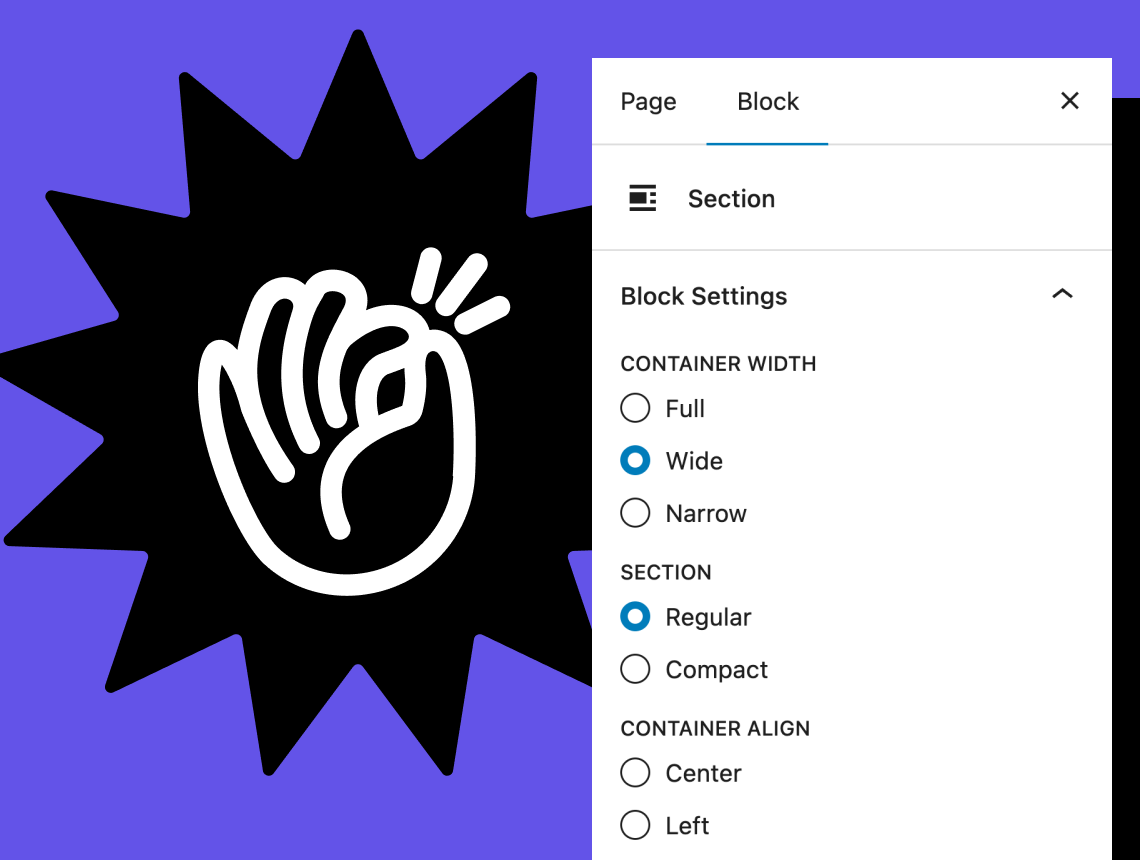
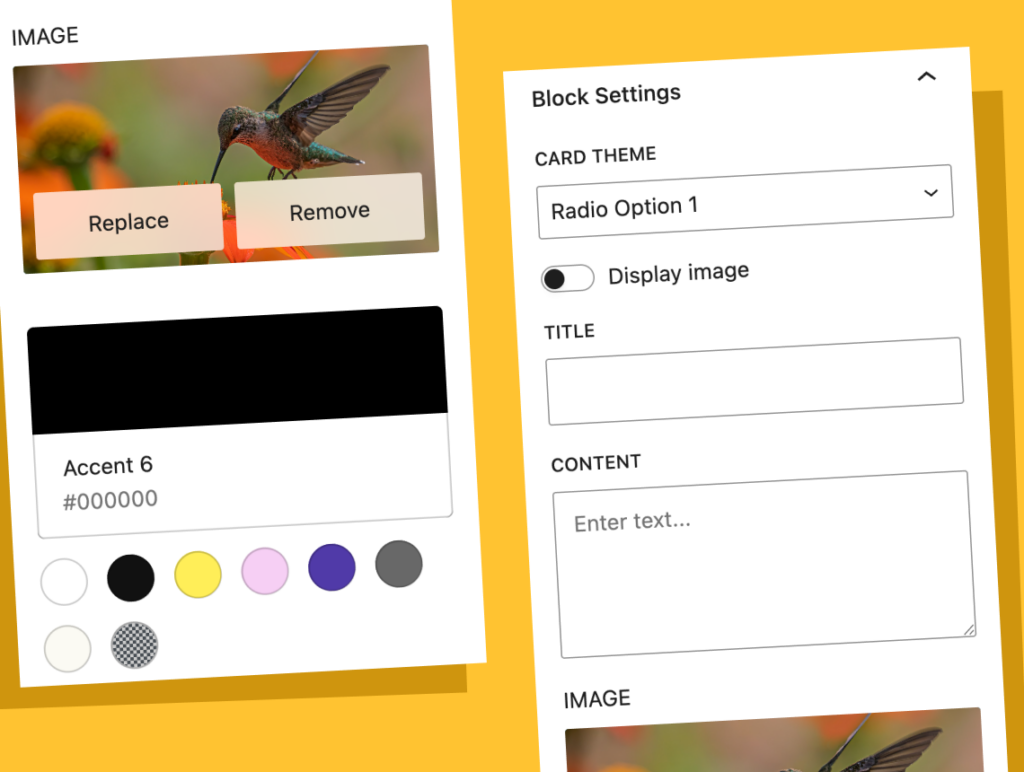
We use native Gutenberg components for sidebar settings, giving editors a unified and seamless experience between Gutenberg blocks and FanCoolo blocks.
Hot Reload
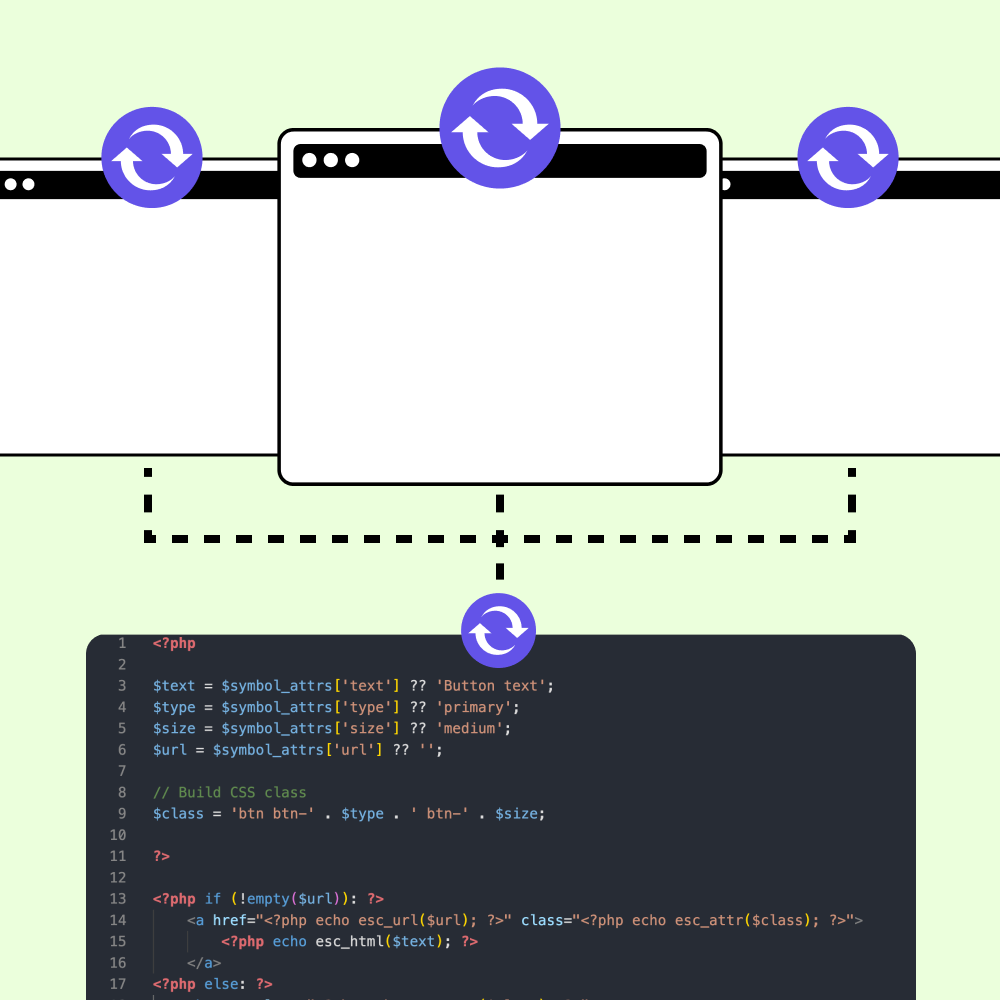
See your changes instantly as you type. FanCoolo’s development mode watches your code and automatically regenerates blocks in real-time — no manual refresh needed. Build faster, iterate quicker, and stay in your creative flow without breaking momentum.
Revision History
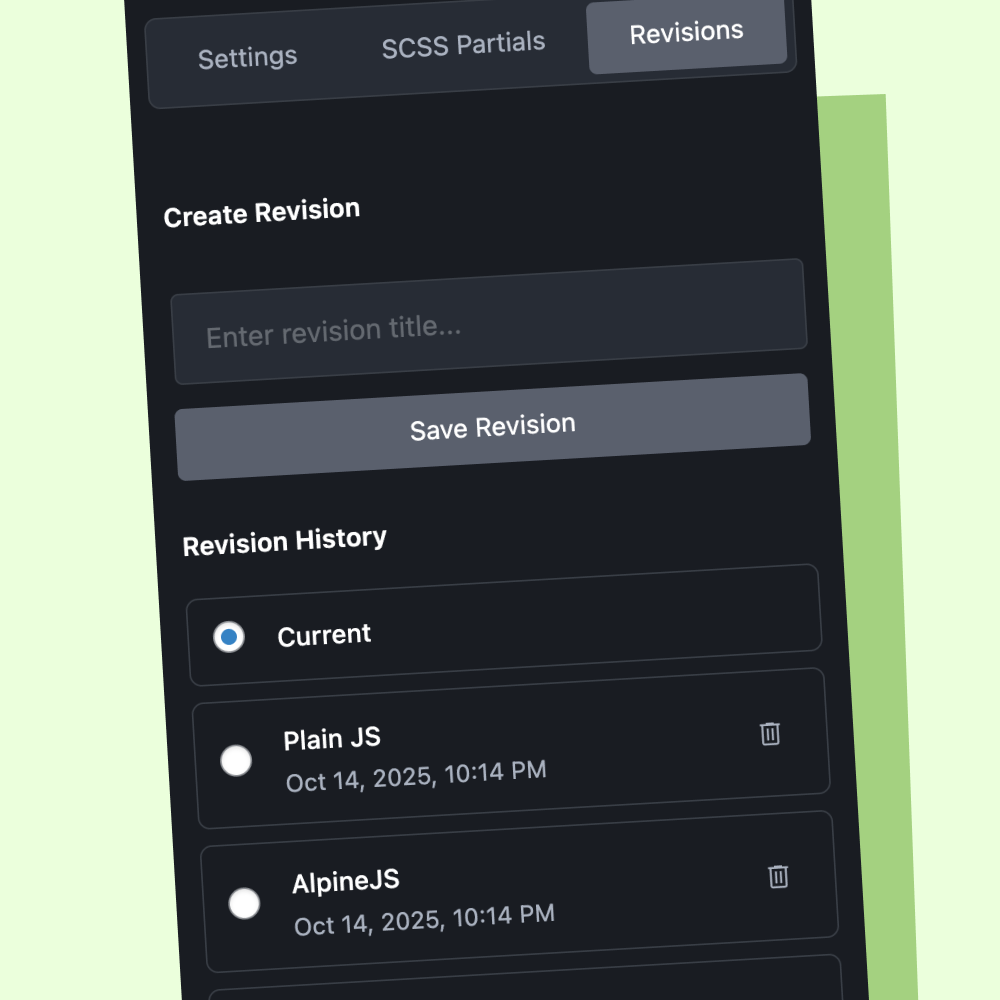
Save a named revision of any block, symbol or SCSS partial before a bigger change — it stores the code and the settings. Apply it from Revision History to go back to that version, and experiment knowing you can always undo.
Inner Blocks Support
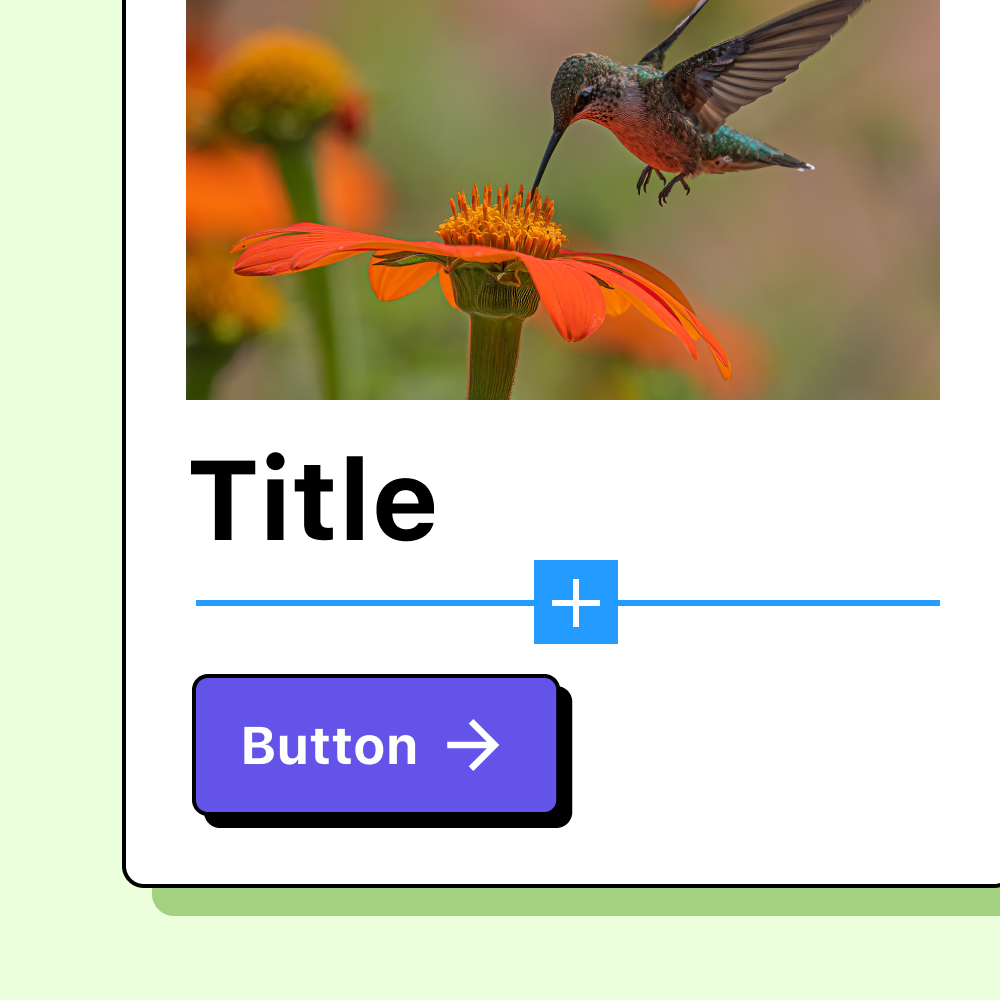
Create container blocks that accept child blocks, just like Gutenberg core. Define which blocks are allowed inside, set default layouts, and build sophisticated page-building experiences — all through a simple UI, no complex JavaScript required.
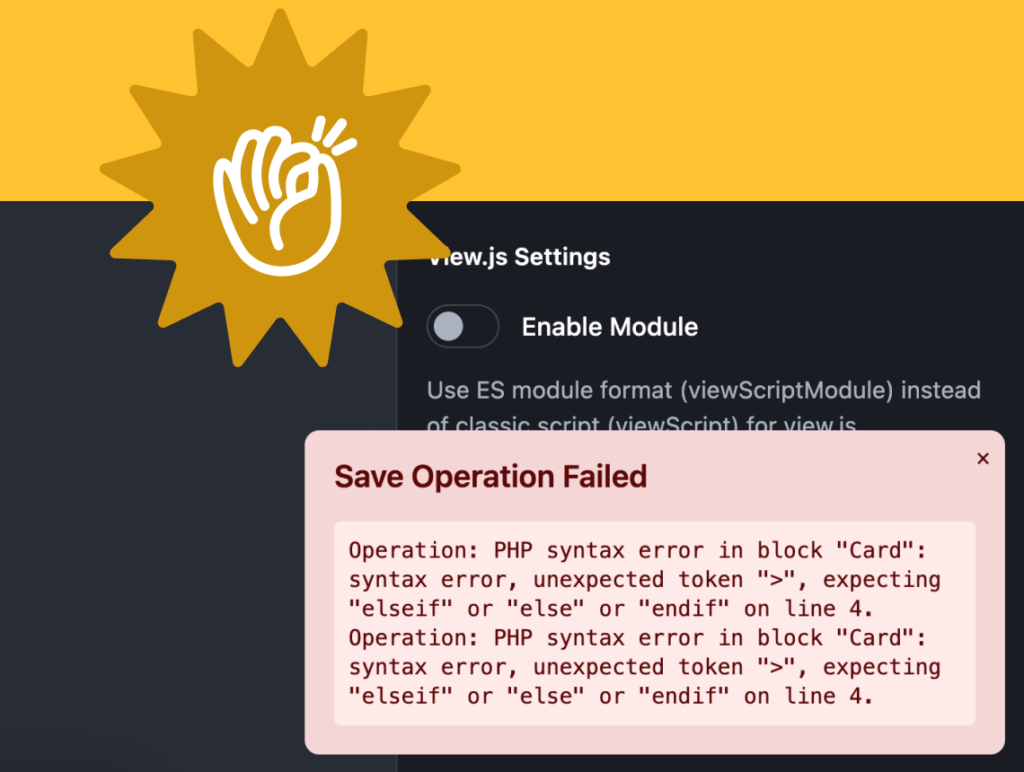
Type-Safe Development
Catch errors before they reach production.
FanCoolo validates your PHP syntax on save, checks SCSS compilation in real-time, and provides clear error messages directly in the editor — preventing broken blocks from ever being generated.
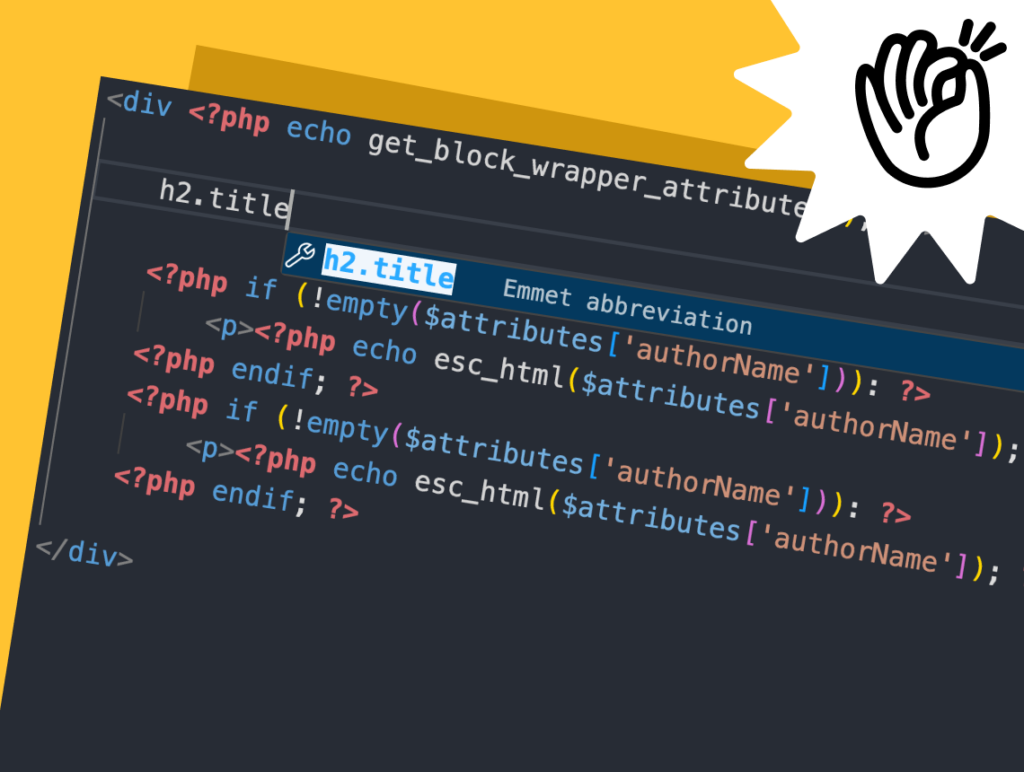
Monaco Code Editor
You never leave Visual Studio
Edit PHP, SCSS, and JavaScript with syntax highlighting, autocompletion, bracket matching, and Emmet abbreviations. The same editor that powers VS Code, running right inside WordPress.
Price 160 130 will rise after first round of sales.
/ One payment
Single Licence
- 1 Domain Limit
- LTD Plugin Update
- LTD Priority Support
- All Features Included
/ One payment
Agency Licence
- 5 Domains Limit
- LTD Plugin Update
- LTD Priority Support
- All Features Included
/ One payment
Developer Licence
- 399 Domains Limit
- LTD Plugin Update
- LTD Priority Support
- All Features Included

14-Day Money-Back Guarantee
Probably you will never need this with our awesome products but here it is just in case. If you aren’t completely satisfied within 14 days of purchase, you’re more than welcome to get a full refund!
Guides and tutorials
How to Build a Gutenberg Block That Shows ACF Fields
Show Advanced Custom Fields data in the block editor.
How to Build a Dynamic Gutenberg Block That Lists Posts
List posts with WP_Query in a custom PHP block.
How to Build Reusable Components Across Gutenberg Blocks
Write a button or card once, use it in every block.
How to Build Nested Gutenberg Blocks (InnerBlocks) Without JavaScript
Container blocks with InnerBlocks, in PHP.
Oxygen vs Gutenberg in 2026: Which Should You Build With?
Design control, lock-in, clients and custom blocks in 2026.
Frequently asked questions
Do I need React or npm?
No. You write the render template in PHP and the styles in SCSS; FanCoolo generates the block.json and registers the block, so there is no React, JSX or npm build step. Sidebar fields use native Gutenberg components. Setup: Getting started.
Does WordPress 7.0 make FanCoolo WP unnecessary?
Not for most custom blocks. WordPress 7.0 can register simple blocks in PHP only, with sidebar controls generated for string, number, integer and boolean attributes. FanCoolo adds image and link fields, inner blocks, SCSS, reusable symbols and revision history. The core change is described in the PHP-only block registration dev note.
Can editors use FanCoolo blocks like normal blocks?
Yes. FanCoolo blocks are registered as native Gutenberg blocks, and their sidebar settings use the same components as core blocks, so editors insert and edit them like any other block. Container blocks can accept child blocks with a list of allowed blocks. See Inner blocks.
Can I use ACF fields in FanCoolo blocks?
Yes. FanCoolo has its own fields, so ACF is not required, but you can combine a FanCoolo block with ACF fields when a project already uses them. The setup is in ACF integration.
Can I undo a change to a block?
Yes. In the FanCoolo editor you can save a named revision of a block, symbol or SCSS partial, which stores its code and settings. The Revision History panel lists your revisions, and applying one restores that saved state. Version notes are in the FanCoolo WP changelog.
Can I get a refund?
Yes. If you can’t get FanCoolo WP working, DPlugins refunds the full price within 14 days of the original purchase. The conditions are in the terms and conditions.
