Plain Classes GUTENBERG
- Easy class access
- Every new used class is automatically added
- Loose Autocomplete
- Scan Theme, Plugins or Uploads CSS files for classes
- Manually add, import, export your set of classes
This plugin is well crafted for one thing. Manage Classes, easy!
14 Days Money Back Guarantee
Secured Payments Stripe and PayPal
30,000+ sites with an active licence
Plain Classes for Gutenberg is a WordPress plugin that adds a class input with autocomplete to every block in the editor. It suggests classes you’ve used before and classes found in your theme and plugin files, and lets you manage, import and export your class library.
Who Plain Classes Gutenberg is for
- Block editor users who style with utility classes or a naming system such as BEM.
- Theme developers whose CSS already defines the classes they need.
- Designers who prefer to adjust classes on the live page.
Plain Classes doesn’t write CSS for you: it makes the classes your theme, plugins or framework already define easy to find and apply.
What makes PLAIN CLASSES Special
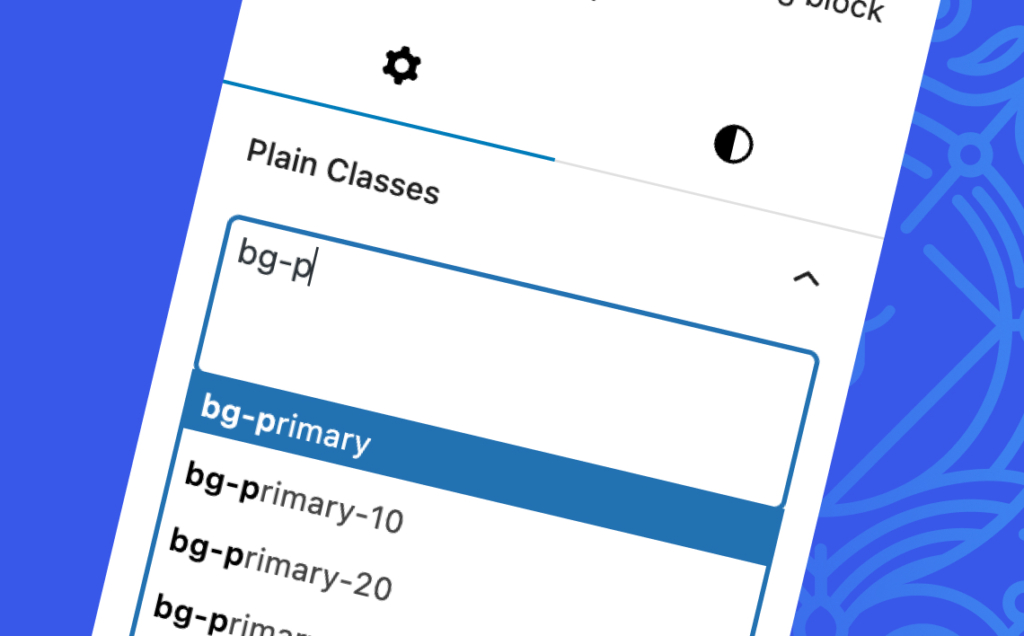
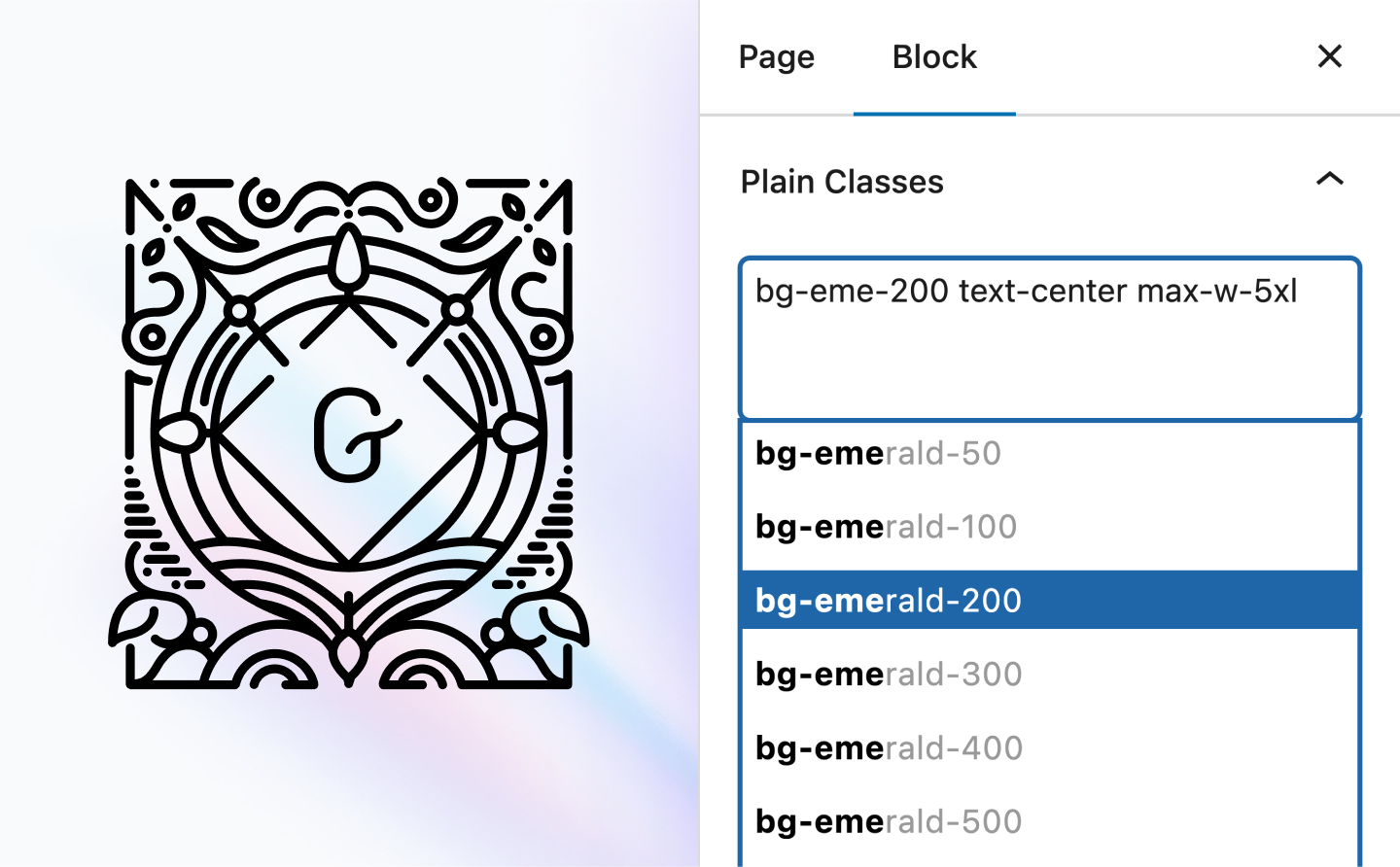
Never ever need to remember Class name
Every time you use Class Name it will be added to autocomplete list
We are tracking and scanning every post you update, and each time you use a new class name, it will be added to the list.
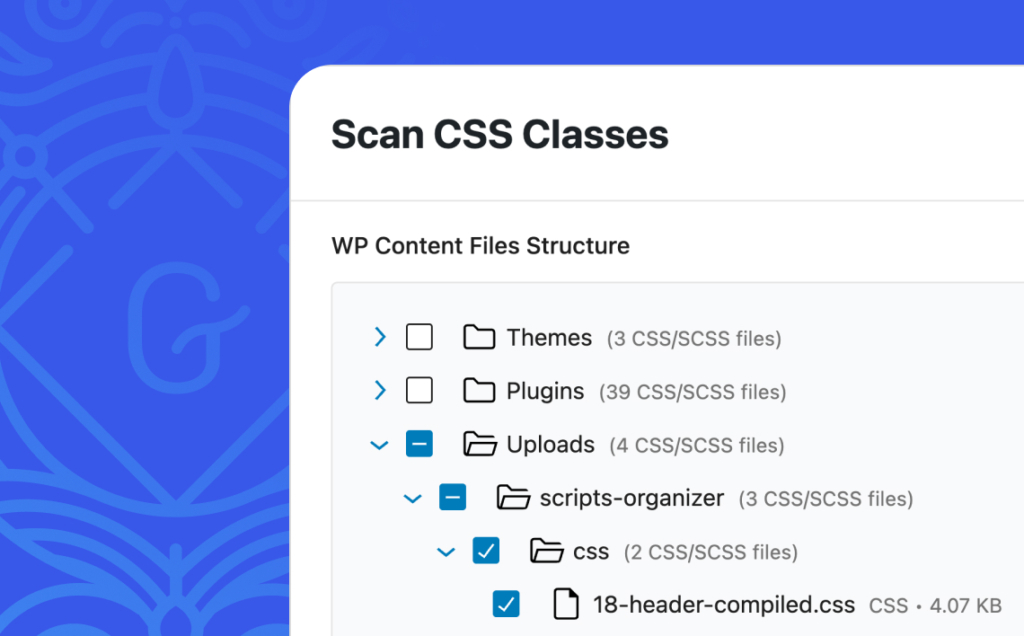
Scan CSS File for Classes
Select individual file or entire folder to extract class names
With our class scanner feature, you’ll get a tree view to select individual files or folders to extract class names. You can extract them from any plugin, theme, or any folder located under /wp-content/.”
own framework?
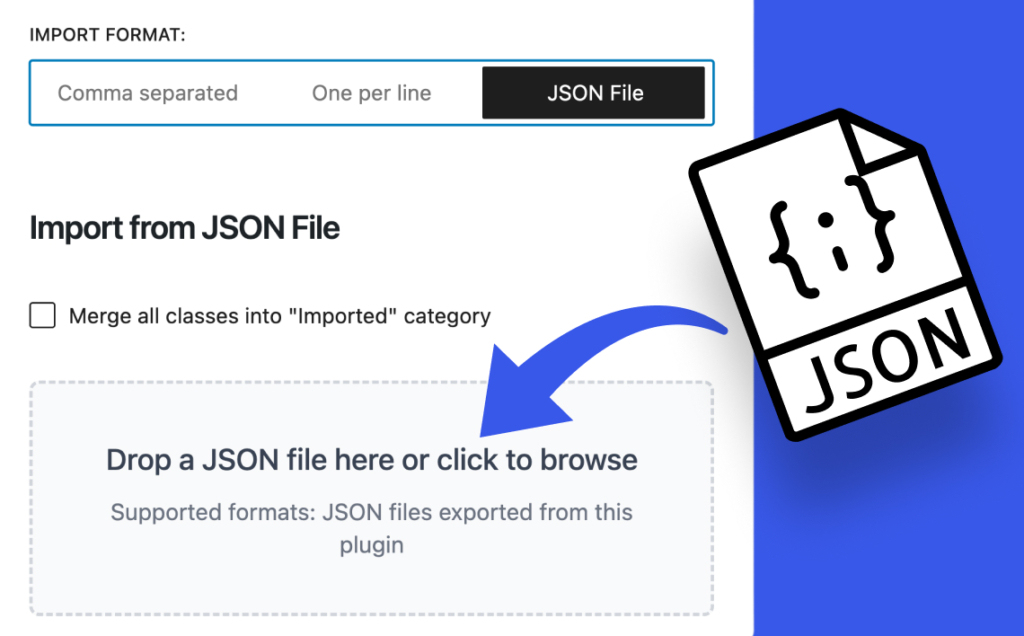
Easily import and export Class Names with one click
Export and Import class names as json file, text comma separated or class name per row that you can use on every project
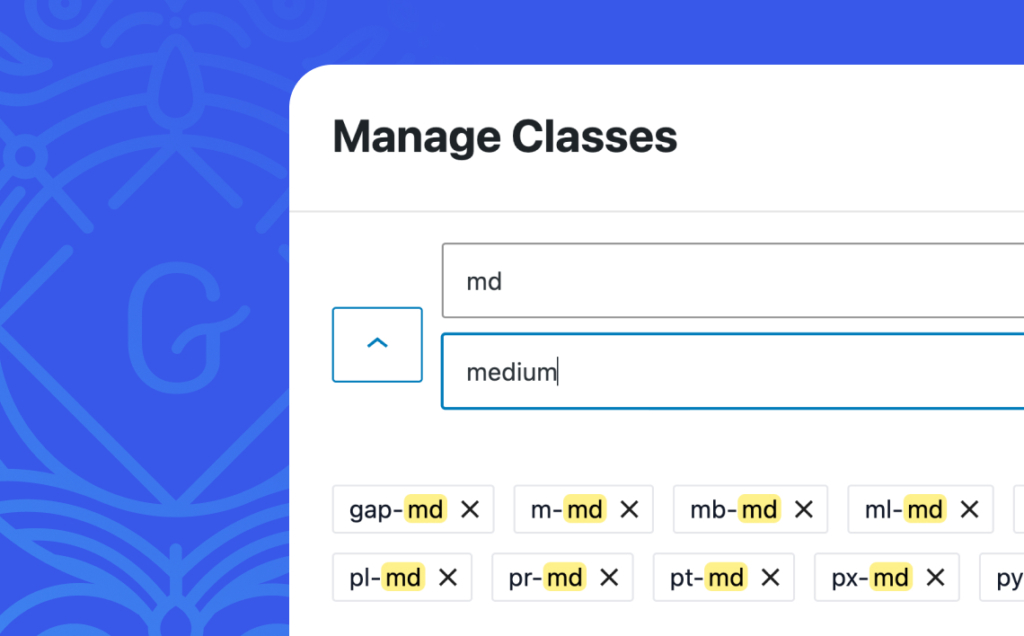
Quick Search and replace
Update framework on the fly
If you’re in the middle of a project and need to rename class names, you can simply search and replace them.

Scripts Organizer
With Scripts Organizer, we use the post-save hook to trigger file rescanning. This way, you’ll get updated class names directly from Scripts Organizer without needing to visit the Plain Classes admin panel.

Core Framework
Core Framework is an excellent framework, and we’re helping with its integration. Our fuzzy autocomplete makes updating classes faster and easier. We’ve also exposed the framework on the front end, so you can preview changes in real time.

Green Shift
It’s an awesome Gutenberg wrapper, but class management could be improved. They also use class names as tags, so updating a single class takes more effort than it should.
Simple pricing
One price to use it forever on every website.
/ One payment
Developer licence
- 199 Domains
- LTD Plugin Update
- LTD Priority Support
- All Features Included

14-Day Money-Back Guarantee
Probably you will never need this with our awesome products but here it is just in case. If you aren’t completely satisfied within 14 days of purchase, you’re more than welcome to get a full refund!
Guides and tutorials
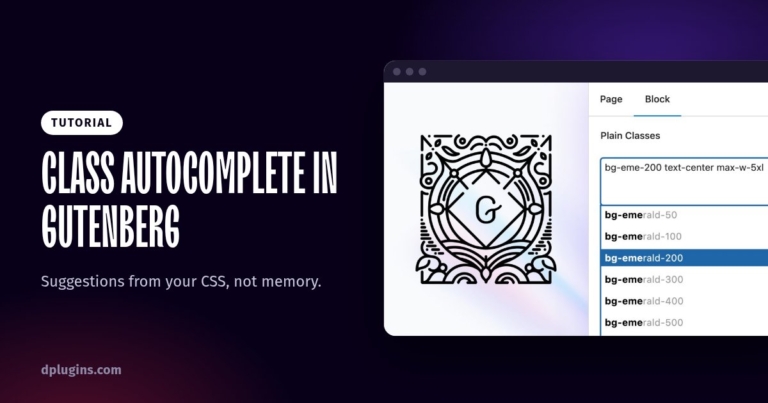
How to Get CSS Class Autocomplete in the Gutenberg Block Editor
Suggestions from your CSS, not memory.
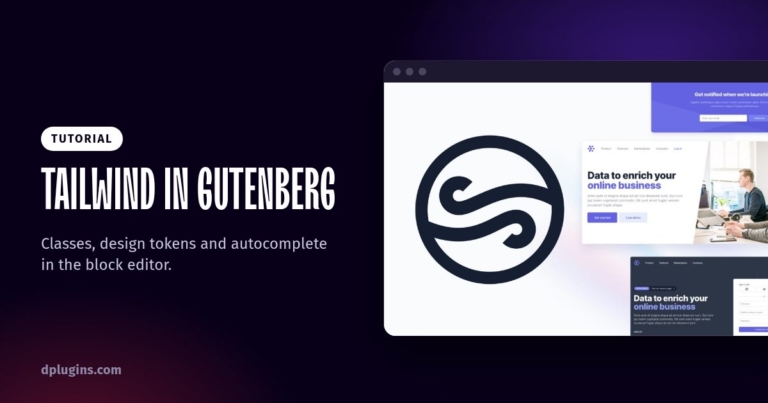
How to Use Tailwind CSS in the Gutenberg Block Editor
Classes, design tokens and autocomplete in the block editor.
Frequently asked questions
Where do the class suggestions come from?
From three sources: classes you imported, classes you’ve already used, and classes found by File Scanning in your theme, CSS and JavaScript files. Scanning runs in the background, so it doesn’t slow the site down. See File scanning.
Can I edit classes on the front end?
Yes. The Frontend Assistant lets you click an element on the live page, edit its classes and see the result immediately. See Frontend Assistant.
Can I move my class library to another site?
Yes. The Class Manager imports and exports classes and lets you search and organise the whole library. See Class management.
Does it work with Winden?
Yes. Paired with Winden, the autocomplete includes the Tailwind classes from your Winden setup. See Plain Classes for Gutenberg.
Can I get a refund?
Yes. If you can’t get Plain Classes working, DPlugins refunds the full price within 14 days of the original purchase. The conditions are in the terms and conditions.
