DBlocks CodePro
A free Gutenberg block with a real code editor: Emmet, light and dark themes, split preview, and syntax highlighting on the front end.
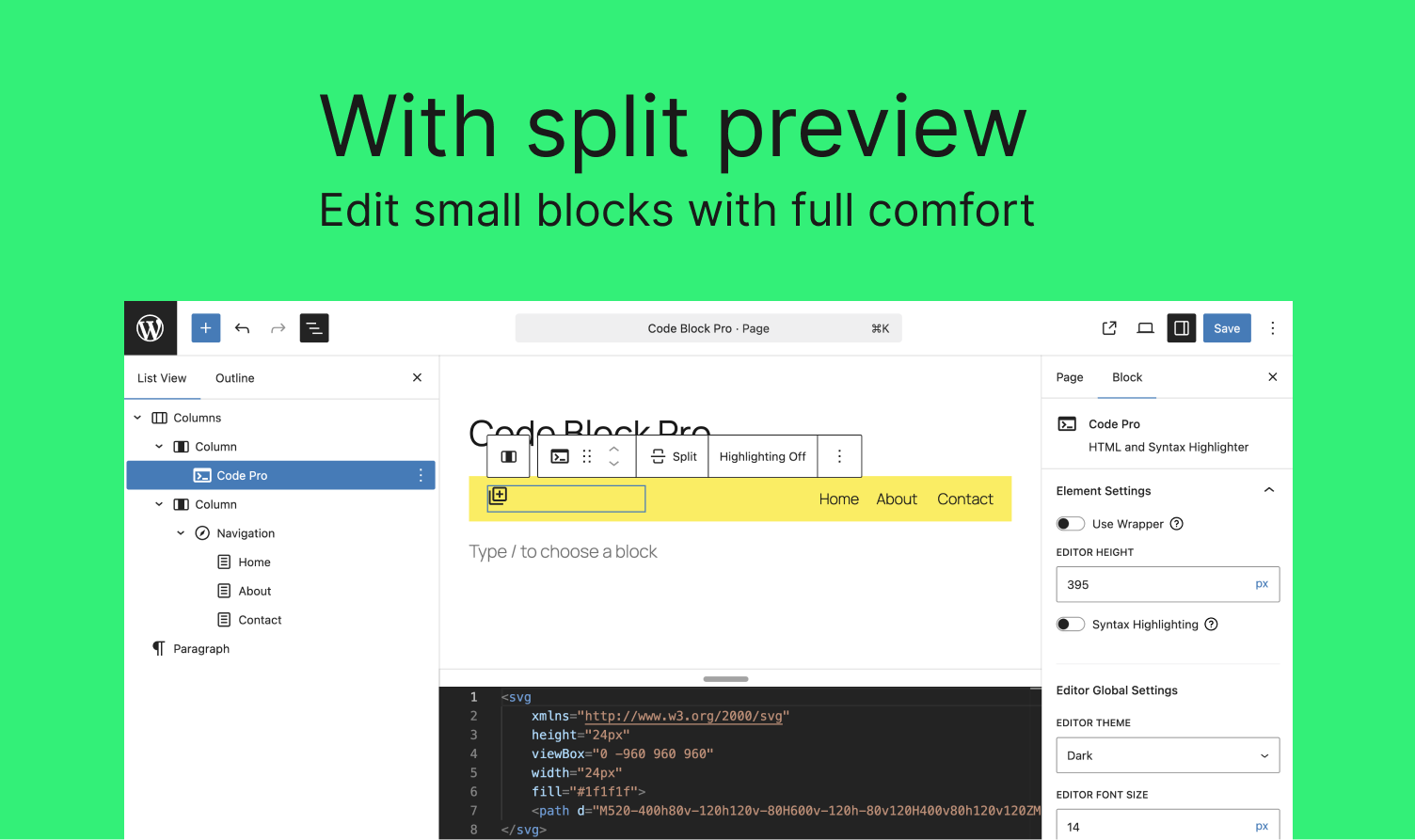
A real code editor in the block editor
- Built on Monaco, the editor behind VS Code: syntax highlighting and code completion while you type.
- Emmet abbreviations for fast HTML and CSS.
- Adjustable font size, and a language picker per block.
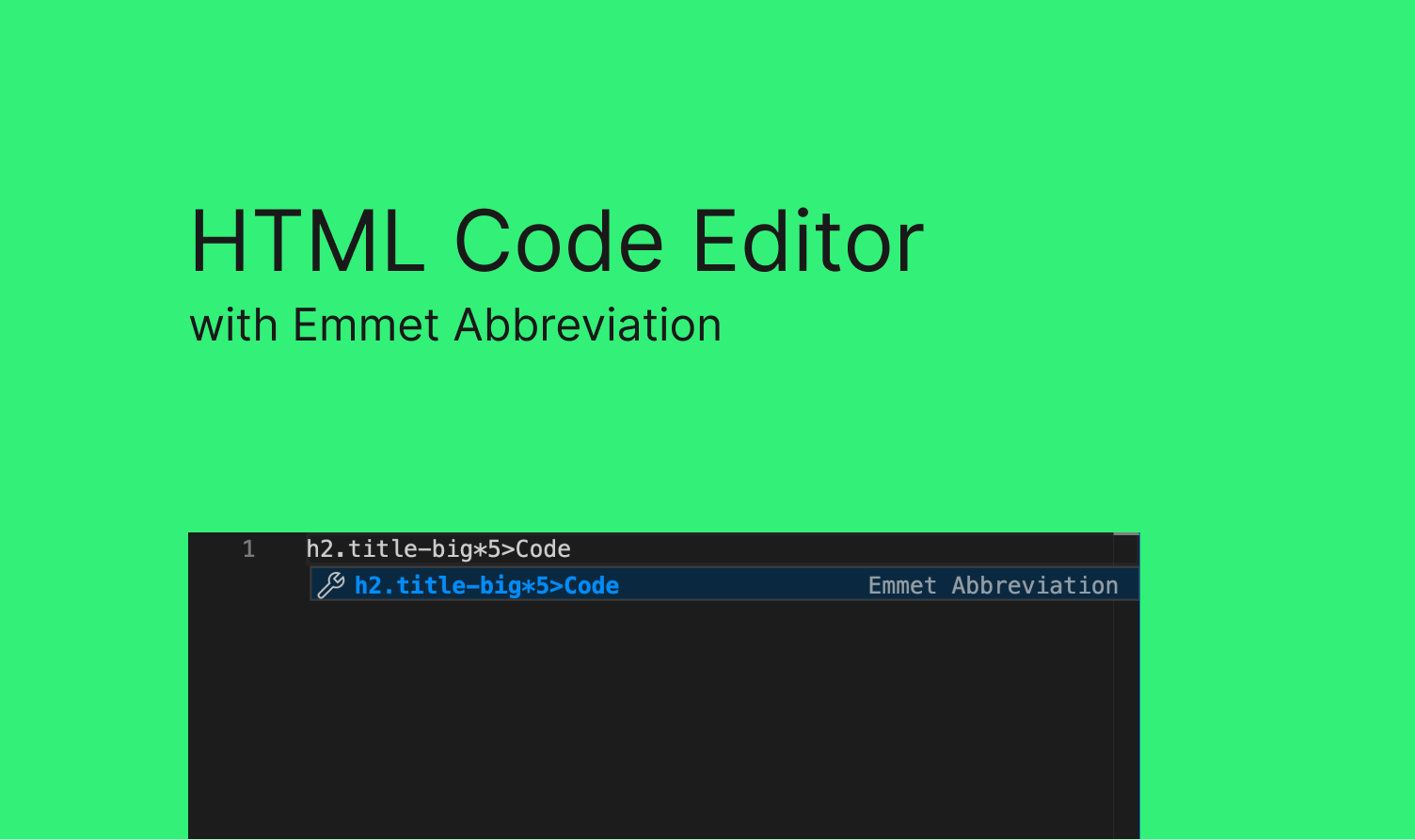
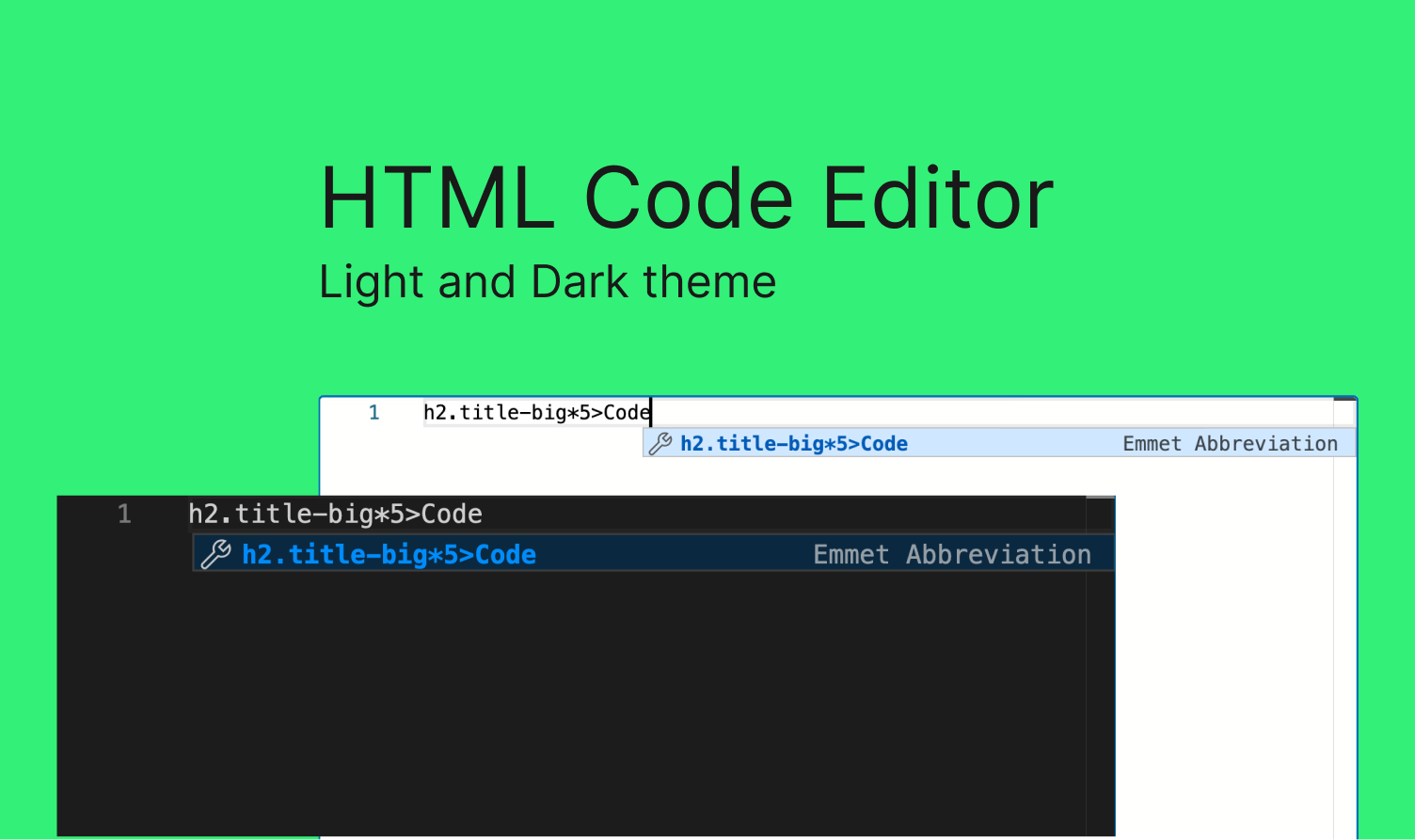
Light and dark themes
- Switch the editor between a light and a dark theme.
- Pick the theme that matches your screen or your site.
Code, Preview or Split view
- Write code and see the result side by side, or switch to code only or preview only.
- Handy for small custom blocks, embeds and snippets.
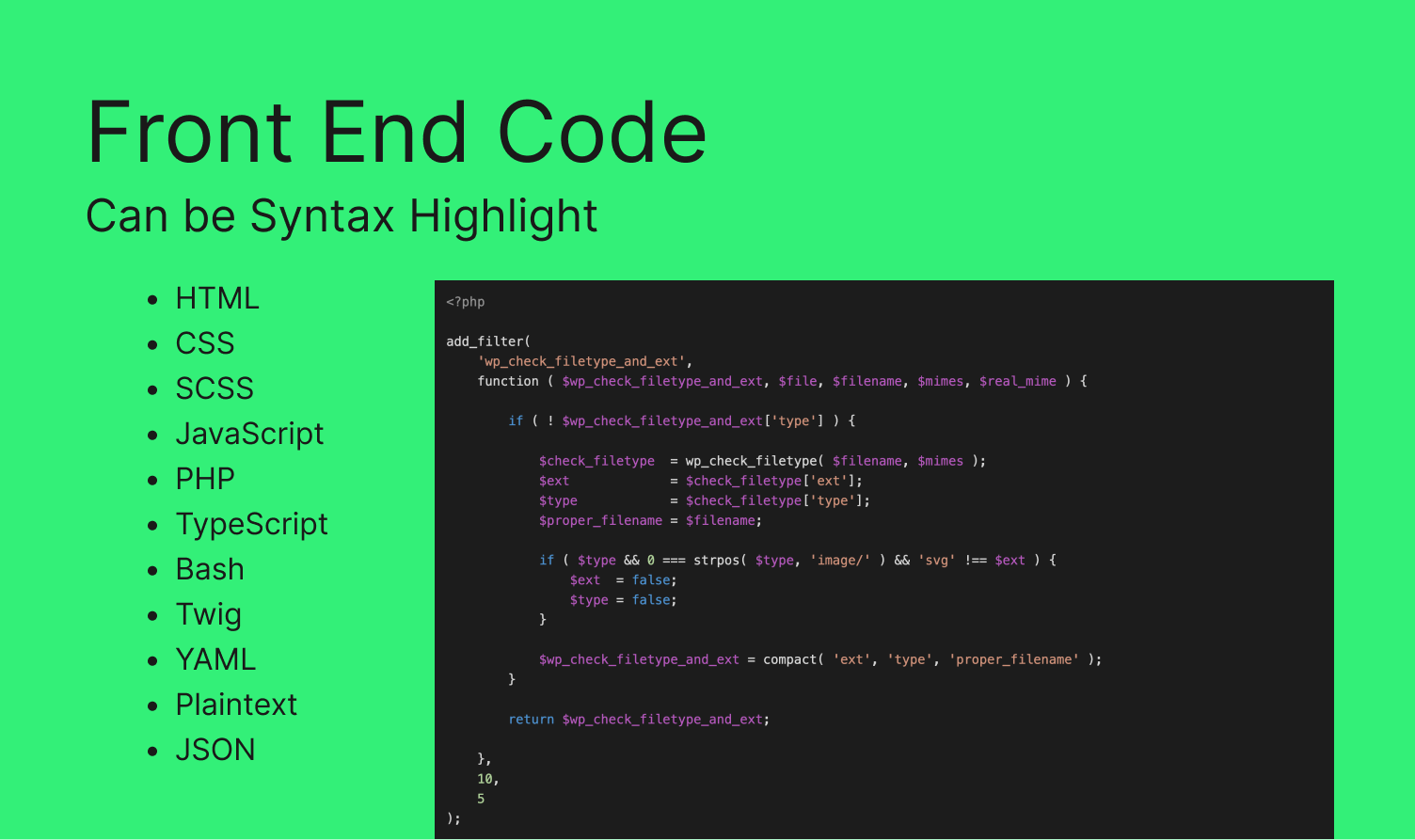
Syntax highlighting for your readers
- Show code in posts with highlighting: HTML, CSS, SCSS, JavaScript, PHP, TypeScript, Bash, Twig, YAML, JSON and plain text.
- Made for tutorials, docs and tech blogs.
Need a custom block?
Build it with FanCoolo WP: native Gutenberg blocks written in PHP, with native sidebar fields, reusable symbols, SCSS partials and hot reload. No React, no npm, no build step.
How to install
- In WordPress, go to Plugins → Add New Plugin.
- Search for DBlocks CodePro.
- Click Install Now, then Activate.
Or download it from WordPress.org.
Free
DBlocks CodePro is free on WordPress.org.
