DBlocks Finder
A free plugin that shows every Gutenberg block and synced pattern on your site, and exactly which pages use it.
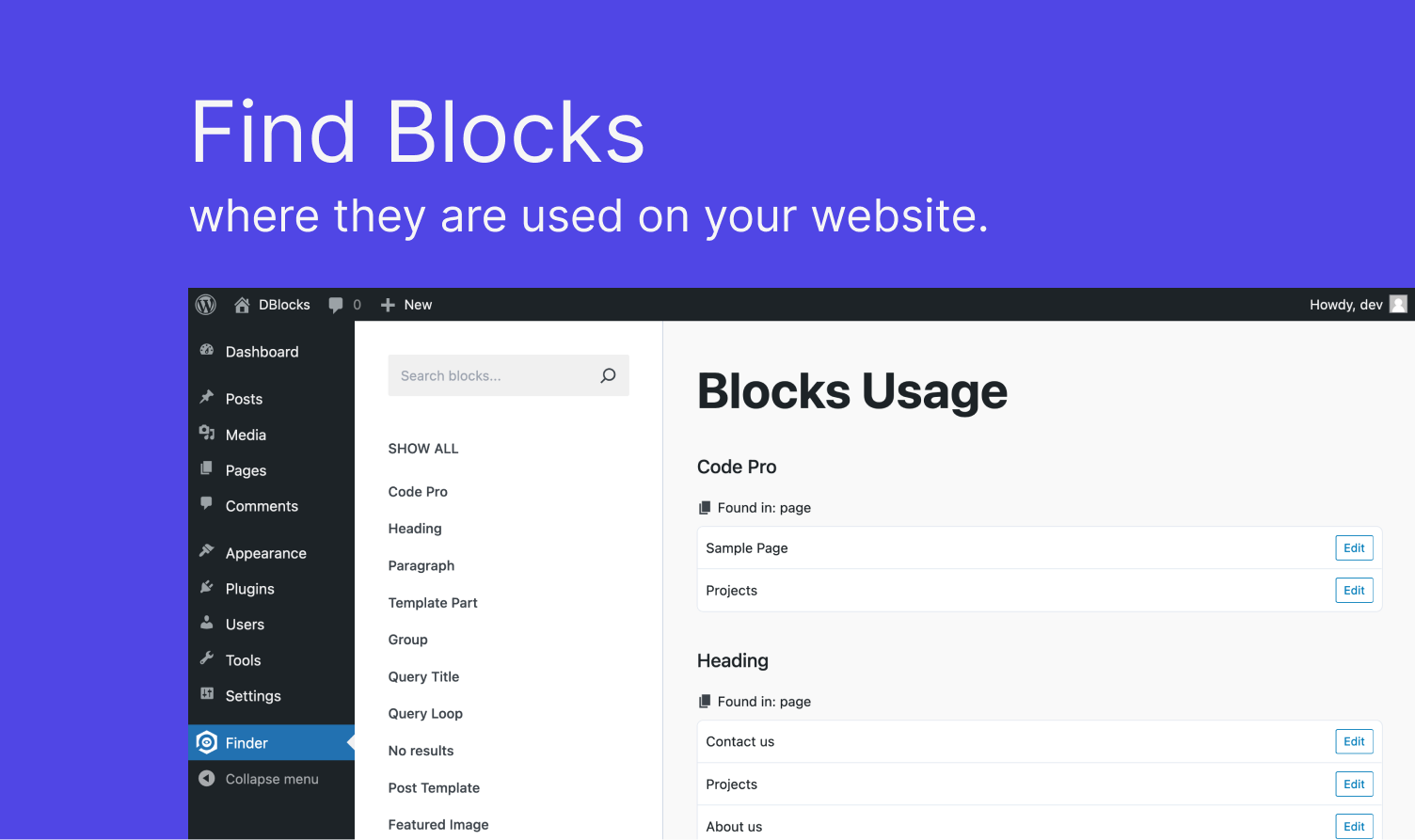
Find where every block is used
- Lists all registered blocks with their names and how often they’re used.
- Scans your public posts and pages and shows which ones use each block, with a direct Edit link.
- Search to find one block fast.
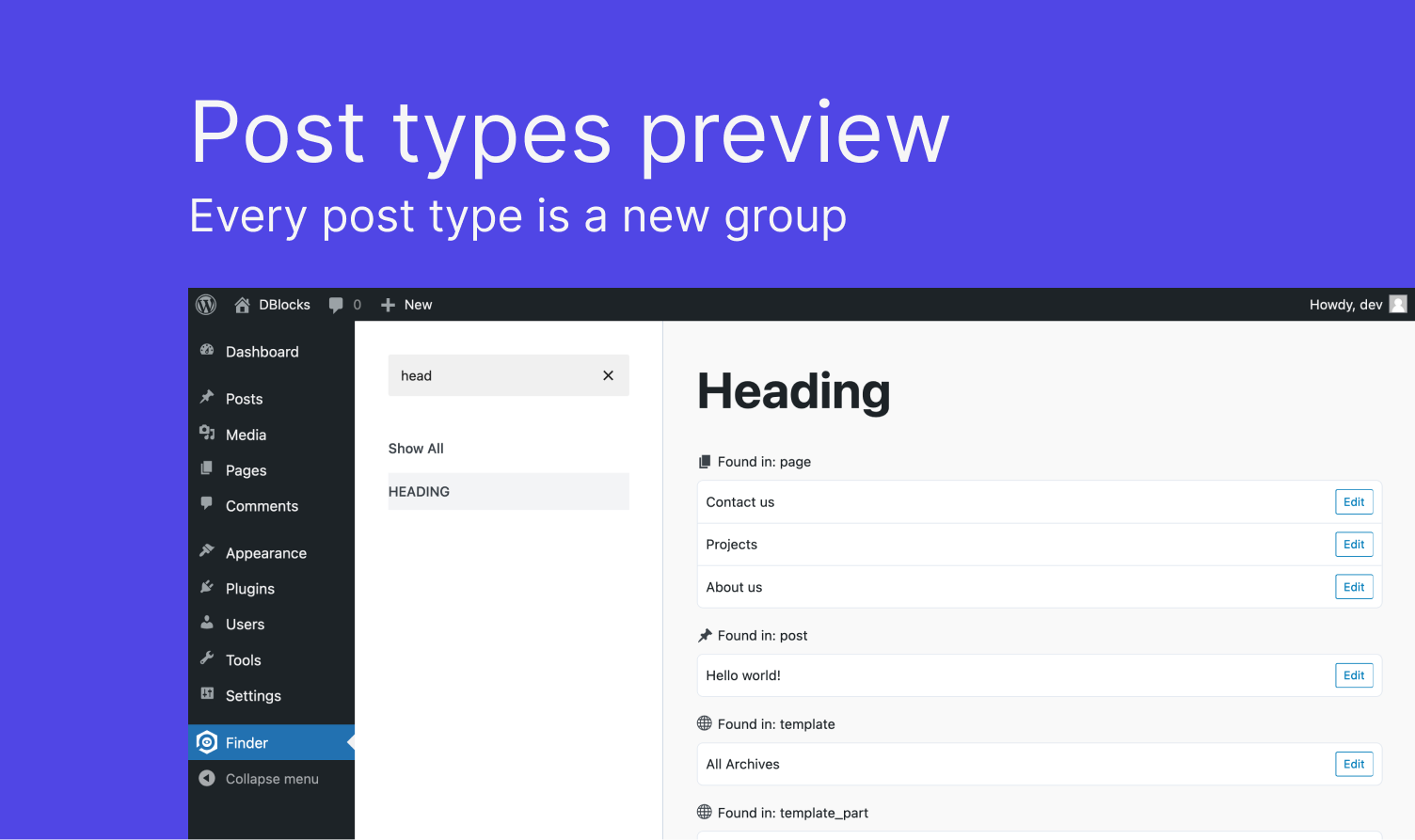
Grouped by post type
- Results are grouped by post type, with the same icons as your admin menu.
- Covers synced patterns too.
Why you need it
- Before removing a block plugin, see which pages would break.
- Clean up leftovers after a redesign.
- Only loads its scripts on its own admin screen.
Need a custom block?
Build it with FanCoolo WP: native Gutenberg blocks written in PHP, with native sidebar fields, reusable symbols, SCSS partials and hot reload. No React, no npm, no build step.
How to install
- In WordPress, go to Plugins → Add New Plugin.
- Search for DBlocks Finder.
- Click Install Now, then Activate.
Or download it from WordPress.org.
Free
DBlocks Finder is free and open source.
