DevKit Pro
Developers little helper.
This is a perfect tool when you’re helping clients or developing your own websites. No more FTP, cPanel, and other systems to update multiple plugins or quickly access error logs.
14 Days Money Back Guarantee
Secured Payments Stripe and PayPal
3,768 sites with an active licence
DevKit is a WordPress plugin that puts everyday developer tools into wp-admin. Sync a site to staging or live, run WP-CLI in a terminal, manage the database with Adminer, install plugins in bulk and read the error log, without FTP, SSH or cPanel.
Who DevKit is for
- Freelancers and agencies who maintain many client sites.
- Developers on hosting without SSH access.
- Anyone who moves sites between staging and production.
DevKit is not a backup plugin: Sync takes a safety backup before it overwrites a site, but keep your regular backups.
multiple plugins
You can install & ActiVate multiple plugins with simple drag and drop
You can partially do this via FTP, where you can upload it, unzip, and then activate it. However, setting up or asking a client for FTP access can be time-consuming. We’ve made the process much smoother. Just drag, drop, and you’re done.
Install plugins from local computer, google drive or wordpress.org user.
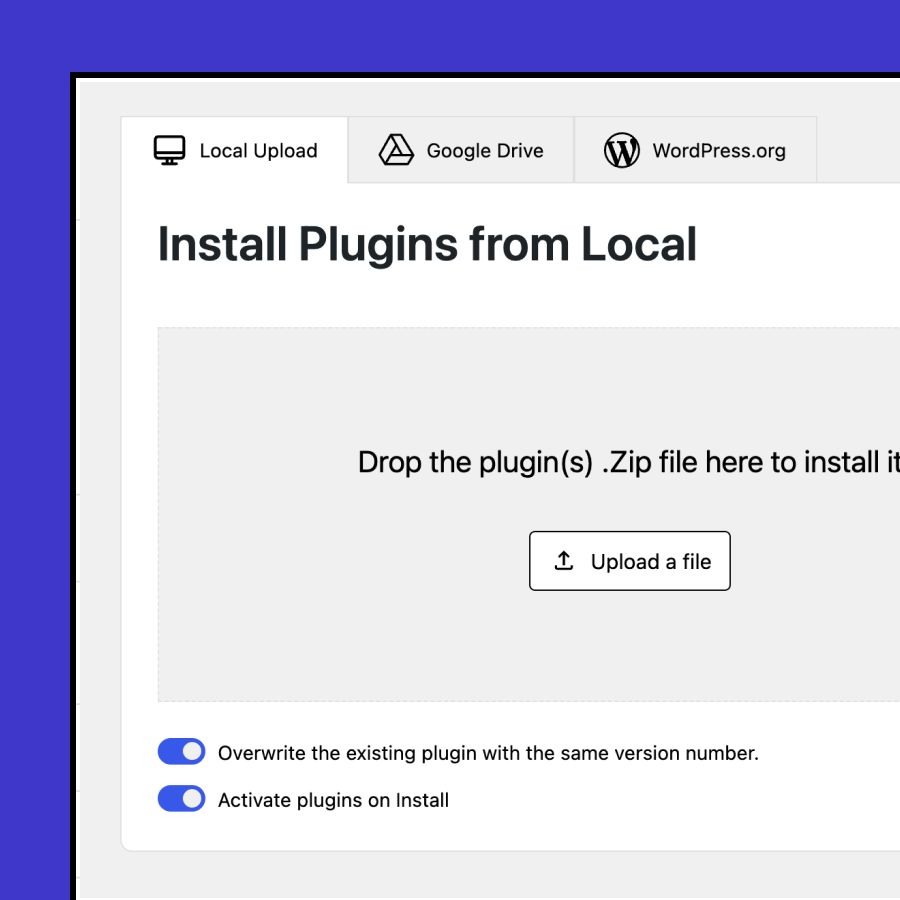
Drag & Drop from your computer
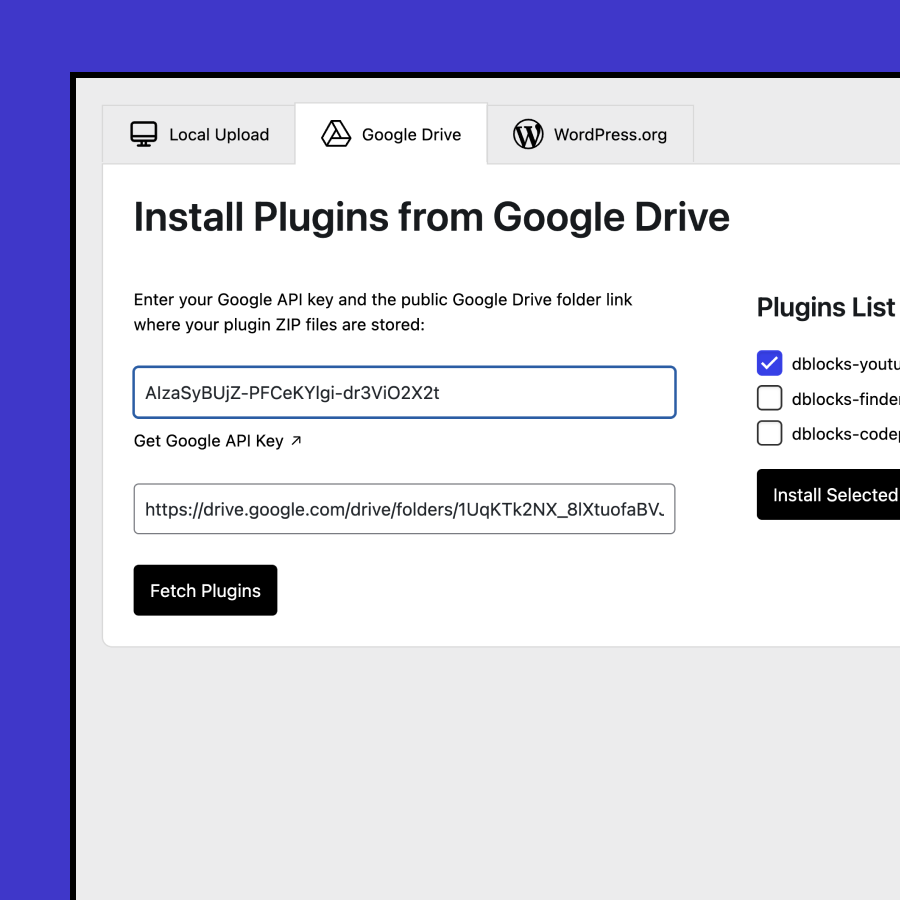
Get them from google drive
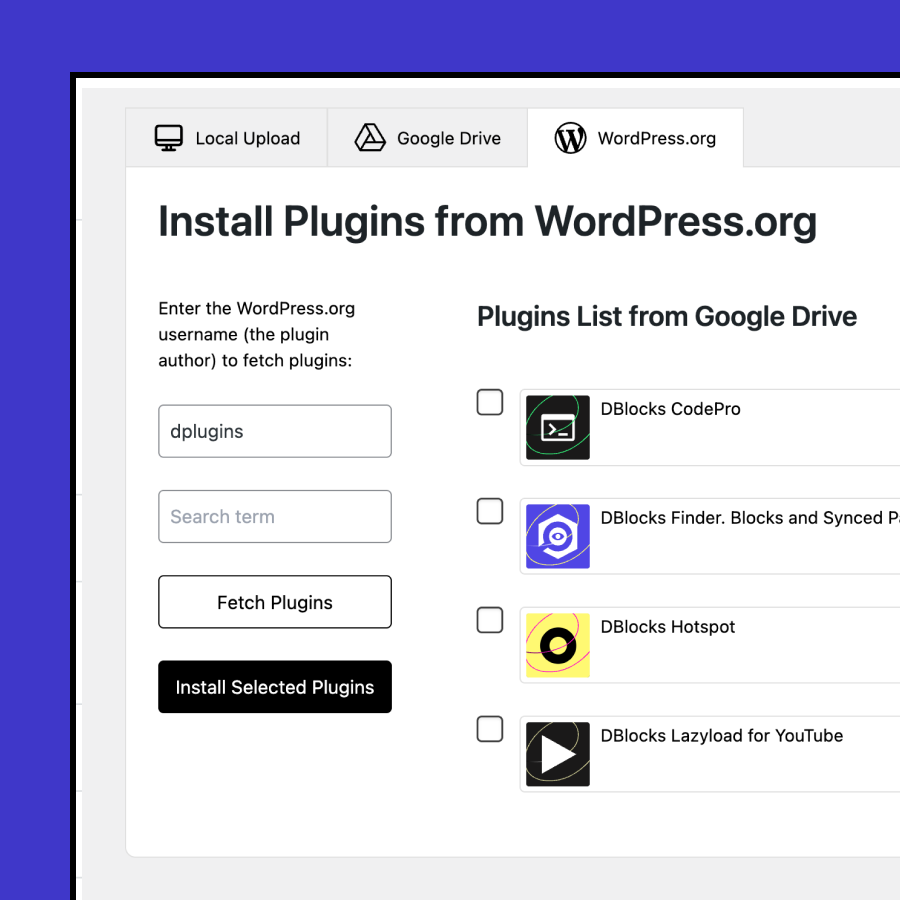
Find them by WP.org user
Update plugins
Overwrite active plugins without deactivating them
Our advantage over WordPress lies in the effort you put into updating existing plugins without causing disruptions. Deactivating some plugins can lead to loss of settings. Now, you have the ability to write your React blocks and compile them locally with NPM, then upload only the production-ready files. This approach is mess-free. The client receives only what is necessary.
Download plugin or plugins
You can download multiple plugins with simple dropdown
It’s common to have a set of several useful plugins on one website that you need to transfer to another website. Now, you can use a dropdown menu to select and download multiple plugins at once.
Review from our user Nathan Foley
Review from our user Ryan Logan
Review from our user Ivan Kruhak (Web Dizajn Radionica)
This feature is compatible with every theme or plugin!





UplOAd Multiple themes
Similar to plugins, you can upload both the main theme and its child theme with just a single drag and drop action.
Overwrite themes
You can now work on theme files locally and overwrite them without the need to disable, delete, and upload a new one.
Download theme
Is your theme based on SCSS? You can easily download it, update, compile, and then upload it back with just a few clicks.
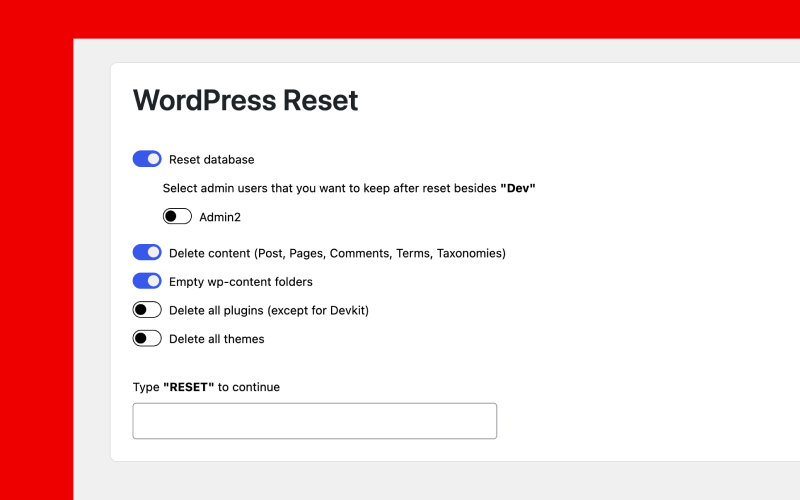
RESET! Get a clean slate
with WordPress,
just like on a fresh install.
And of course we made it granular as well.
- Reset database with option to choose users who to keep
- Delete content (Post, Pages, Comments, Terms, Taxonomies)
- Empty /wp-content/
- Delete plugins (except Devkit)
- Delete themes
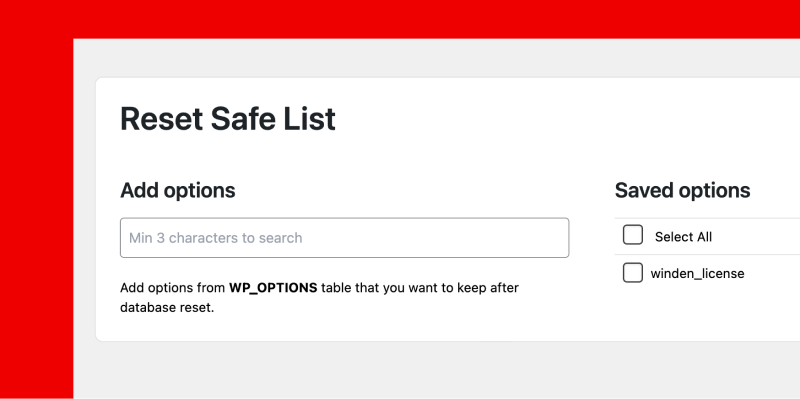
RESET Safelist!
Protect from reset
Keep license keys or any other
important database values
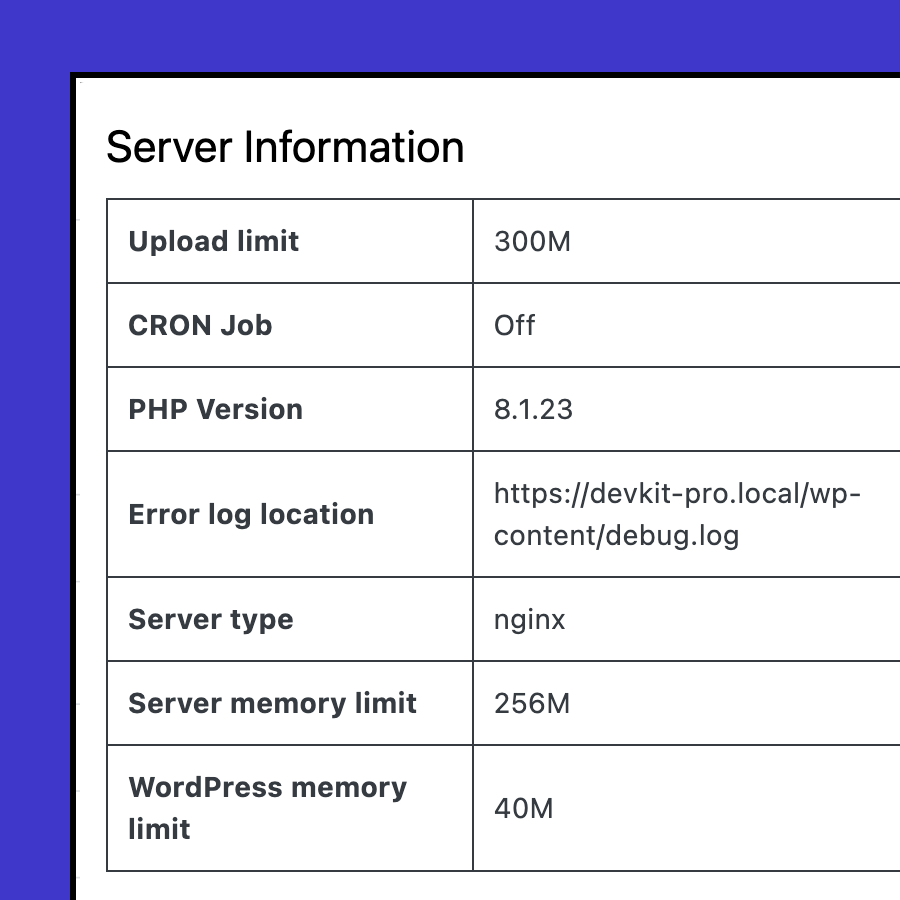
System info
You can quickly check the system information to understand if any of your plugins or tasks are failing due to incompatibility.
- Upload limit
- CRON Job
- PHP Version
- Error log location
- Server type
- Server memory limit
- WordPress memory limit
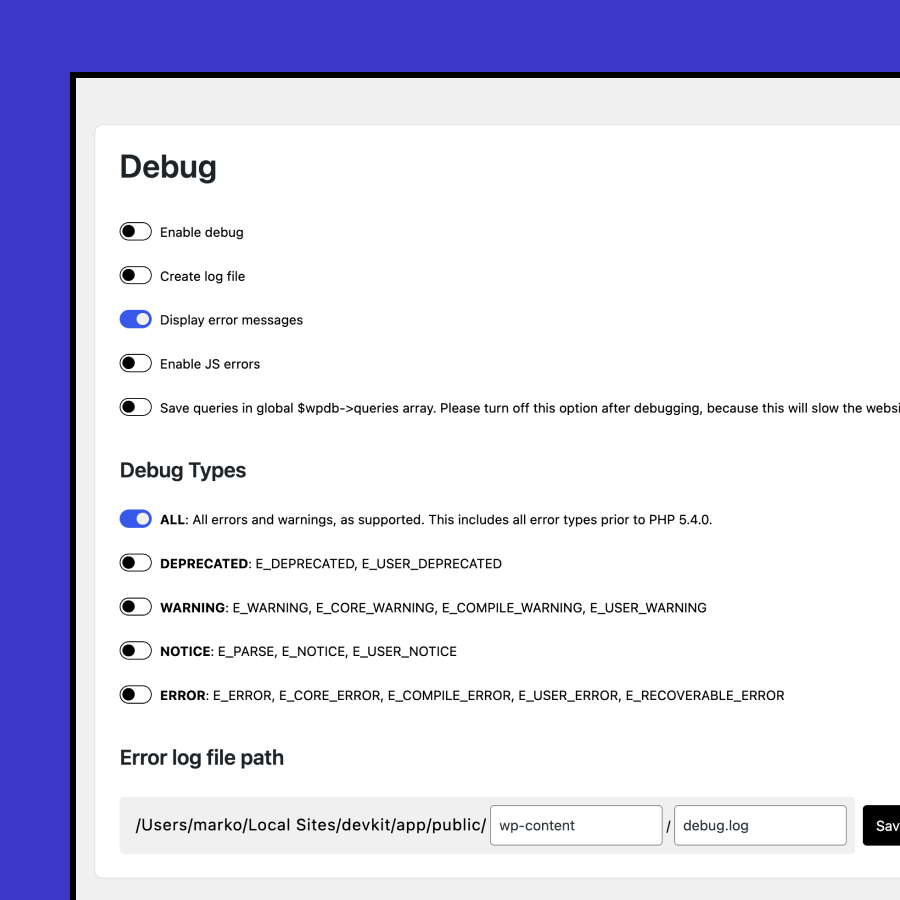
Debug options
If something is not working properly on your website, you can enable error messages without modifying the WordPress configuration file.
- Hide Dev-kit from plugins list
- Enable debug
- Create log file at /wp-content/debug.log
- Display error messages
- Enable JS errors
- Save queries in global $wpdb-queries array.
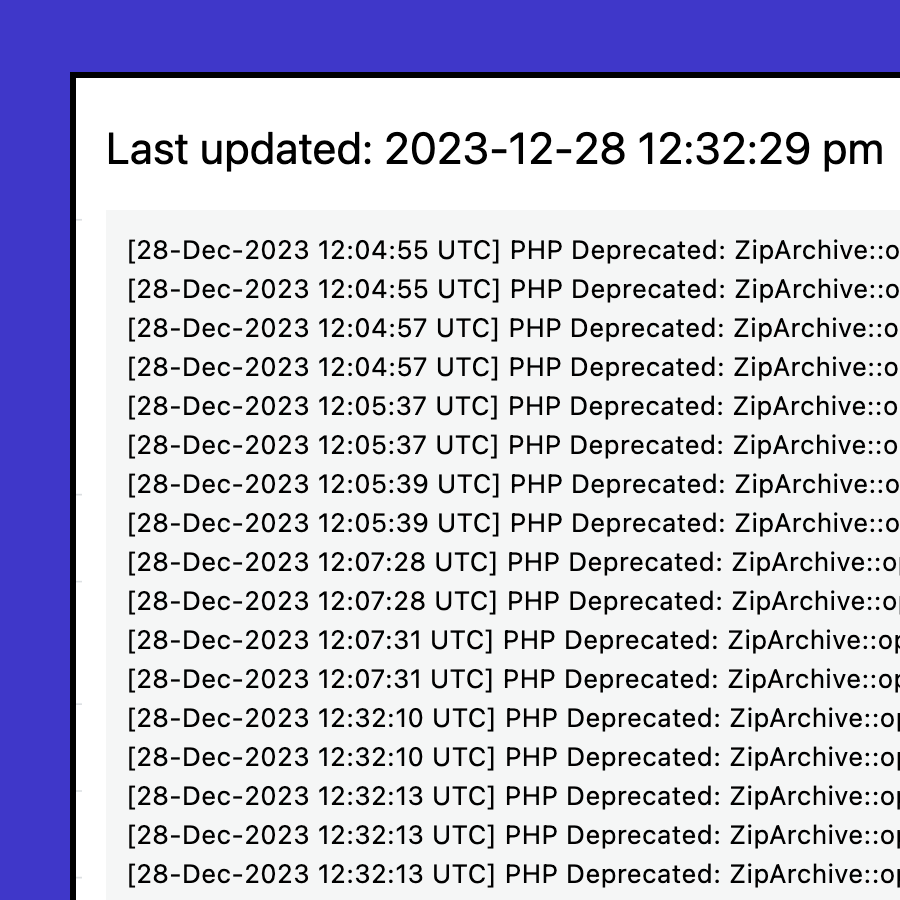
Read error log
The error log is hidden on the server and its location can vary depending on your server setup. We’ve made it easy for you: there’s no need for FTP setup or wasting time trying to find it. It’s right in your dashboard. And if it becomes too long, you can always hit the ‘clear’ button to reset it.
Files Manager
Entire FTP App experience inside WordPress
Never go back to setting up FTP if you have admin access to WordPress; edit files on the fly instead. With files manager you can create, rename, delete, compress and uncompress files and folders. You can upload files and you can write code.
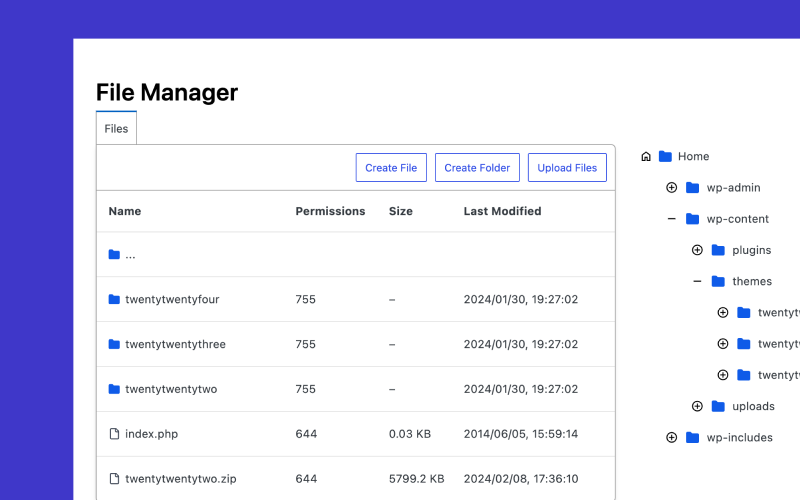
Get App feeling
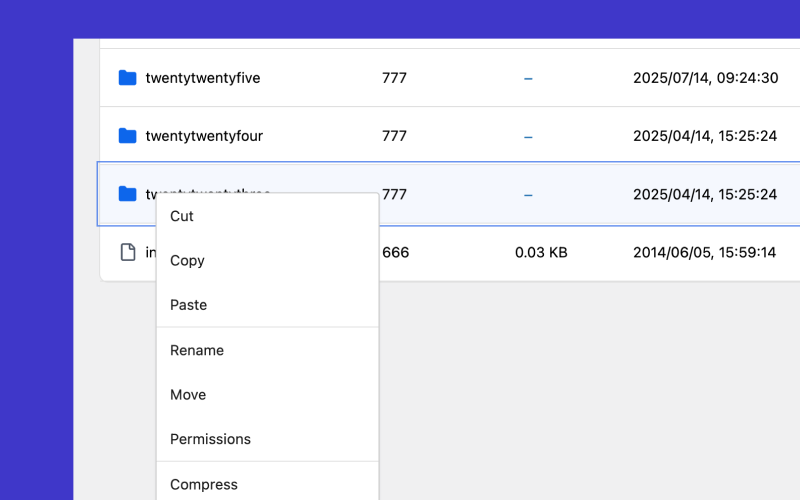
With the RIGHT CLICK
Having only the left-click option always requires moving the mouse too much to find extra options. With our File Manager, you can access them where your mouse is. Just press right-click, and you will get options to Rename, Delete, Compress, and Uncompress.
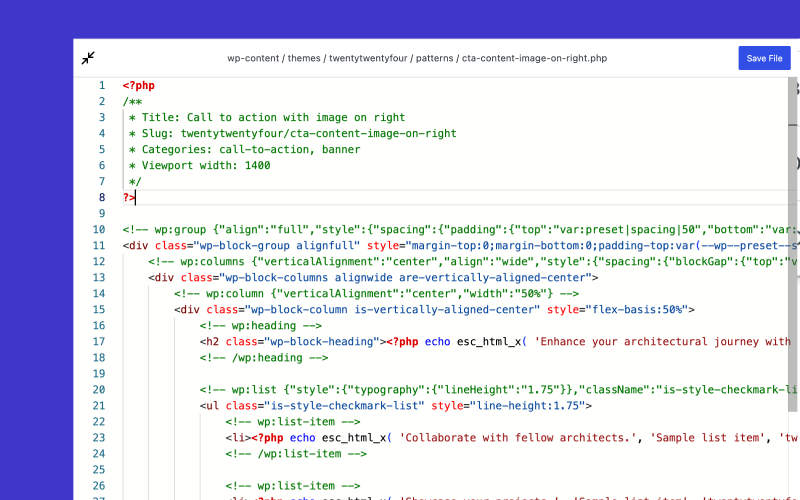
Visual Studio Experience
Our Code Editor is powered with Monaco Editor
The same engine powers it as Visual Studio or Scripts Organizer. Editing code on the fly was always a pain because you didn’t have the right tool, and editors were always influenced by a basic notepad experience. You can write in full screen or you can collapse it and see all open files as tabs.
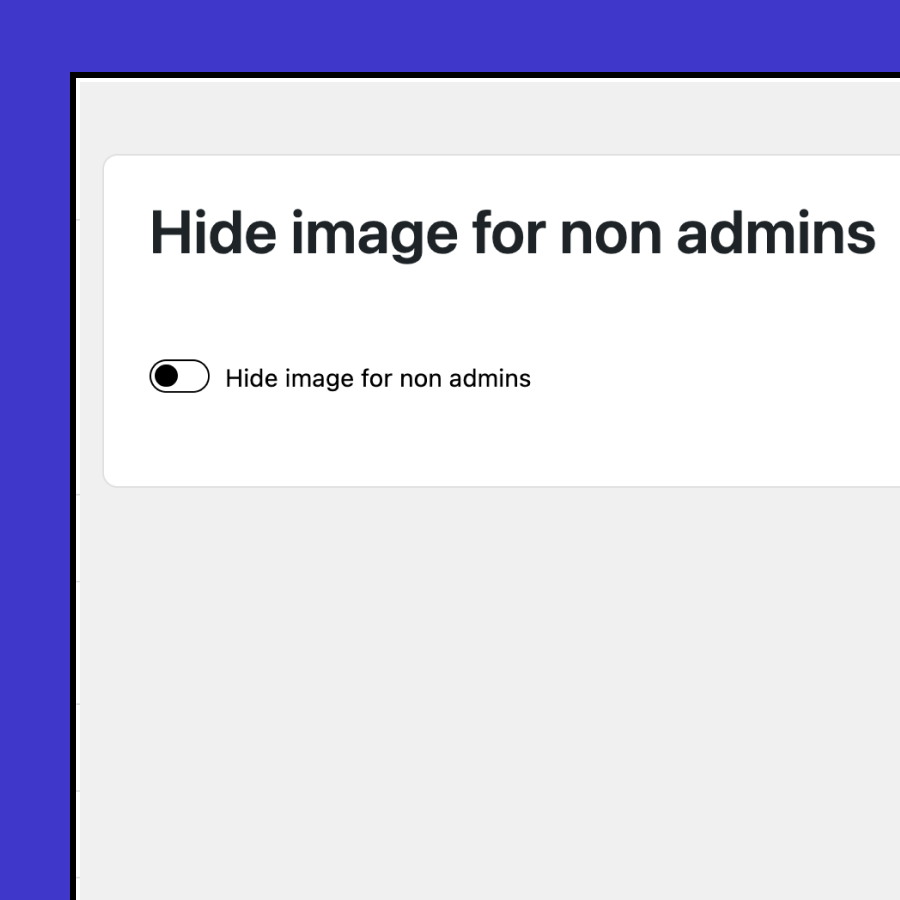
Hide image from non admins
Use the WP Library for asset management.
Some important UI component icons should not be accessible to editors, as they could easily be deleted and negatively affect the user experience. Enabling this feature allows you to hide specific images from the Media Library.
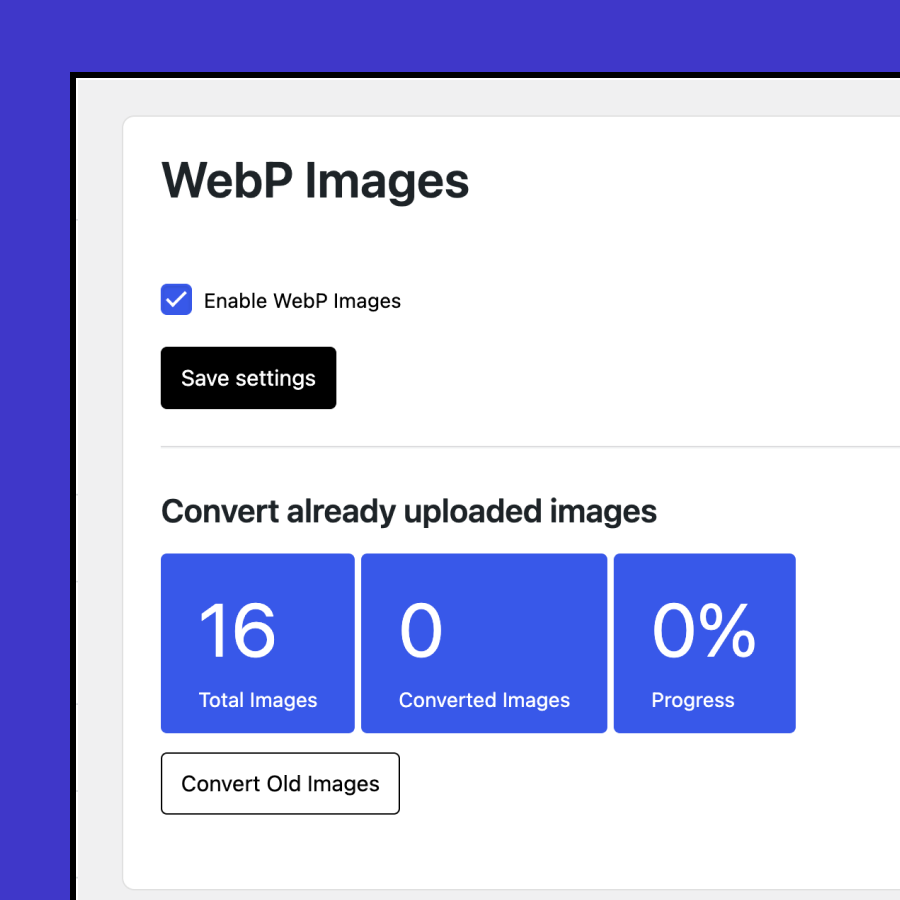
WebP Images
Convert images to WebP format.
You can automatically convert images on upload or convert existing images that are not yet in WebP format.
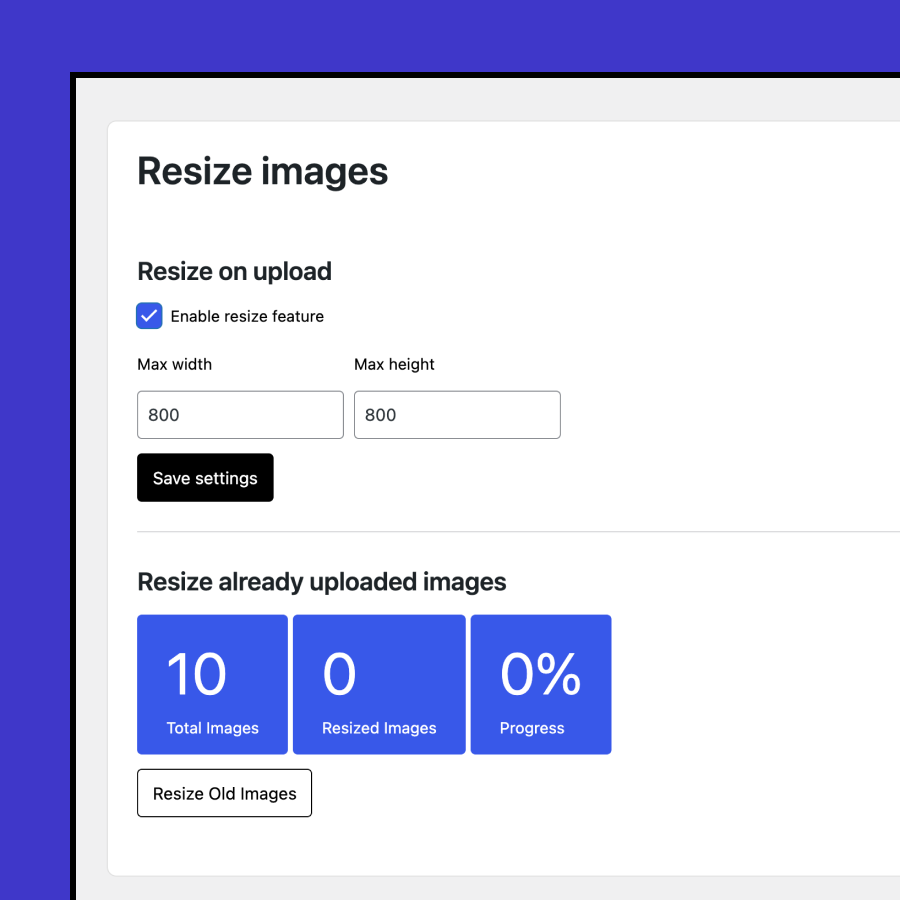
Resize Images
Save server space by resizing images to a maximum width and height.
You can apply resizing automatically on upload or resize previously uploaded images.
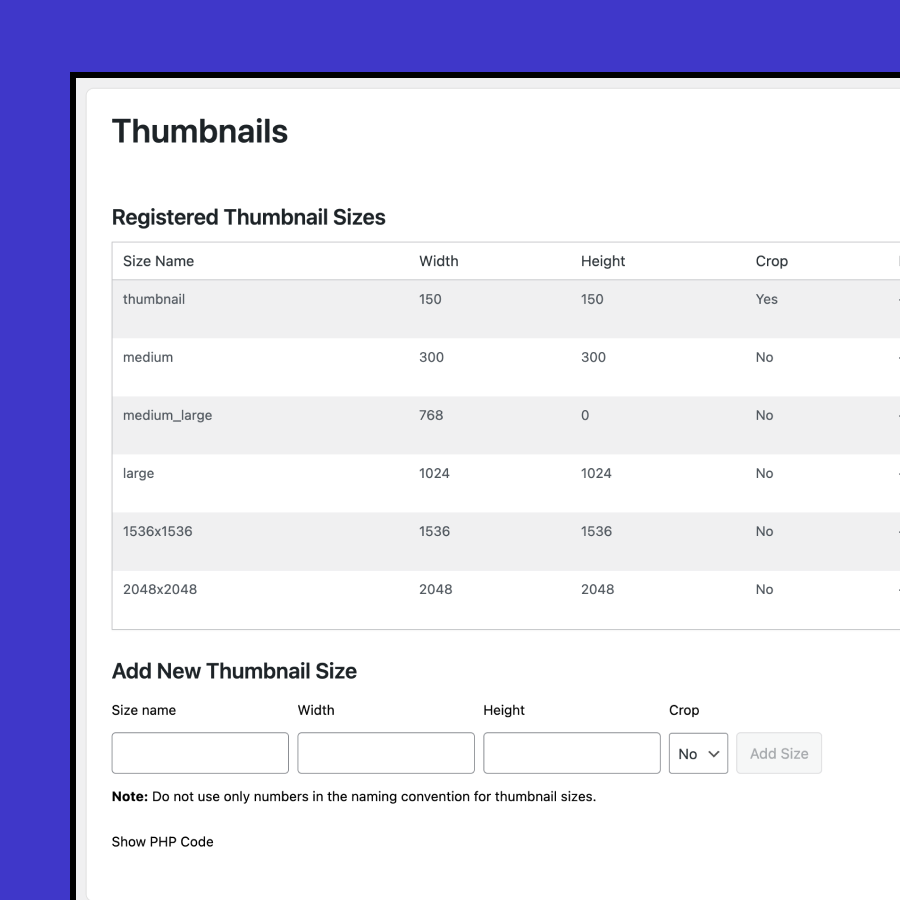
Register Thumbnail sizes
Manage and add custom thumbnail sizes.
The plugin also provides a code snippet so your thumbnail sizes remain available even if you remove DevKit.
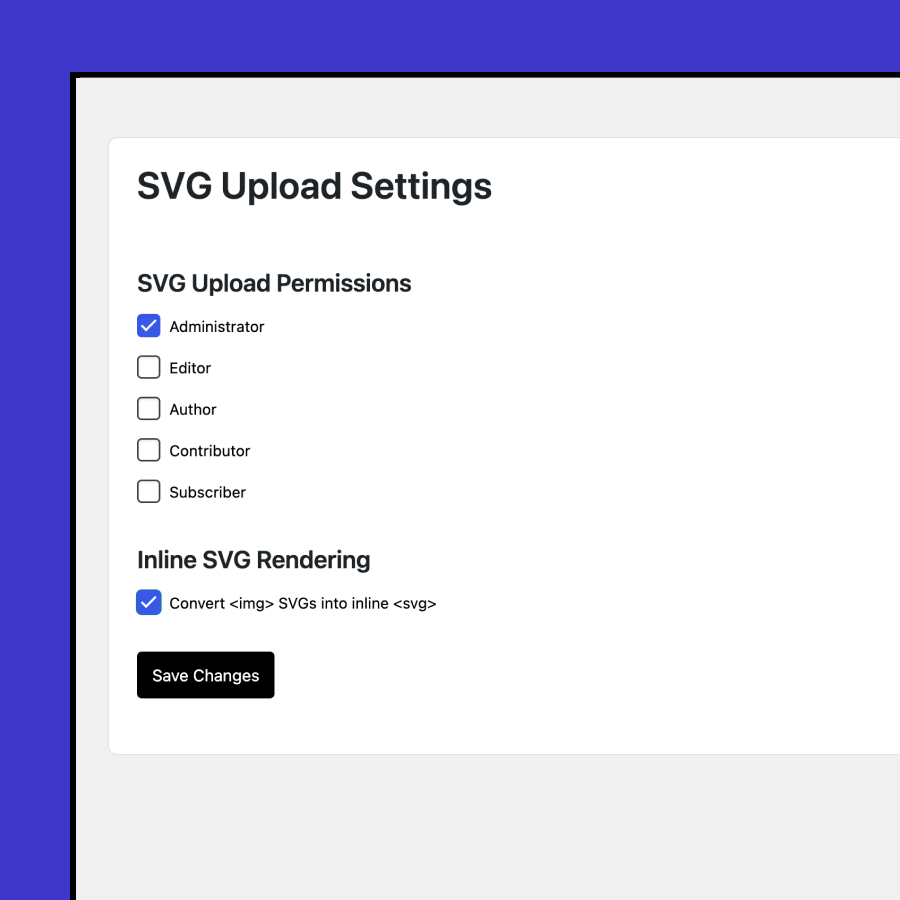
Svg
Control SVG uploads by user role.
Decide who can upload SVG files and whether to display them inline or as regular images. The plugin also natively converts image blocks containing SVGs to inline SVGs.
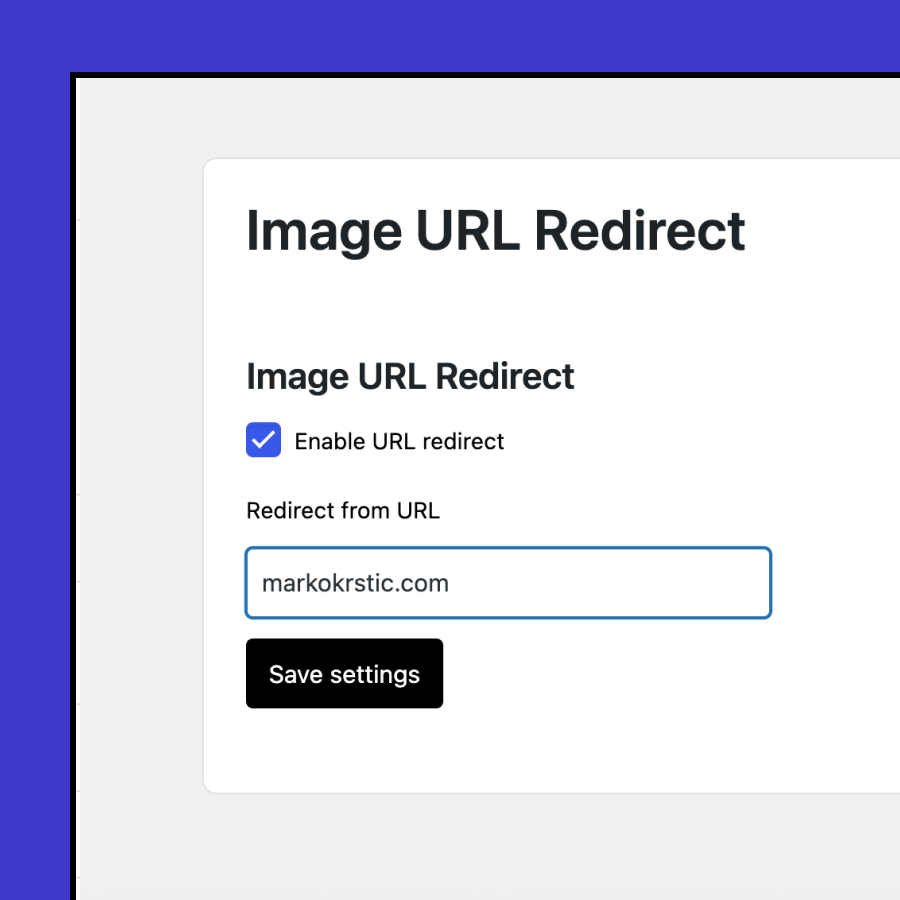
Image URL Redirect
Speed up local development.
When downloading a website for local development, you can skip importing media files and instead load images directly from the live server. This saves time and storage space during setup while still preserving the original preview with all original assets.
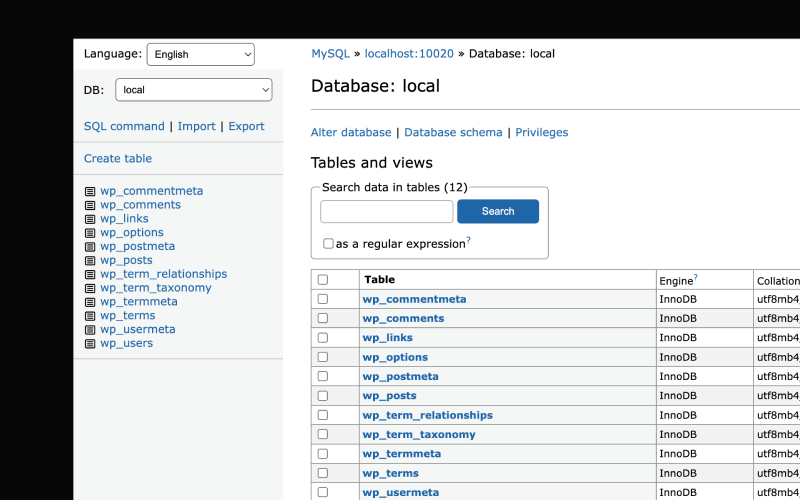
No More PHPMYADMIN
The Devkit Database Manager is powered by a much lighter solution.
AdminerEvo is a lightweight, single PHP file solution. It is secure and well-maintained. Even LocalWP has transitioned to this solution, so we feel comfortable doing the same. For this project we decided to make custom Adminer theme.
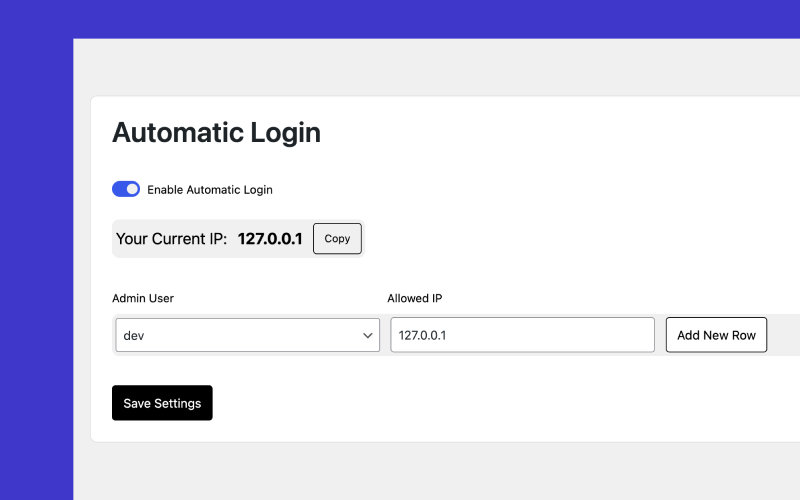
Automatic login
You can whitelist your IP and administrator account to log in automatically whenever you visit the website. This saves time during local development and eliminates the need to remember passwords—especially useful after clearing the cache.
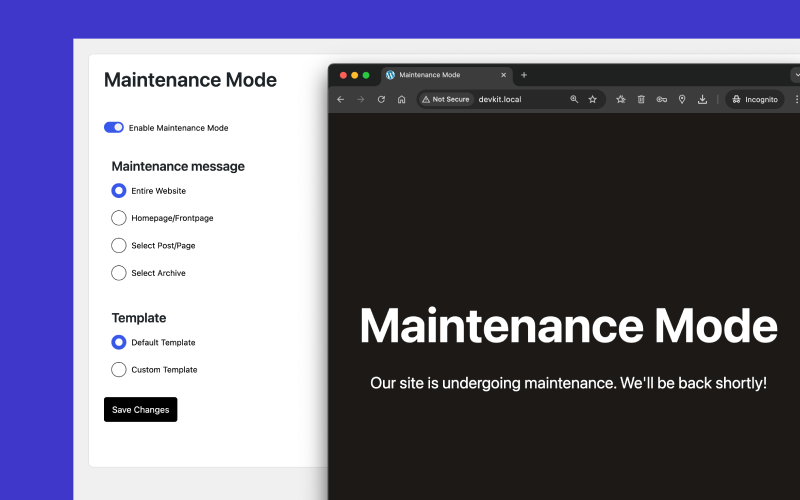
Maintenance Mode
Temporarily hide your site while you work.
Enable maintenance mode with a single click. Choose between our simple built-in template or write your own using custom HTML and CSS.
You can display the maintenance screen for:
- Selected archives
- The entire website
- The homepage
- Selected pages or posts
Visual Studio Experience
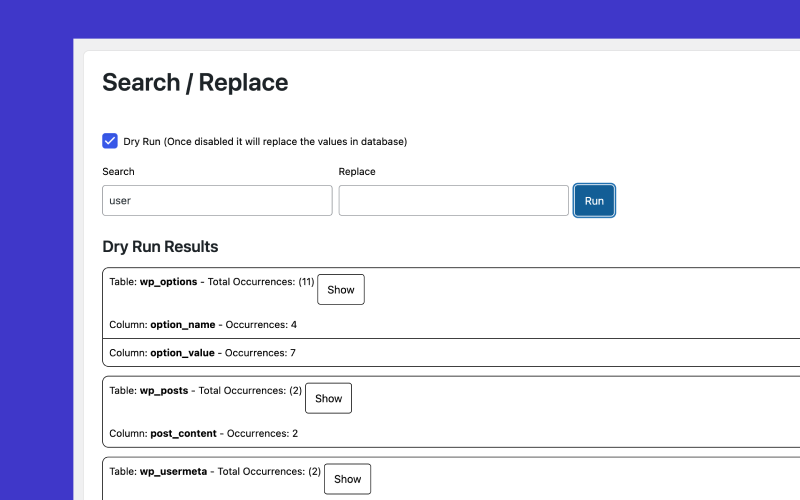
Find and update anything across your database.
Replace another plugin with DevKit’s built-in search and replace tool. You can search and update your entire database in just a few clicks. A “dry run” mode lets you preview all changes before applying them, ensuring everything looks right before saving.
Rename username
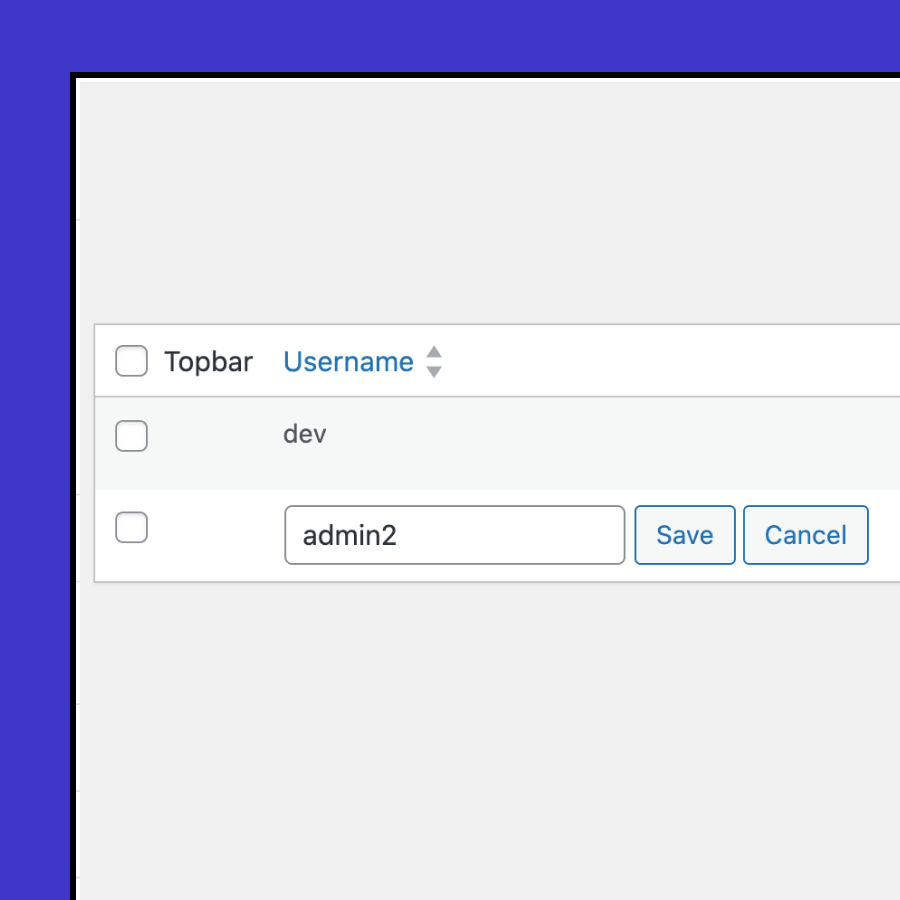
Fix mistakes WordPress won’t let you.
By default, WordPress doesn’t allow you to rename usernames once they’re created. With DevKit, you can easily change a username anytime—perfect for correcting typos or updating account names without creating a new user.
Change user roles
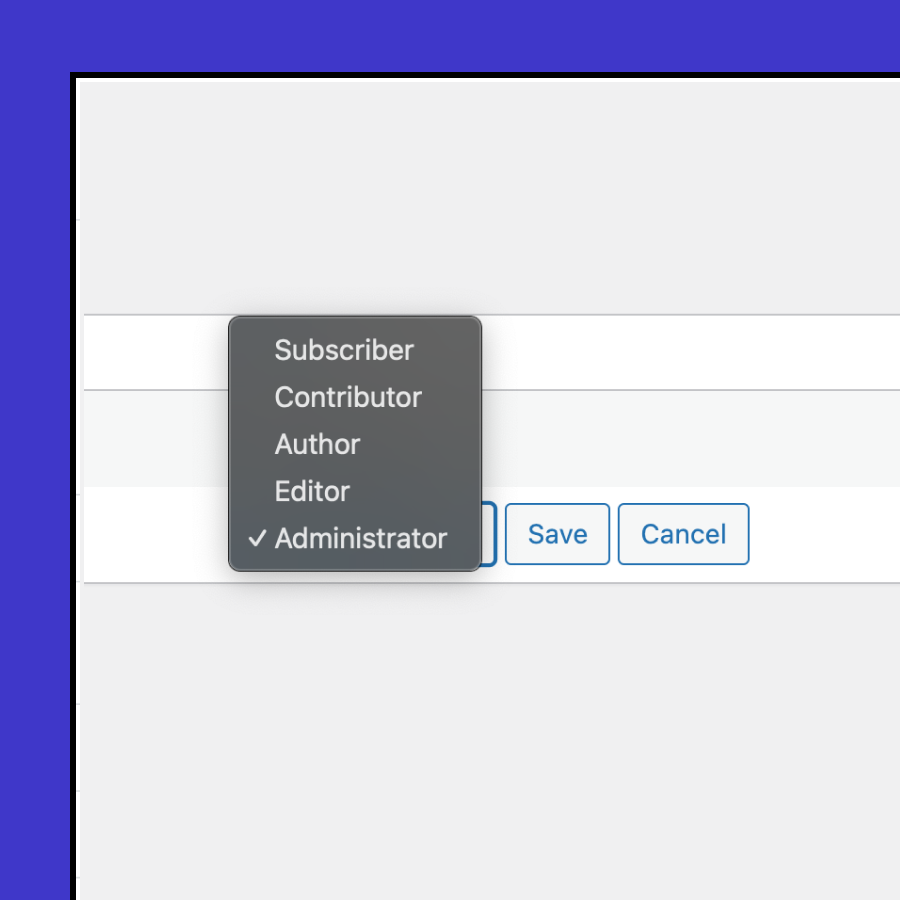
Manage roles faster without opening each profile.
A new DevKit feature lets you change user roles directly from the user list. No more editing accounts one by one—simply update roles in bulk or individually right from the overview screen, saving time and clicks.
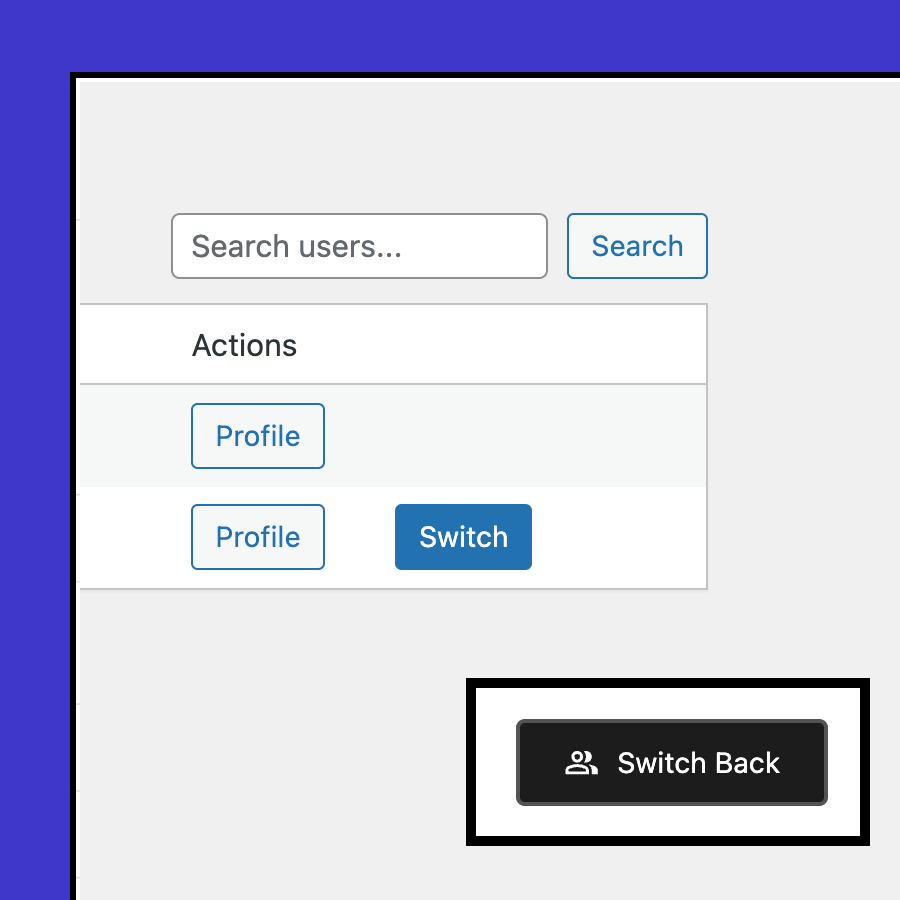
Switch to and back
Instantly log in as another user — and return with one click.
This feature lets you temporarily switch to any user account to test permissions or troubleshoot issues. If you switch to a user without admin rights, a floating badge appears, allowing you to easily switch back to your admin account at any time.
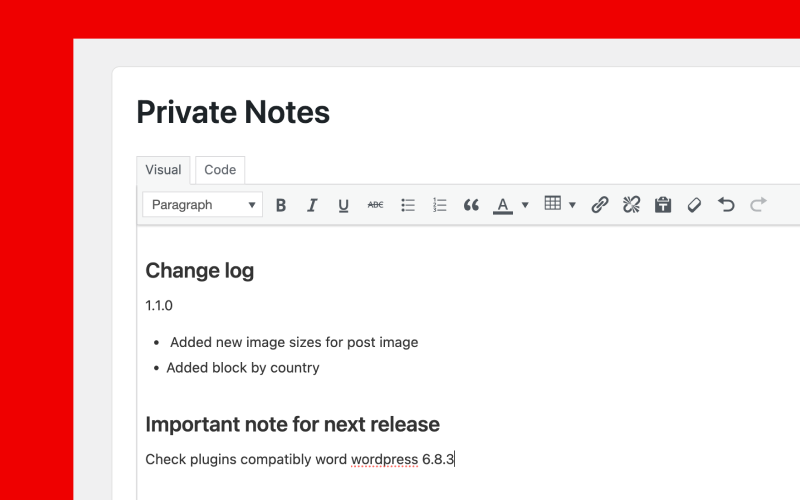
Private notes!
Or share with others
Track important changes
Keep notes per client or website.
Easily save your thoughts and notes so you don’t have to remember details for each project. Notes can be private (visible only to you) or shared with other admins and editors to keep everyone aligned.
Simple pricing
One price to use it forever on every website.
/ One payment
Developer licence
- Unlimited Domains
- LTD Plugin Update
- LTD Priority Support
- All Features Included

14-Day Money-Back Guarantee
Probably you will never need this with our awesome products but here it is just in case. If you aren’t completely satisfied within 14 days of purchase, you’re more than welcome to get a full refund!
Guides and tutorials
How to Install and Update Multiple WordPress Plugins at Once
Your plugin toolkit on a new site in one step.
Frequently asked questions
Can DevKit copy a site to staging or live?
Yes. Sync moves the database and files between two sites that both run DevKit 3.0 or later. One site issues a connection key, the other pastes it, and you can pull or push; URLs are rewritten and a safety backup is taken first. See Sync.
Can I run WP-CLI without SSH?
Yes. DevKit’s Terminal is a command line inside wp-admin with WP-CLI included. Commands run as the web server’s PHP user, stop after 30 seconds, and are logged with their output. See Terminal.
Can I reset a site to a clean install?
Yes. Reset can clear the database, delete content, empty wp-content folders or remove plugins and themes, and you choose what to keep. The actions can’t be undone, so take a backup first. See WordPress reset.
Is search and replace safe with page builders?
Not fully yet. DevKit’s Search/Replace is not yet fully compatible with page-builder data, and a full version is planned. Until then, use it for plain database text and check builder pages afterwards. See Search/Replace.
Can I get a refund?
Yes. If you can’t get DevKit working, DPlugins refunds the full price within 14 days of the original purchase. The conditions are in the terms and conditions.
