Self Hoster
Launch plugin updates from a private location.
Are you tired of the lengthy process of hosting plugins on WordPress.org? Or perhaps you need to self-host plugins for your clients’ websites. We have a simple solution for you. Our Self Hoster WordPress Plugin allows you to manage and launch plugin updates from a private location.
14 Days Money Back Guarantee
Secured Payments Stripe and PayPal
30,000+ sites with an active licence
Hoster is a WordPress plugin that turns your site into the update server for your own plugins and themes. Your customers get updates in the normal WordPress Updates screen, and you control them with licence keys, private storage and GitHub releases.
Who Hoster is for
- Plugin and theme authors who sell outside WordPress.org.
- Agencies with private plugins that run on many client sites.
- Developers who release from GitHub and want each release to reach sites automatically.
Hoster handles licences and updates; it doesn’t take payments.
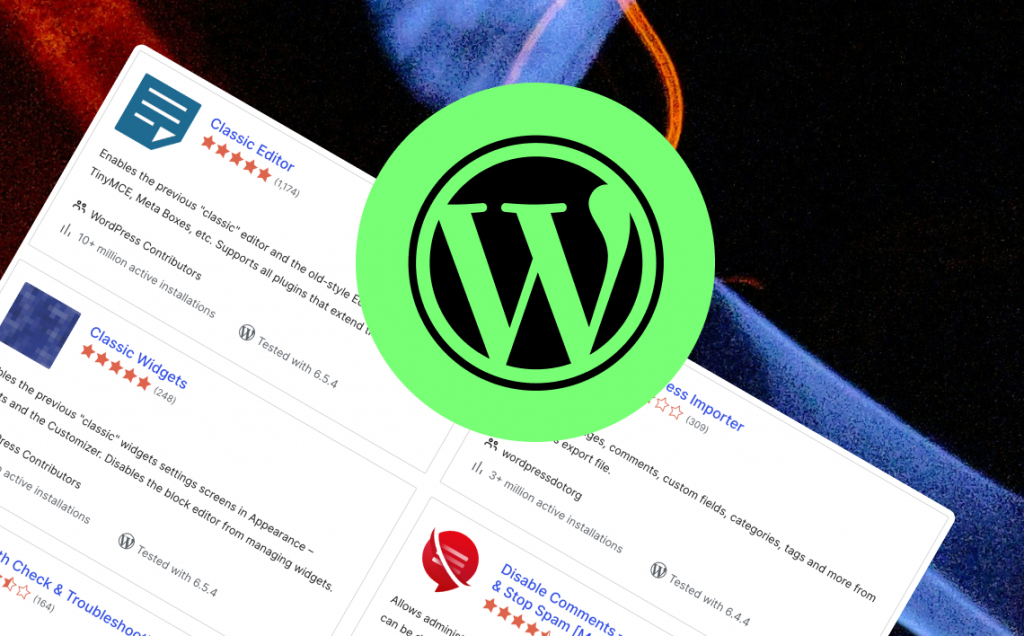
Your Plugin, Your rules!
WP.org plugins hosting comes with a ton of limitations.
You are not allowed to include anything from a CDN, which makes plugins much heavier. You can only upload certain types of plugins, and you must include a src folder. They can even remove your plugin, even if you follow the guidelines. The list of restrictions goes on and on.
For your Privacy
Not every plugin is for WP.org
Sometimes you have your own projects or clients’ projects that you do not want to share with the world, but you need them in several places with one source of truth and a single location where you can update them all with a single click.

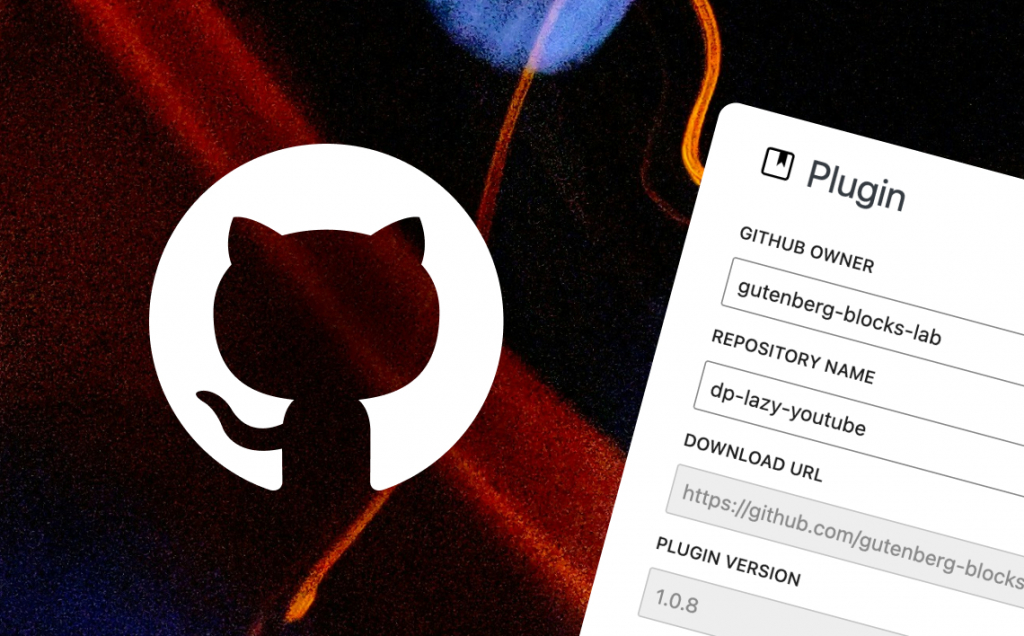
Works with GitHub
Since your code is already there, why take extra steps?
If you add your user and repository, we can automatically fetch the latest release .zip and plugin version. You only need to write your changelog and press update.
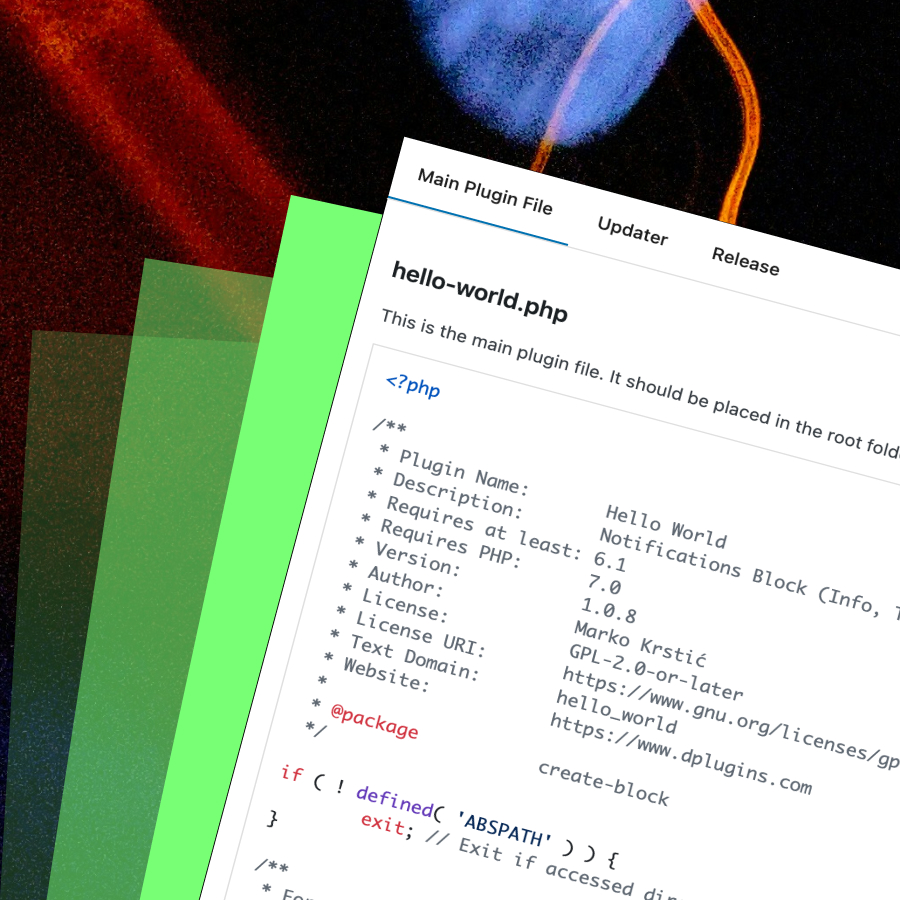
generated templateS
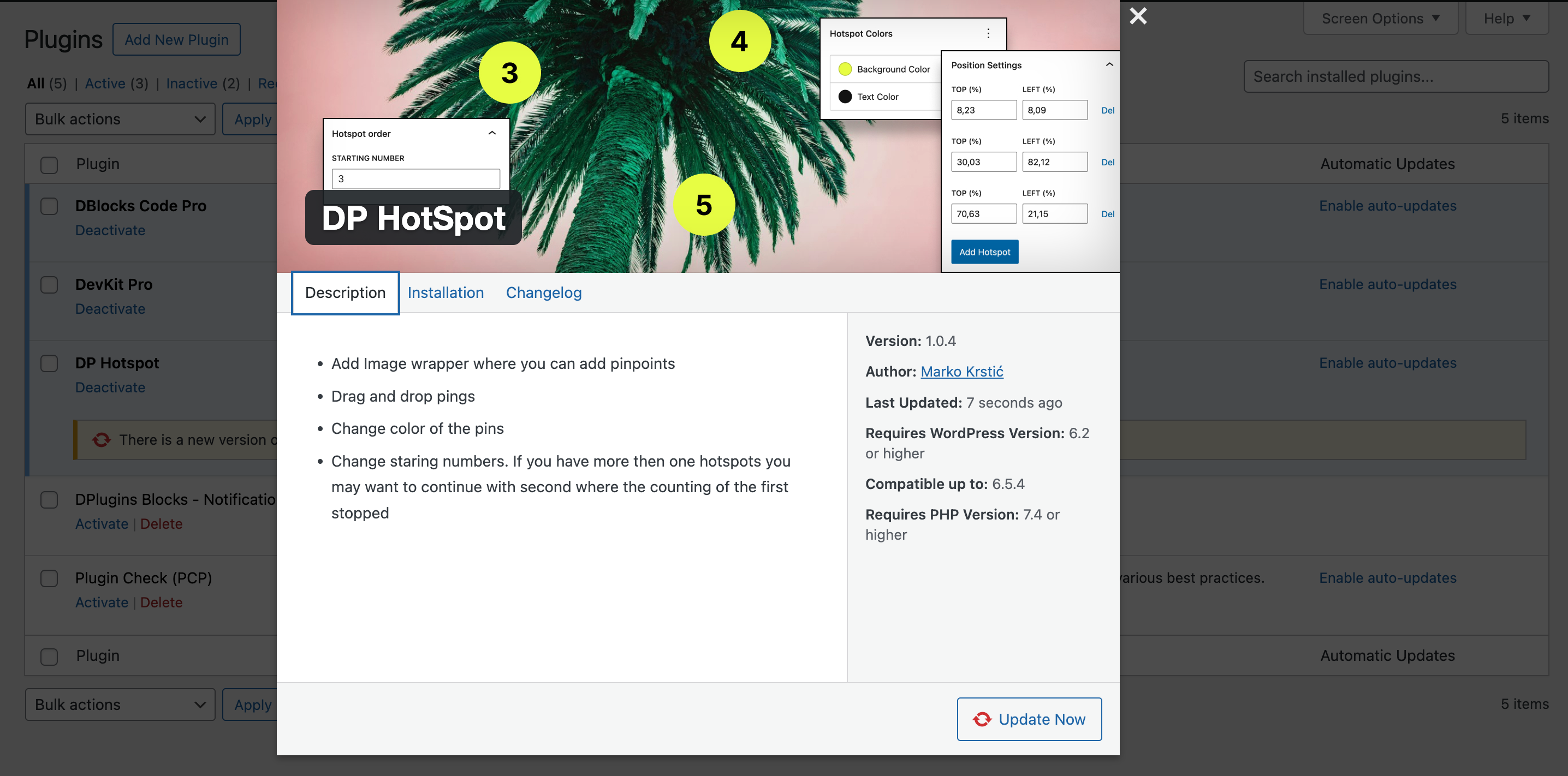
Once you create your download or multiple downloads, you will get the option to choose it. Based on your download details, we will generate template files with unique prefixes for that specific download (plugin).

GitHub Actions
If you are a GitHub lover, we have something special for you. Similar to the plugin template, we will create a crafted YAML action tailored for your selected plugin. This action will download npm dependencies, build the plugin, and clean up to provide you with a production-ready zip file.

Lightweight Solution
We are taking a different approach from others. Instead of checking the database, we will create a static file that sends information to your plugins. This will reduce stress on your WordPress site and server.
/ One payment
Single Licence
- 1 License Activations
- LTD Plugin Update
- LTD Priority Support
- All Features Included
/ One payment
Agency Licence
- 5 License Activations
- LTD Plugin Update
- LTD Priority Support
- All Features Included
/ One payment
Developer Licence
- 199 License Activations
- LTD Plugin Update
- LTD Priority Support
- All Features Included

14-Day Money-Back Guarantee
Probably you will never need this with our awesome products but here it is just in case. If you aren’t completely satisfied within 14 days of purchase, you’re more than welcome to get a full refund!
Guides and tutorials
How to Update Private WordPress Plugins from GitHub
One-click updates from GitHub for your own plugins.
Self-Hosted Plugin Updates vs WordPress.org: Which Is Right for Your Plugin?
Where should your plugin's updates come from?
Frequently asked questions
How do client sites get updates?
The same way they get them from WordPress.org: the update shows in the Plugins, Themes and Updates screens, and WP-CLI (wp plugin update, wp theme update) and automatic updates work too. See the Hoster overview.
Can updates require a licence?
Yes. Turn on Licensed for a download, then create licences with a site limit and an expiry date. Updates only reach a site that sends a valid licence key activated for that site. See Licences.
Can I release straight from GitHub?
Yes. Link a download to a public or private repository; Hoster takes the first .zip of the latest release, skips drafts and pre-releases, and uses the release tag as the version. With the webhook, new releases go live on their own. See GitHub.
How are my plugin zips protected?
Hoster keeps them in a private folder with a random name inside uploads, and serves them only through signed links that expire after an hour. See Security and private storage.
What does Hoster need to run?
Hoster 1.4.0 requires WordPress 6.0 or later and PHP 7.4 or later on the site that hosts your updates. Installation is a normal plugin upload: Installation.
Can I get a refund?
Yes. If you can’t get Hoster working, DPlugins refunds the full price within 14 days of the original purchase. The conditions are in the terms and conditions.
