Swiss Knife Bricks
Workflow tools for Bricks Builder
Swiss Knife Bricks is a powerful toolkit for Bricks Builder that enhances your web development workflow with advanced features and management tools, all seamlessly integrated within the builder.
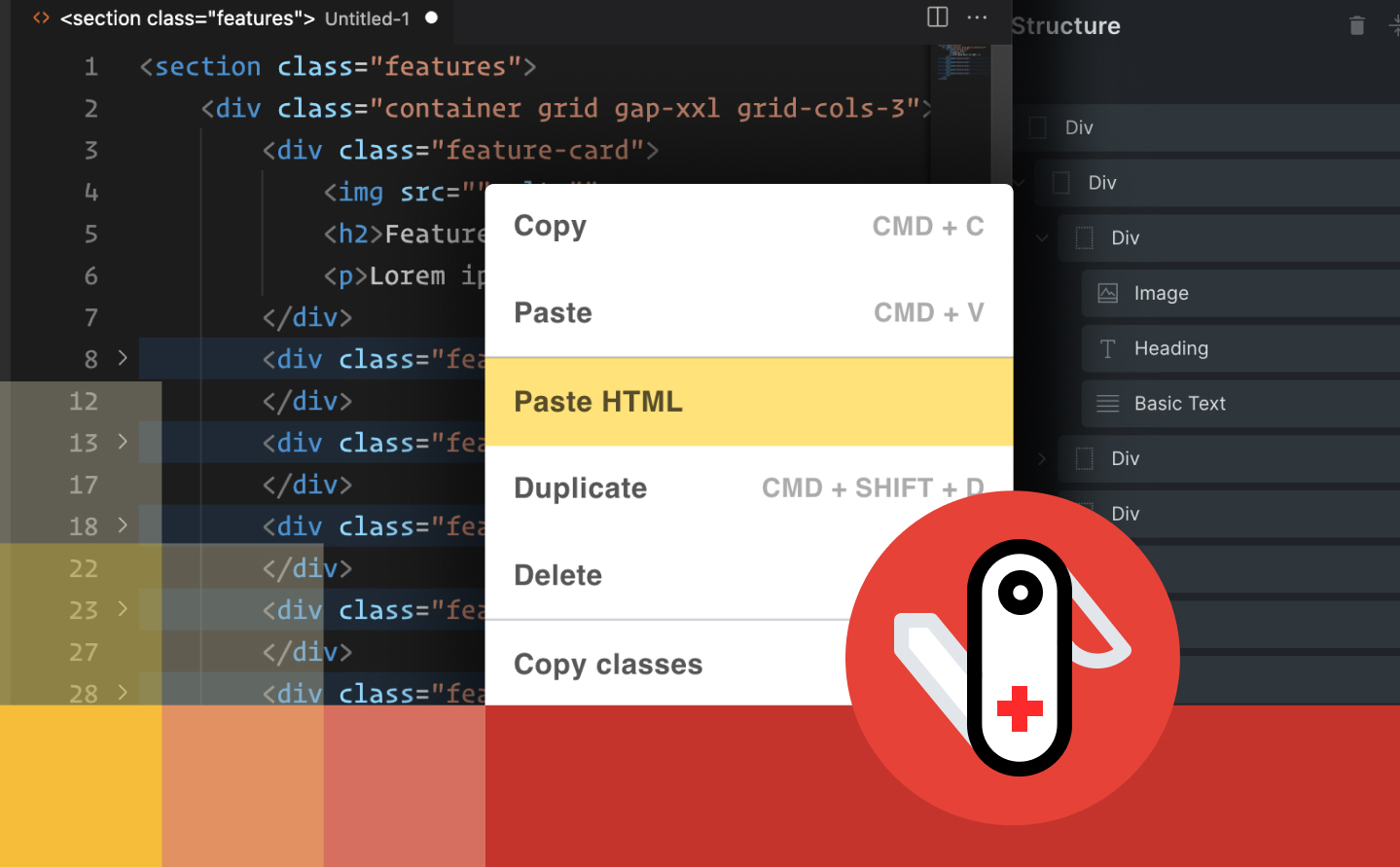
14 Days Money Back Guarantee
Secured Payments Stripe and PayPal
30,000+ sites with an active licence
Swiss Knife Bricks is a WordPress plugin that adds workflow tools to Bricks Builder: a plain classes input, copying classes between elements, editing several elements at once, an HTML editor and a scripts manager. Every feature is off by default, so you switch on only what you need.
Who Swiss Knife Bricks is for
- Bricks users who work with utility classes such as Tailwind.
- Developers who build Bricks layouts from existing HTML.
- Agencies that want faster, repeatable editing in Bricks.
Swiss Knife doesn’t replace Bricks: it adds tools inside the Bricks editor you already use.
What makes Swiss Knife Special
Please watch the plugin intro video while we are redesigning our website
and presenting all the features of our plugin.
/ Per year
Single Licence
- 1 Domain Limit
- 1 Year Plugin Update
- 1 Year Priority Support
- All Features Included
/ Per year
Agency Licence
- 5 Domains Limit
- 1 Year Plugin Update
- 1 Year Priority Support
- All Features Included
/ Per year
Developer Licence
- 199 Domains
- 1 Year Plugin Update
- 1 Year Priority Support
- All Features Included
/ One payment
Single Licence LTD
- 1 Domain Limit
- LTD Plugin Update
- LTD Priority Support
- All Features Included
/ One payment
Agency Licence LTD
- 5 Domains Limit
- LTD Plugin Update
- LTD Priority Support
- All Features Included
/ One payment
Developer Licence LTD
- 199 Domains
- LTD Plugin Update
- LTD Priority Support
- All Features Included
14-Day Money-Back Guarantee
Probably you will never need this with our awesome products but here it is just in case. If you aren’t completely satisfied within 14 days of purchase, you’re more than welcome to get a full refund!
Guides and tutorials
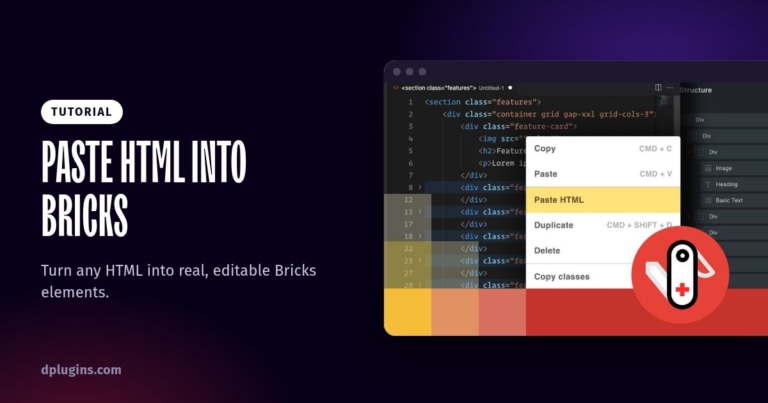
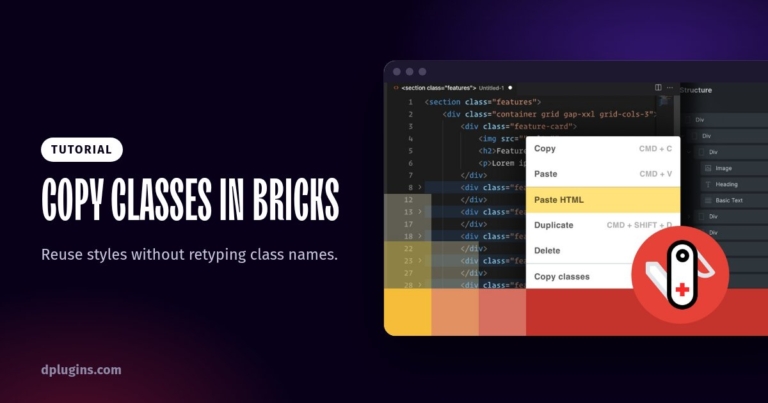
How to Copy and Paste Classes Between Elements in Bricks Builder
Reuse styles without retyping class names.
Frequently asked questions
Can I type classes as plain text in Bricks?
Yes. Plain Classes adds a text input above Bricks’s class field whenever you select an element, so you can type or paste a whole list of classes at once. Enable it in the Swiss Knife settings. See Plain Classes.
Can I copy classes from one element to another?
Yes. Copy-paste classes copies all classes of one element to another with a right click, in the canvas or the structure panel. Bricks has its own copy and paste of classes in the context menu since version 1.12 (Bricks 1.12 release), so try that first. See Copy-paste classes.
Can I edit several elements at once?
Yes. Multi-select lets you select several elements and change them together. Enable it in the Swiss Knife settings. See Multi-select.
Bricks 2.3 can paste HTML itself. Do I still need Swiss Knife?
For pasting HTML, Bricks 2.3 now converts HTML and CSS into native elements on its own (Bricks 2.3 release). Swiss Knife adds the other tools on this page: the plain classes input, multi-select, the HTML editor popup and the scripts manager.
Can I get a refund?
Yes. If you can’t get Swiss Knife Bricks working, DPlugins refunds the full price within 14 days of the original purchase. The conditions are in the terms and conditions.
