How to Copy and Paste Classes Between Elements in Bricks Builder
If you style Bricks with classes (your own naming system or a utility framework like Tailwind), you know the routine: open an element, read its class list, remember it, open another element, type it all again. For a card grid or a set of buttons you repeat that dozens of times, and one typo breaks the look.
Why classes beat copied styles
Bricks lets you copy an element’s styles, which duplicates the style settings onto the other element. That’s handy once, but the copies aren’t linked: change one later and the others don’t follow. Classes are shared: every element with the class card changes when you edit card. Reusing classes keeps a site consistent, and copying them should be effortless.
The manual way
- Select the source element and note its classes in the class field.
- Select the target element.
- Type the same classes, one by one.
It works for one element, and it’s slow and error-prone for many.
Bricks’ own copy and paste (Bricks 1.12 and newer)
Since version 1.12, Bricks can copy and paste classes from an element’s context menu (Bricks 1.12 release). If you’re on a current Bricks version, try that first.
Copy and paste classes with Swiss Knife for Bricks
Swiss Knife for Bricks has its own Copy/Paste Classes feature:
- In Swiss Knife’s settings, enable Copy/Paste Classes and save (it’s off by default).
- In the Bricks canvas, right-click the element whose look you want to reuse and choose Copy classes. You can also do it from the structure panel.
- Right-click the target element and choose Paste classes.
The copied classes stay on the clipboard, so you can paste them onto as many elements as you like, until you copy something else or clear the clipboard. The focus stays on what you see: point at the element you like, copy, paste.
Tips
- Build a small class system (
card,card__title,btn,btn--outline, or utility classes) instead of styling elements individually, so copy-paste is all you need to reuse a design. - Clean up afterwards: if the target already had classes you don’t want, remove them before pasting.
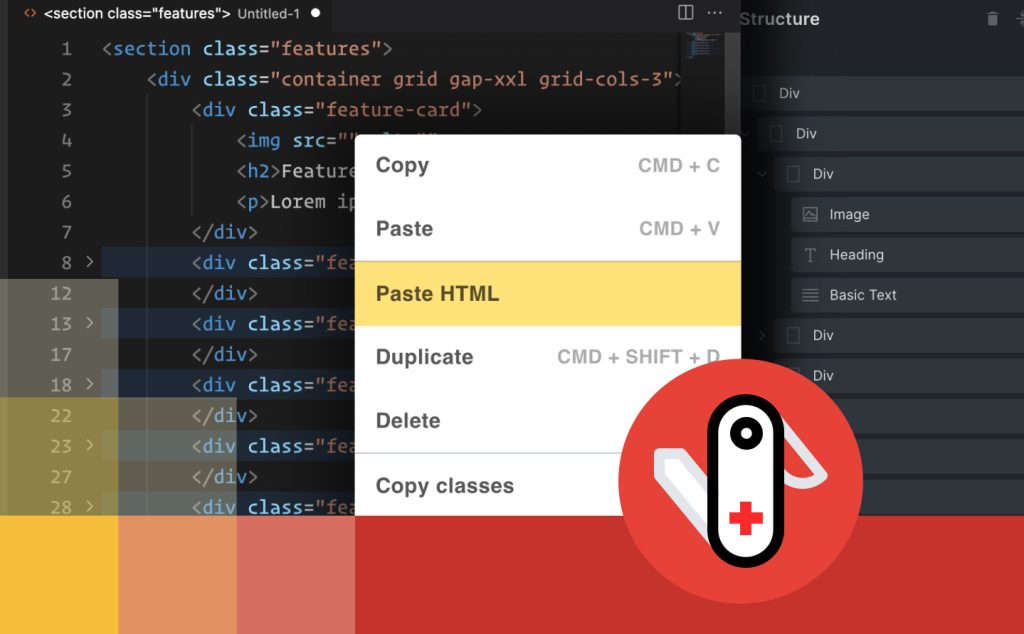
- Bringing in HTML from elsewhere? Swiss Knife for Bricks can also paste HTML as real Bricks elements, with the class names attached.
- Using Tailwind? See Tailwind CSS in Bricks Builder.
Faster building in Bricks
Swiss Knife for Bricks: copy/paste classes, paste HTML as elements, and more workflow tools for Bricks Builder.
Related guides
- Custom Oxygen mobile menu: Build your own mobile menu in Oxygen Builder.
- GSAP Animation in Oxygen Builder: Basic: Your first GSAP animation in Oxygen.
- GSAP Animation in Oxygen Builder: Staggering: Animate lists of elements one after another.
Browse all WordPress tutorials.
