Custom Oxygen Mobile Menu
To build your own mobile menu in Oxygen Builder, add a second menu for small screens, hide it by default, and show it with a short script when a trigger is clicked. This replaces Oxygen’s default mobile menu with one you control. It was recorded in Oxygen Classic.

Step 1: build the header
- Add a Section as the header, and inside it a Div laid out horizontally with space between the items.
- Add a Link Wrapper with your logo image.
- Add a second image or icon as the trigger, and give it the class
trigger. - Add a Menu element for desktop.
Step 2: add the mobile menu
- Duplicate the Menu element. This copy is the mobile menu: give it the class
toggled-object. - On both menus, set the responsive option to Never, so neither collapses into Oxygen’s default mobile menu.
- Set the header’s position to relative. Set the mobile menu to position absolute, top 100%, full width, with a background colour and a z-index above the page content.
- Set the mobile menu’s display to none. The script will show it.
Step 3: show the right parts per screen size
- Trigger: display none by default, display block below your mobile breakpoint.
- Desktop menu: display none below that breakpoint.
On a wide screen you see the desktop menu and no trigger. On a narrow screen you see the trigger, and the mobile menu stays hidden until it is clicked.
Step 4: the script
Add this as a JavaScript code block that loads in the footer, for example in Scripts Organizer:
(function ($) {
  $(function () {
    $(".trigger").click(function () {
      $(".toggled-object").slideToggle(300);
    });
  });
})(jQuery);
A click on the trigger slides the mobile menu open or closed in 300 milliseconds. The script uses jQuery, so jQuery must be loaded on the page.
If nothing happens, check that the class names in the script match the classes on your trigger and your mobile menu.
Discuss this tutorial in the DPlugins Facebook group.
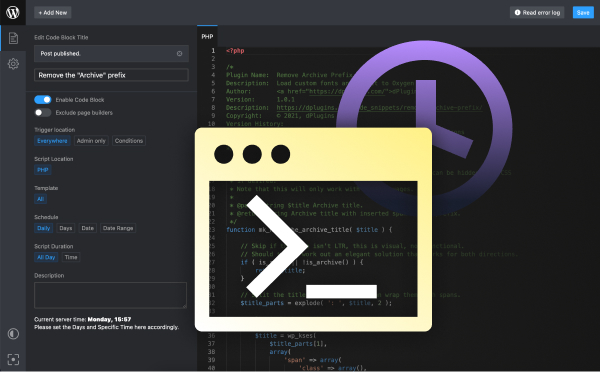
Keep your scripts in one place
Scripts Organizer: PHP, CSS, SCSS and JavaScript in one editor inside WordPress, with page conditions and on/off toggles.
Related guides
- GSAP Animation in Oxygen Builder: Basic: Your first GSAP animation in Oxygen.
- GSAP Animation in Oxygen Builder: Staggering: Animate lists of elements one after another.
- How to Paste HTML into Bricks Builder: Turn any HTML into real, editable Bricks elements.
- How to Copy and Paste Classes Between Elements in Bricks Builder: Reuse styles without retyping class names.
Browse all WordPress tutorials.
