GSAP Animation in Oxygen Builder: Staggering
A stagger animates several elements one after another instead of all at once. In GSAP it is one extra setting. This tutorial animates the post list on a blog page in Oxygen Builder, and continues from the basic GSAP tutorial, where GSAP is registered in Scripts Organizer. It was recorded in Oxygen Classic.
Step 1: a code block for the blog page only
Create a new code block, for example “Blog animation”, and enqueue the registered GSAP script in it. By default a code block runs on the whole site. Set its conditions to the blog page (a page, post, post type or taxonomy), so the code doesn’t run anywhere else.
Step 2: the starting state in CSS
Oxygen’s post list gives every post the class oxy-post. Hide the posts before the animation starts. In the code block’s Header:
.oxy-post {
  opacity: 0;
  transform: scale(0);
}
Step 3: the animation
In the Footer, as JavaScript:
gsap.to(".oxy-post", {
  duration: 1,
  scale: 1,
  opacity: 1,
  y: 40,
  stagger: 0.2,
});
gsap.to() animates from the CSS starting state to these values. stagger: 0.2 starts each post 0.2 seconds after the one before it. Without it, all posts animate at the same moment.
Step 4: stagger across a grid
A stagger can also be an object. This version lets GSAP detect the rows and columns of the grid and spreads the whole sequence over 1.5 seconds:
gsap.to(".oxy-post", {
  duration: 1,
  scale: 1,
  opacity: 1,
  y: 40,
  stagger: {
    grid: "auto",
    from: "start",
    axis: "y",
    amount: 1.5,
  },
});
from can be "start", "center", "end" or "random". GSAP’s staggers guide has a live demo where you change the settings and copy the code.
Learn more about GSAP
GSAP is free for everyone since Webflow took over its support, including all plugins (GSAP pricing). The GSAP documentation covers installation and every method used here.
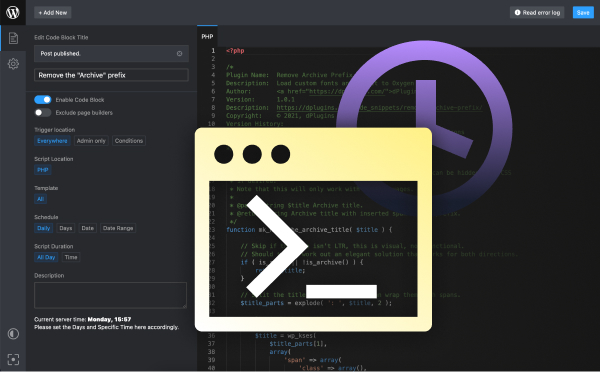
Load scripts only where you need them
Scripts Organizer: register a library once, enqueue it per code block, and limit each code block to the pages that use it.
Related guides
- How to Paste HTML into Bricks Builder: Turn any HTML into real, editable Bricks elements.
- How to Copy and Paste Classes Between Elements in Bricks Builder: Reuse styles without retyping class names.
- Custom Oxygen Mobile Menu: Build your own mobile menu in Oxygen Builder.
Browse all WordPress tutorials.
