WP Admin Cleaner
Optimise WordPress Experience
WP Admin cleaner is a small but powerful plugin that you should have in your toolset. It is easy to use and quick to set up.
Toggle sidebar elements, admin styles, login style and functions, custom dashboard, functions just go on and on.
14 Days Money Back Guarantee
Secured Payments Stripe and PayPal
30,000+ sites with an active licence
WP Admin Cleaner is a WordPress plugin that removes clutter from wp-admin for you and your clients. Hide menu items and plugins per user role, reorder the menu, switch on a dark admin theme and brand the login page, without writing code.
Who WP Admin Cleaner is for
- Agencies that hand finished sites to clients and want a simple dashboard for them.
- Site owners with editors and authors who should only see what they use.
- Anyone who spends long hours in wp-admin and prefers a dark theme.
WP Admin Cleaner only changes what users see in wp-admin; the front end of your site is not affected.
Featured by Paul Charlton (WP TUTS)
I’ve covered this in multiple videos in the past, but one of the things I’ve always been mindful of is that not everybody wants to use things like Elementor, Bricks Builder, and so on. Some of us only want to use Gutenberg, and we haven’t really been able to create custom dashboards with that. Well, today we’re going to take a look at one little plugin that allows us to do exactly that.
Focus on what matters
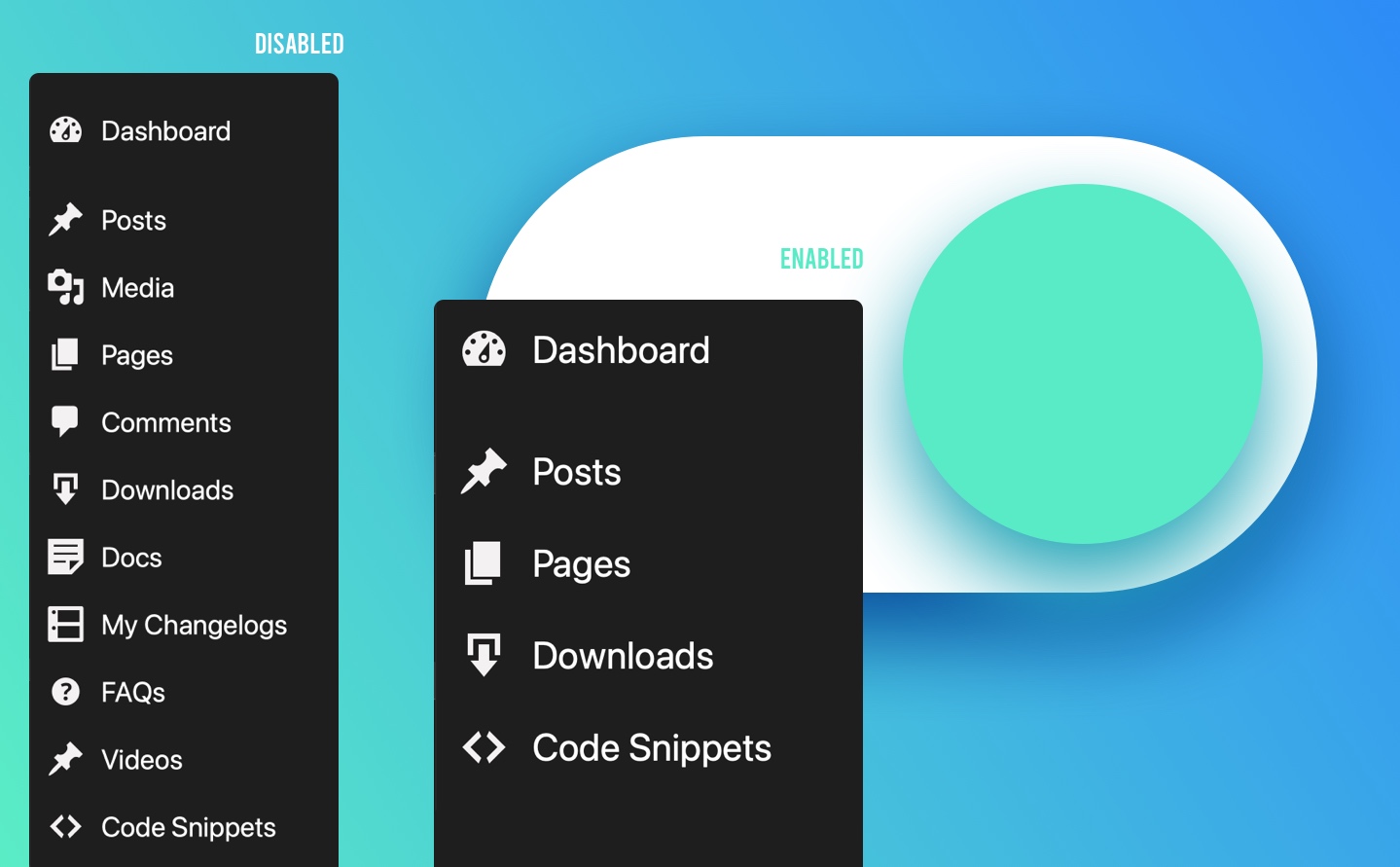
WordPress menus can easily become bloated. We can help!
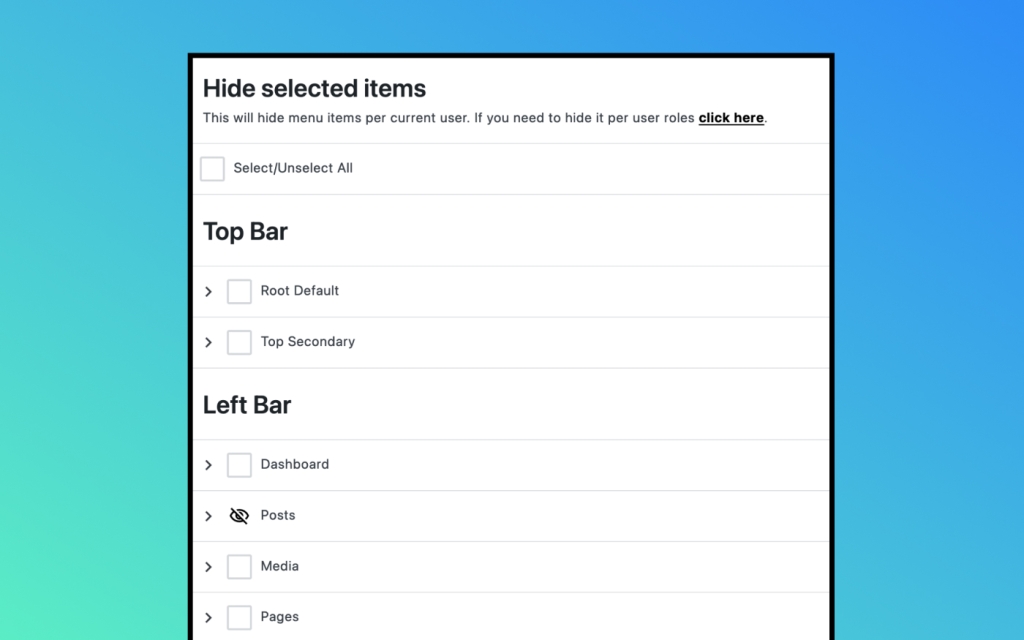
We’ve made it quite easy with a single click. If you want more granular control, you can expand the menu item and toggle the visibility of submenu items as well.
Only on the market
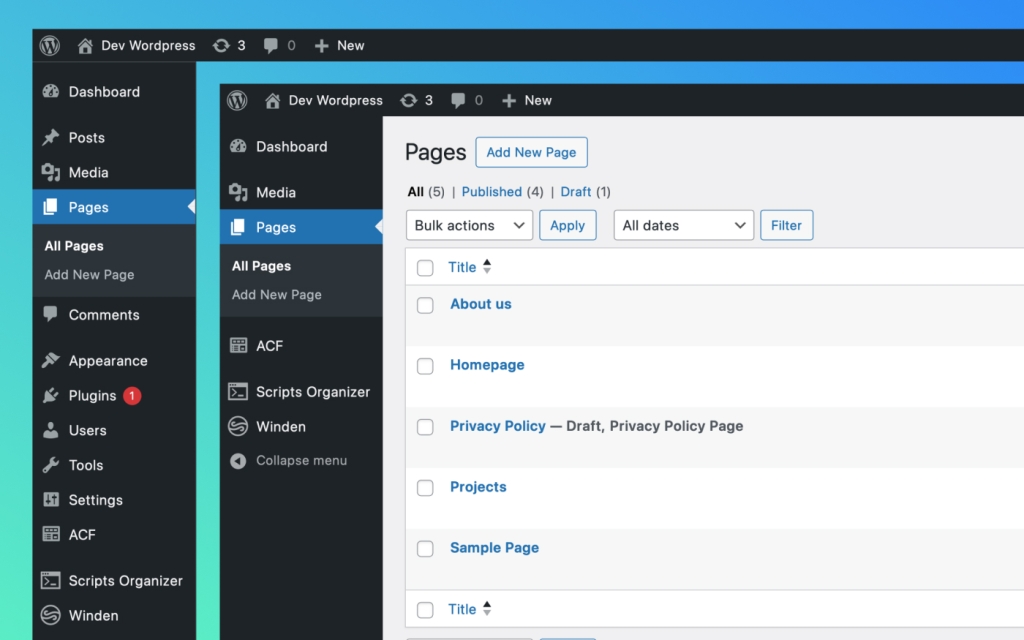
To allow you to hide WP Admin menu per Current user
Now every admin can hide what he don’t need. You can have developer and designer as admins and one can be focused on content and other can be focused on plugin updates, custom fields and code editor plugins.
There is no reason that both admin need to see all those options. They can just focus now on their needs. And the best part is they can hide if for them selfs. No need to ask developer every time to hide it for you every time new plugin is installed.
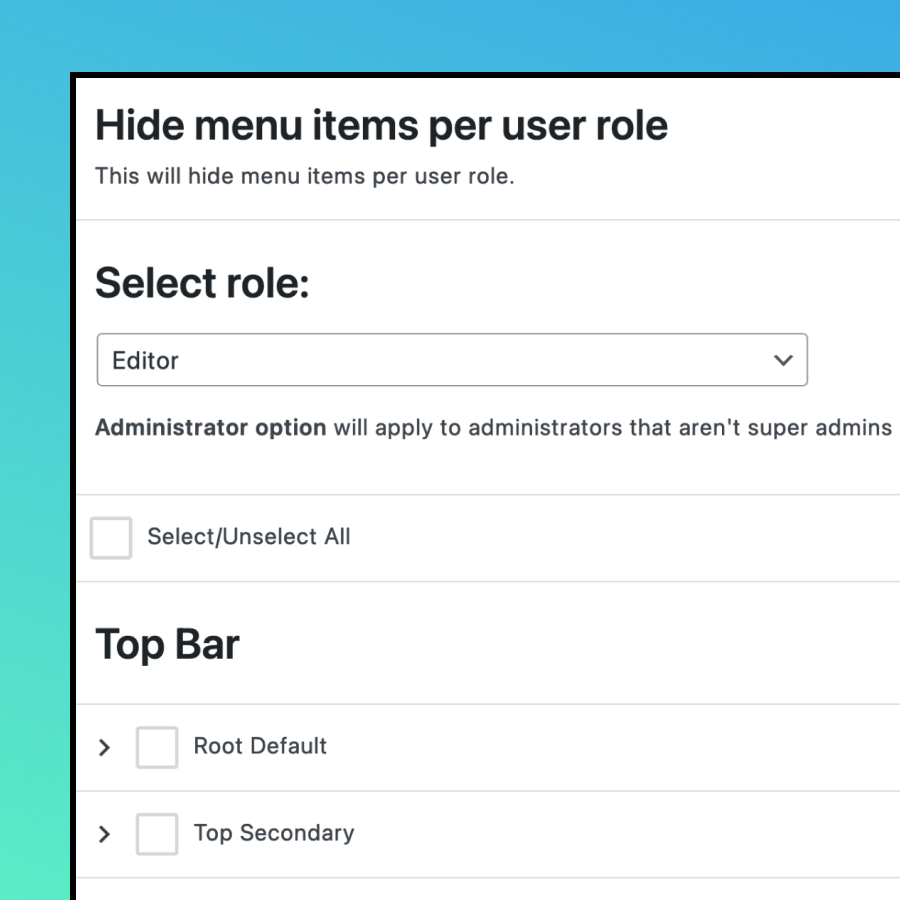
Hide per role
Craft what your editors, customers or subscribers need to see or access.
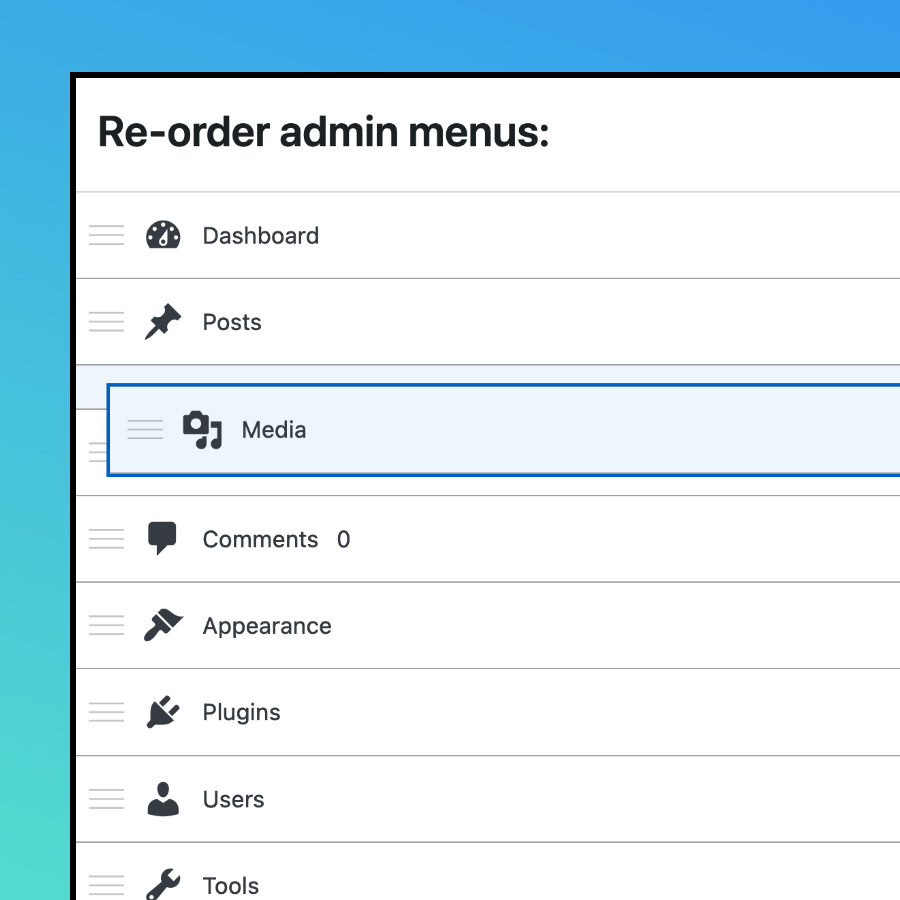
menu Order
Change menu order to make priority and get faster access to what you need.
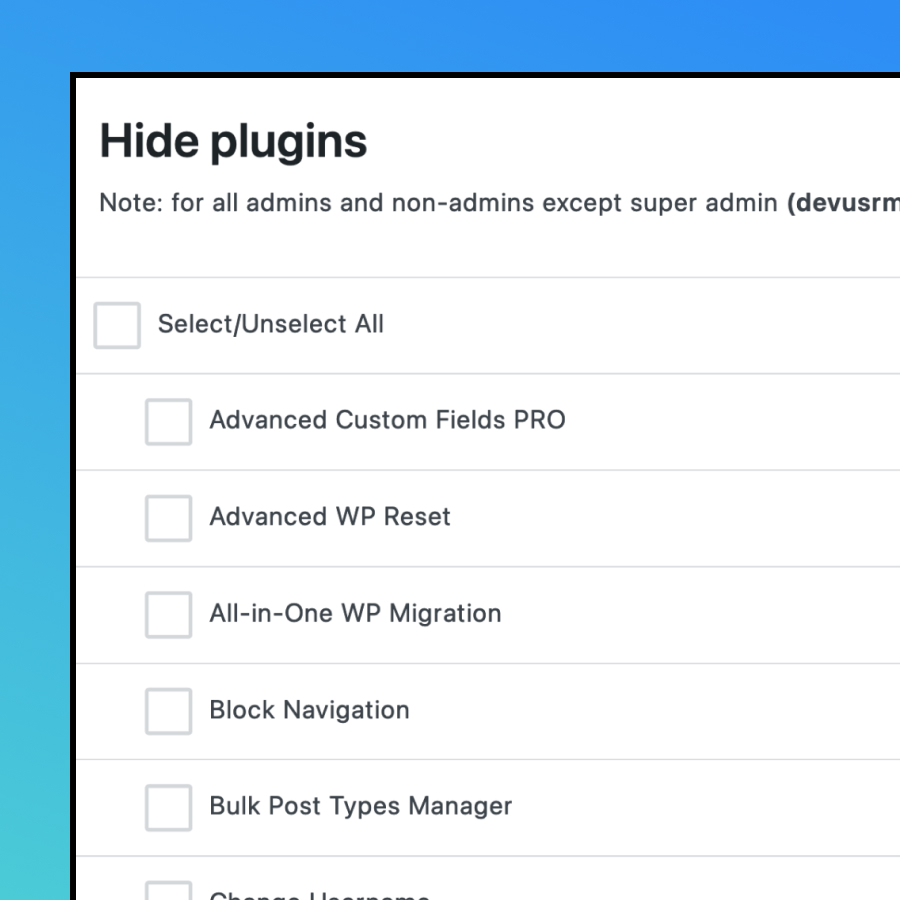
Hide plugins
Hide some plugins when you delivering website to your clients or from other admins.
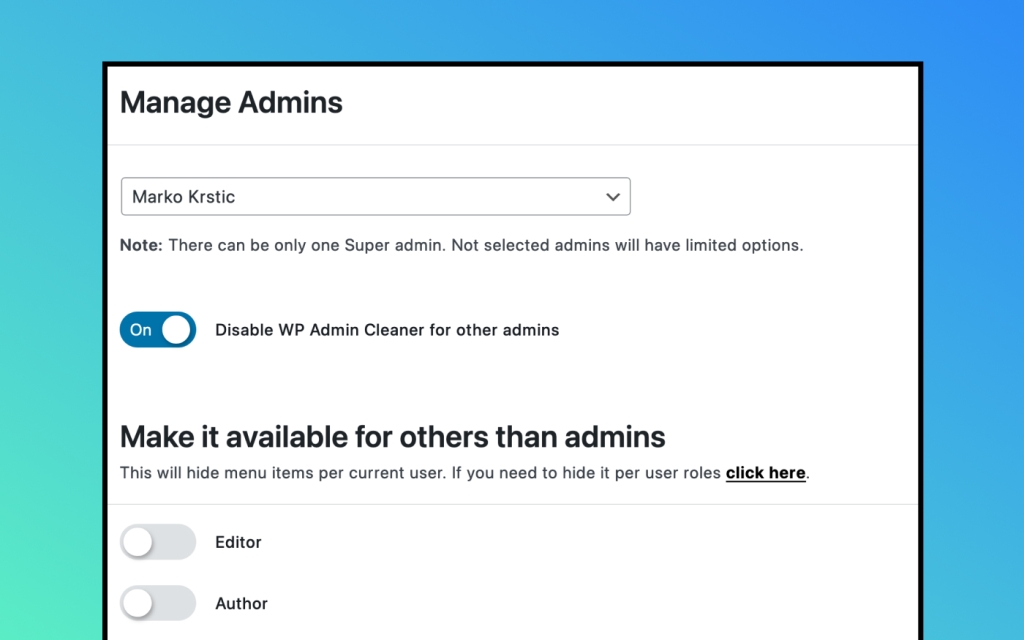
You set up the rules.
Choose Who Manages the Settings
We have introduced super admin role that can overwrite other admins. By default in WordPress that is the first user. For security reasons many deleting it as well.
That is why we have introduced option to choose from the admin dropdown menu who is your super admin who can overwrite other admins.
Custom WordPress Dashboard
This feature is compatible with every theme or plugin!





Craft a custom dashboard for your clients to provide a unique experience. You can create tutorials, documentation, and contact forms that match the front-end style of your website, ensuring a cohesive and branded user experience.
You can configure custom dashboards for each user role, tailoring content specifically for customers, subscribers, and editors, providing a personalized experience for each group.
Custom Dashboard with Gutenberg Builder
The only plugin on the marked who have full integration to build custom WordPress Dashboard with Gutenberg.
Custom Dashboard with Bricks Builder
The only plugin on the marked who have full integration to build custom WordPress Dashboard with Bricks Builder.
Custom Dashboard with Oxygen Builder
The only plugin on the marked who have full integration to build custom WordPress Dashboard with Oxygen Builder.
Dark Themes
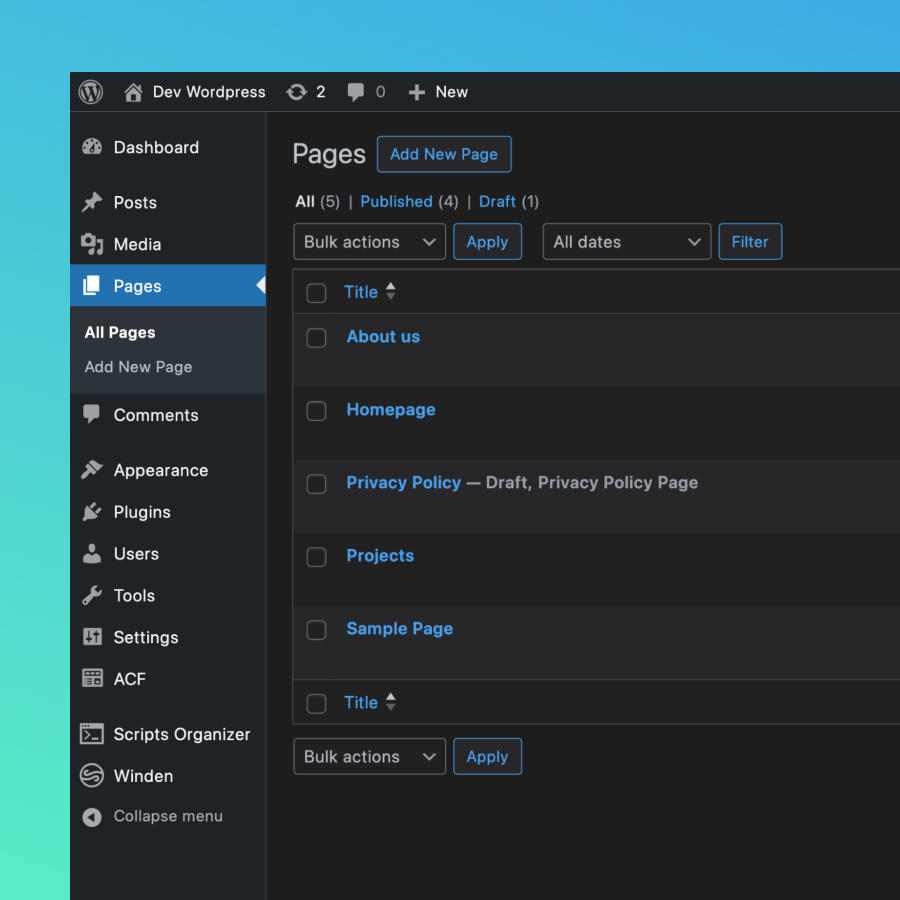
WordPress Admin
We have option with one click to change your light admin to dark and save your eyes from burning.
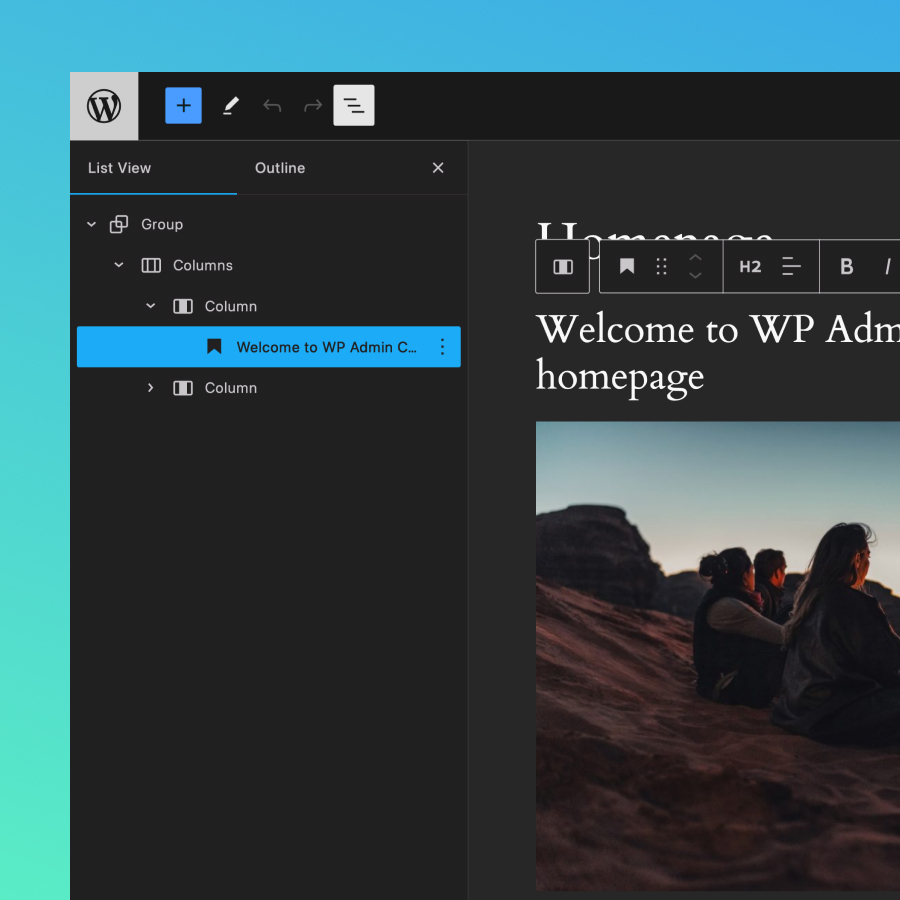
Gutenberg Editor
We have option with one click to change your light Gutenberg Editor to dark and save your eyes from burning.
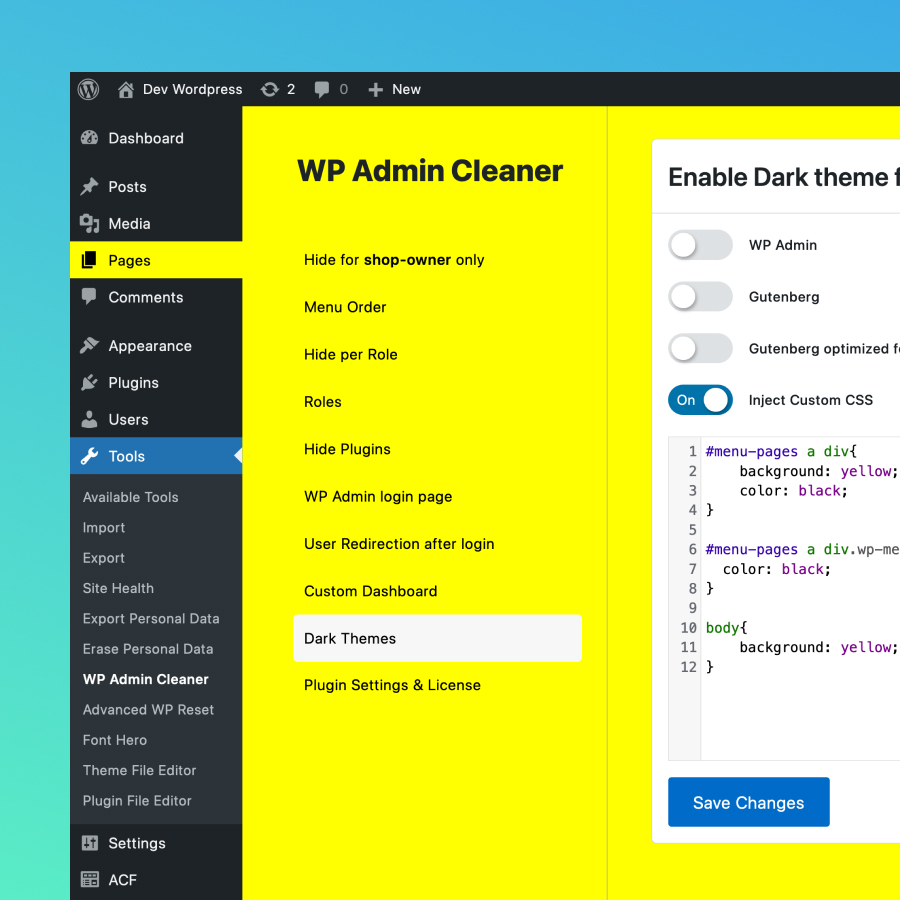
Custom CSS
If this is not enough you have option to add your own CSS to the WordPress Admin.
Security redirects
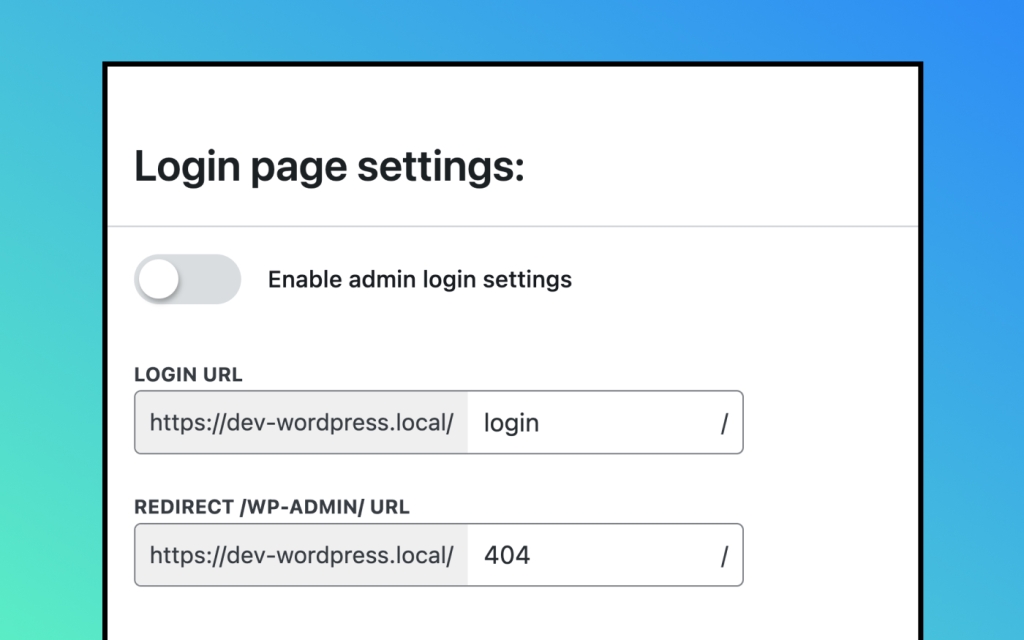
For the login and 404 pages
The most targeted URL by hackers is /wp-admin/, which is why we’ve simplified the process of changing it. Simply enter your custom URL and activate the feature for an additional layer of security in just two clicks.
Also for quick testing there is a toggle to enable/disable the settings.
After login redirect
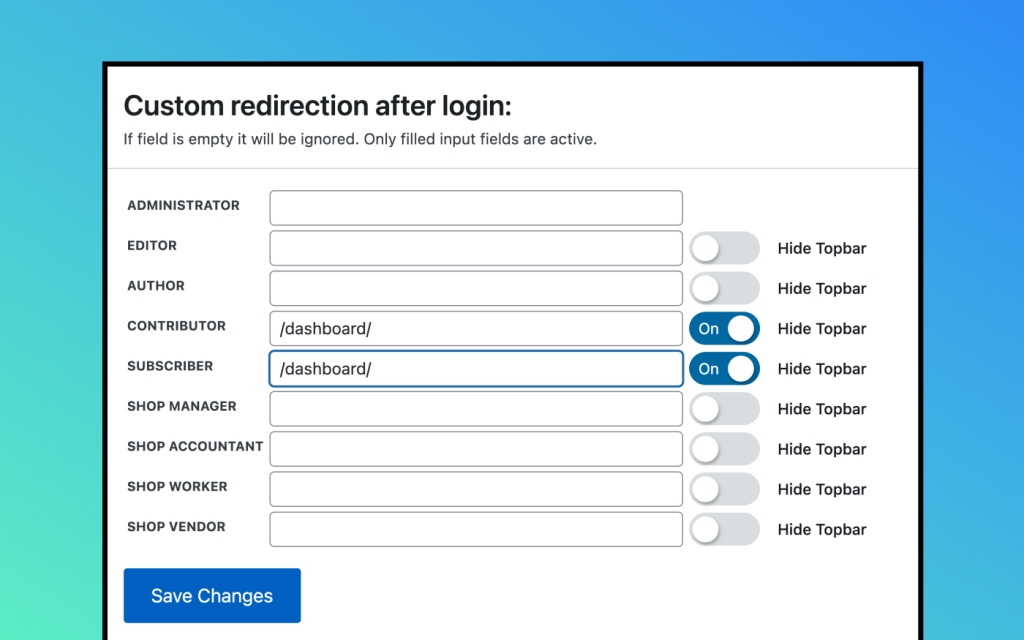
Per user role with THE Hide
Top Bar option
Now, you can easily redirect your subscribers or any other user role to their custom dashboard after they log in. Additionally, you have the option to hide the top bar, ensuring they never access the standard WordPress profile page.
Alternatively, you can create a custom dashboard tailored for educating Editors, allowing them to see content crafted specifically for them.
Custom WP Login
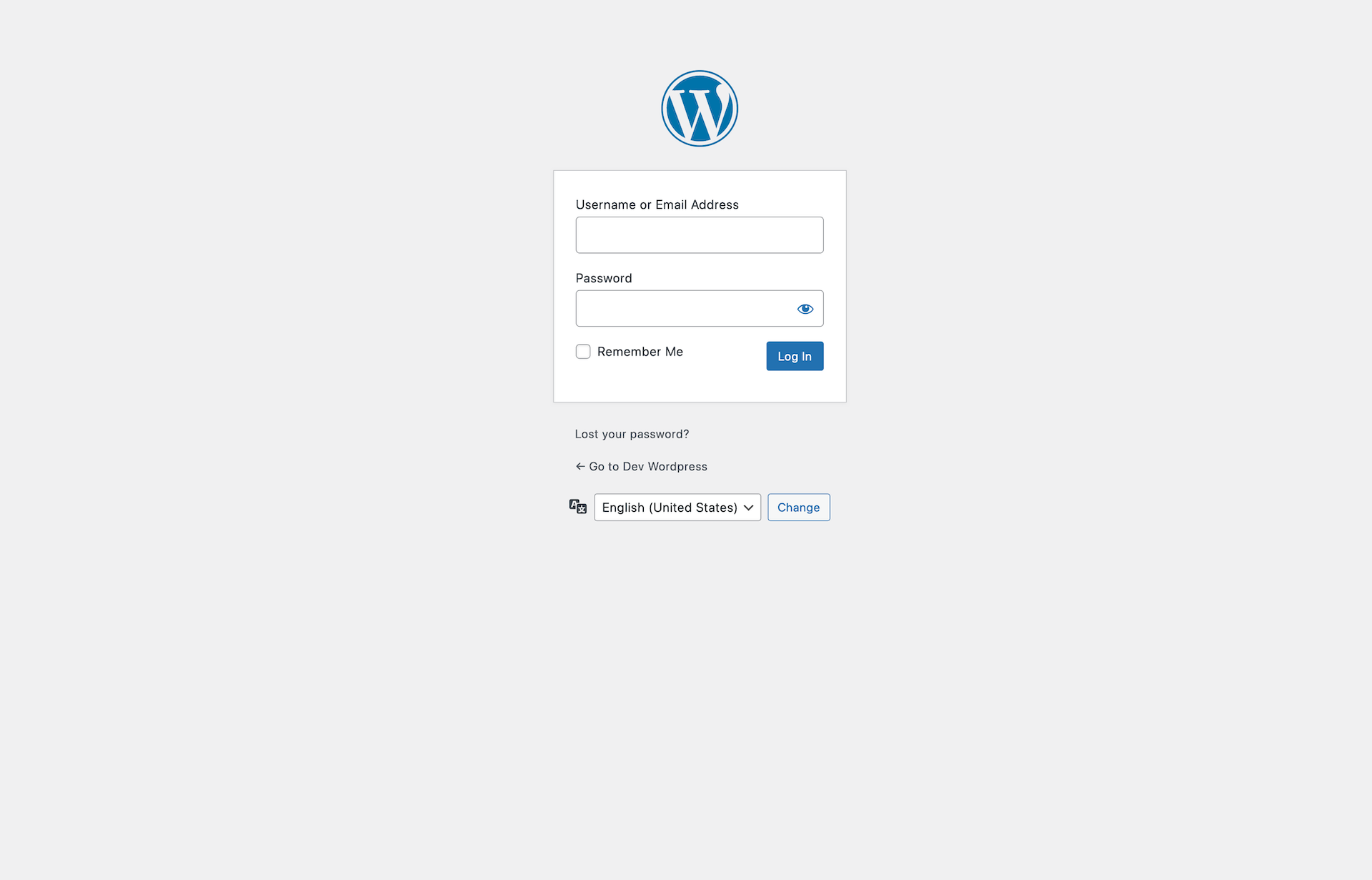
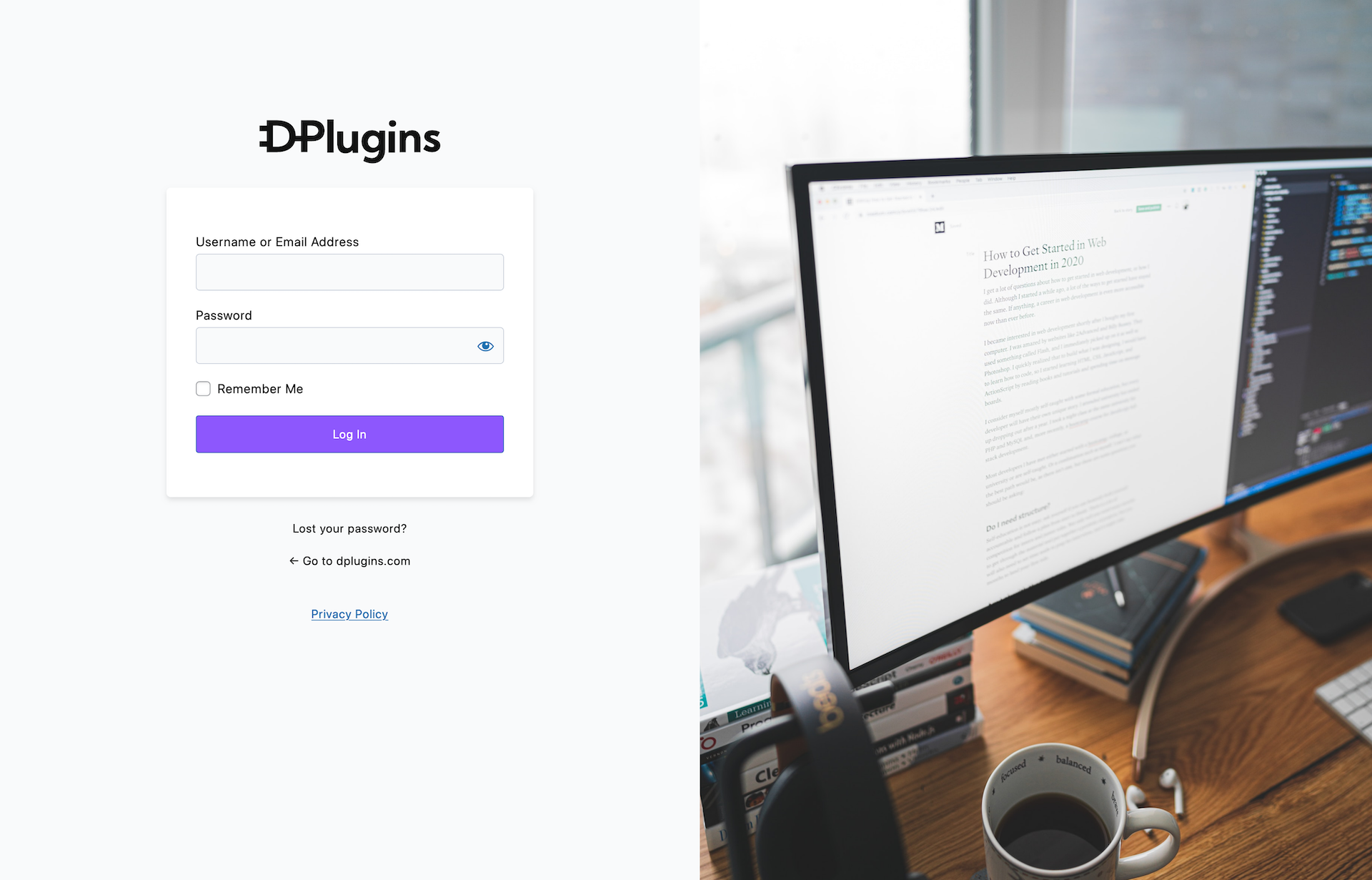
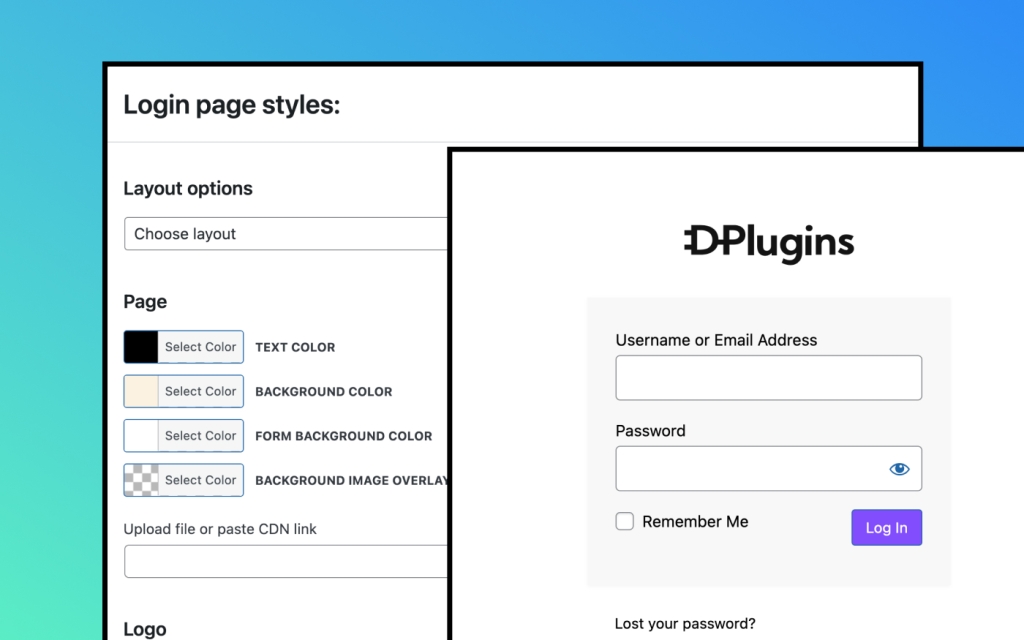
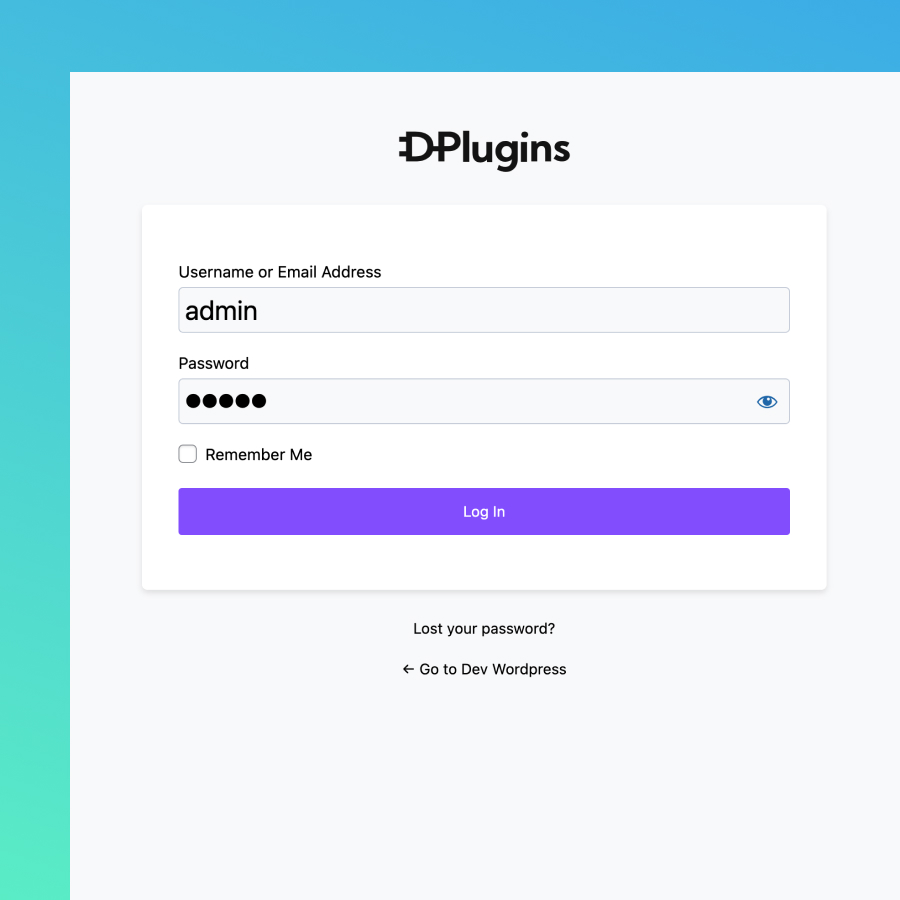
You will have a UI to adjust settings for colors, logo images and sizes, and page background images. Additionally, you can select from one of our predefined templates or write your own CSS in the code editor area.
Quick Makeup
Easily change colors,
logo, and URL.
You can effortlessly replace the login logo image, adjust the logo size, and modify the logo link. Additionally, you have the option to change the background image or color, as well as the colors of links and text.
If the default WordPress layout doesn’t fully meet your needs, we’ve added an option to transform the entire layout design with just one click.
Plain
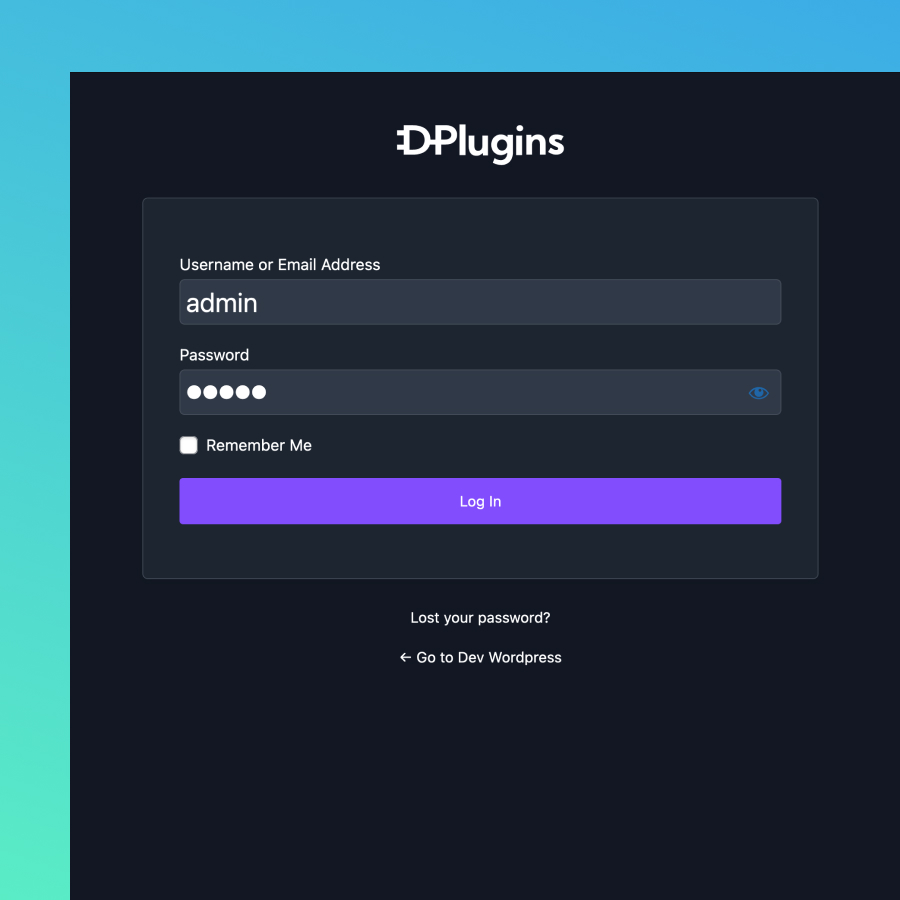
PlaIn DArk
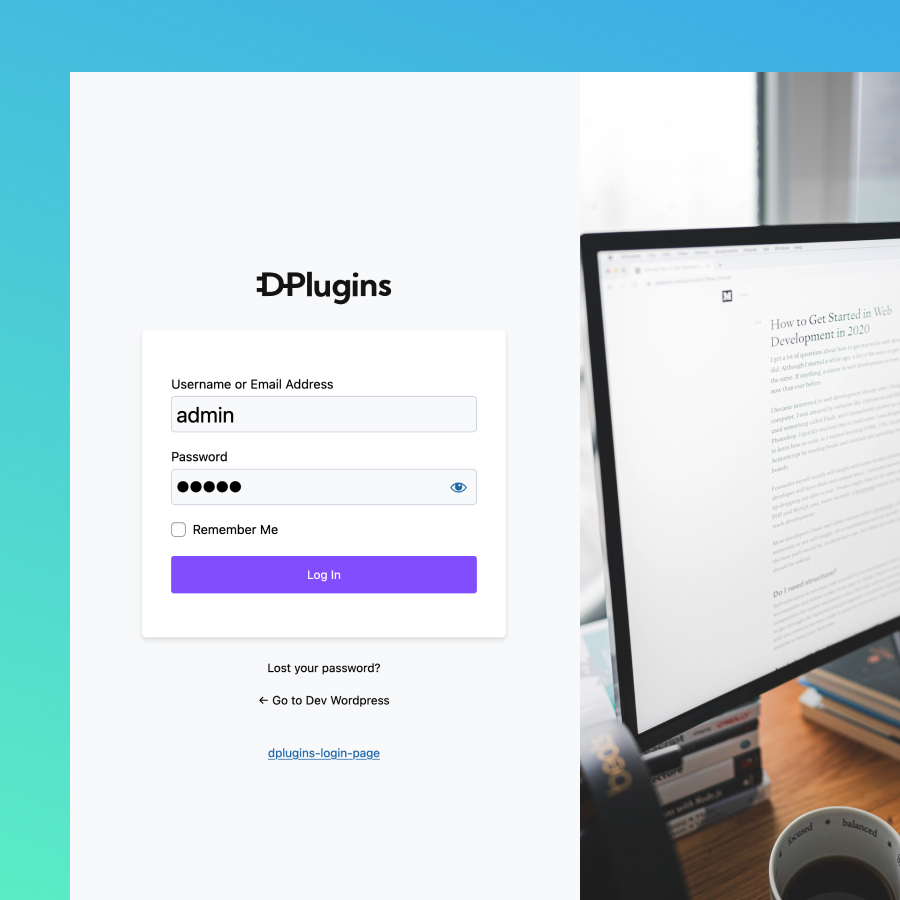
Half Screen Image
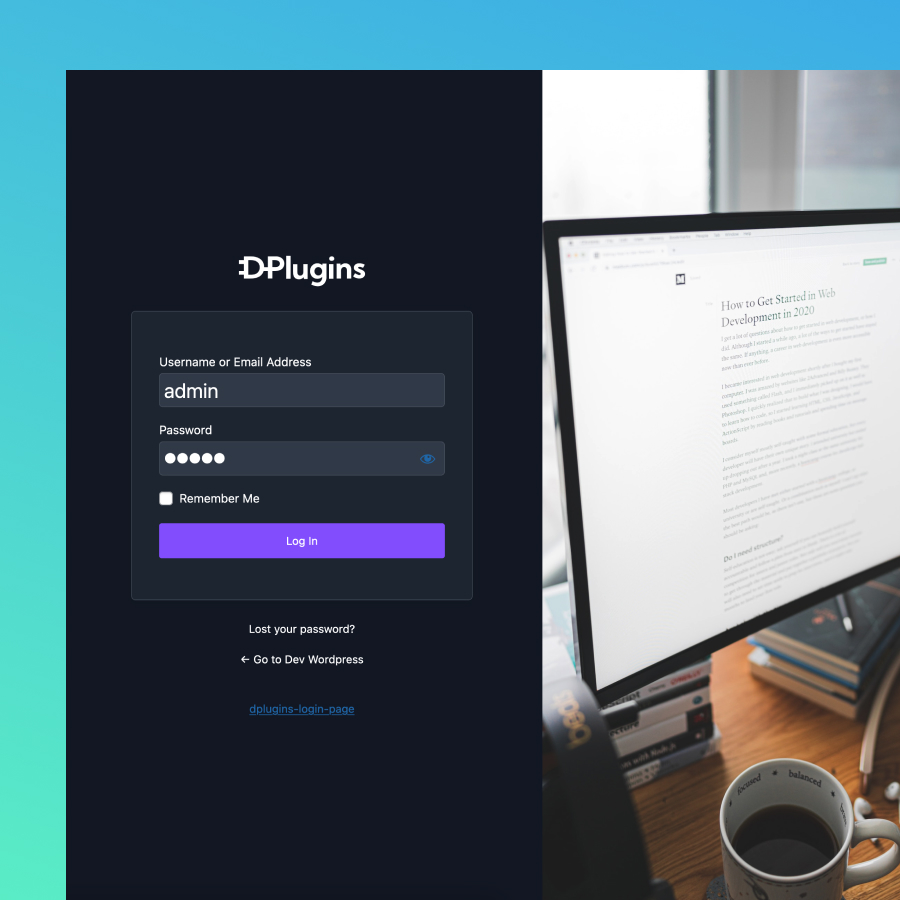
Half Screen Image Dark
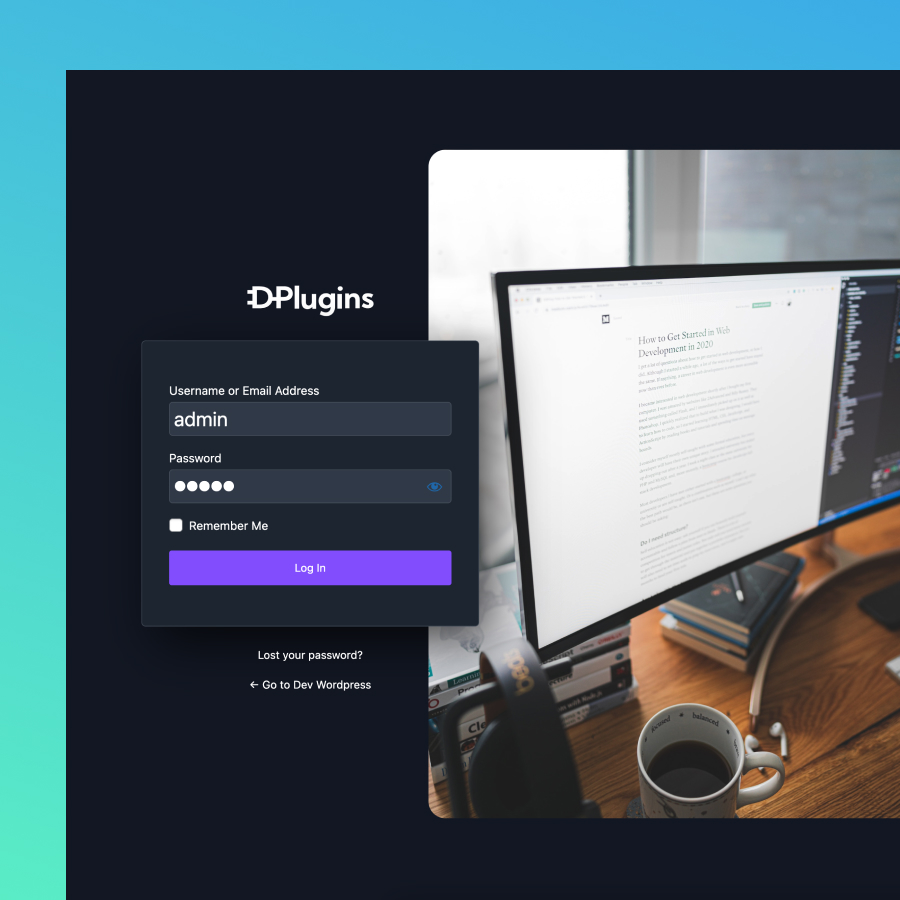
Custom CSS
If you find that none of the layout designs meet your needs, you can also add your own CSS. The beauty of this approach is that custom CSS acts as an additional layer to the existing settings. You won’t need to rewrite the background color, background image, text color, etc.
What makes WP ADMIN CLEANER Special
Please watch the plugin intro video while we are redesigning our website
and presenting all the features of our plugin.
/ Per year
Yearly update
- Unlimited Domains
- 1 Year Plugin Update
- 1 Year Priority Support
- All Features Included
/ One payment
Life Time Deal
- Unlimited Domains
- LTD Plugin Update
- LTD Priority Support
- All Features Included
14-Day Money-Back Guarantee
Probably you will never need this with our awesome products but here it is just in case. If you aren’t completely satisfied within 14 days of purchase, you’re more than welcome to get a full refund!
Guides and tutorials
How to Hide WordPress Admin Menu Items by User Role
A cleaner WordPress dashboard for every user role.
How to Build a Custom WordPress Dashboard for Clients
Replace the default dashboard with your own page.
Frequently asked questions
Can different user roles see different menus?
Yes. You set which menu items each role sees, and roles added by plugins such as WooCommerce or Easy Digital Downloads appear in the list automatically. The super admin keeps the full menu. See Hide menus per user role.
Can I hide plugins from other admins?
Yes. Hidden plugins disappear from the plugins list for everyone except the super admin, and other admins can’t activate or deactivate them. That keeps clients from switching off plugins the site depends on. See Hide plugins.
Is there a dark theme?
Yes. WP Admin Cleaner has a dark theme for wp-admin and one for the block editor. It is off by default, loads only in the admin and doesn’t affect your front end. Turn it on in the Themes tab: WordPress admin dark theme.
Can I change the order of the admin menu?
Yes. You can reorder the menu per user role, or only for your own account, so each team member sees the items they use first. See Menu order per user role.
Can I get a refund?
Yes. If you can’t get WP Admin Cleaner working, DPlugins refunds the full price within 14 days of the original purchase. The conditions are in the terms and conditions.
