ACF Blocks vs Native Gutenberg Blocks: Which Should You Use?
If you build custom blocks for WordPress, sooner or later you have to choose: register them with ACF Blocks, or build native Gutenberg blocks. Both end up in the block inserter, both render with PHP on the front end, and both are used on thousands of sites. The differences show up in the editing experience, the dependencies, and how the blocks age.
How ACF Blocks work
ACF Blocks are part of Advanced Custom Fields PRO. You describe the block in a block.json with an acf section that points to a PHP render template, then create an ACF field group and assign it to the block. Editors fill in those fields, and your template reads them with get_field().
{
  "name": "acf/testimonial",
  "title": "Testimonial",
  "acf": {
    "mode": "preview",
    "renderTemplate": "testimonial.php"
  }
}
The appeal is obvious: no React, and if you already know ACF, you already know how to add fields.
How native blocks work
A native block is registered with WordPress’s own block API. Its settings are block attributes, stored in the block’s own markup in the post, and its sidebar controls are WordPress components. The usual way to build one is a React project (@wordpress/create-block) with a build step. Since WordPress 7.0, core can also register simple blocks from PHP alone (PHP-only block registration): the editor generates the controls for string, number, integer and boolean attributes, and nested blocks aren’t supported. Tools like FanCoolo WP build native blocks from PHP instead, and generate the block.json for you.
Side by side
| ACF Blocks | Native blocks (React) | Native blocks (FanCoolo WP) | |
|---|---|---|---|
| Written in | PHP + ACF field groups | React/JSX + PHP | PHP (+ optional JS) |
| Build step | No | Yes | No |
| Where fields live | ACF field group (separate screen) | Code | Visual attributes manager, in the block |
| Sidebar controls | ACF’s field UI | WordPress components | WordPress components |
| Dependency | ACF PRO license | None (Node.js to build) | FanCoolo WP |
| Data stored | Block comment (ACF format) | Block attributes | Block attributes |
| Nested blocks | Supported (InnerBlocks) | Supported | Supported, configured in settings |
Where ACF Blocks win
- You already run ACF PRO and your team knows field groups inside out.
- Complex field types: repeaters and flexible content are ACF’s home turf.
- Sharing fields between blocks and post meta through the same field-group system.
Where native blocks win
- Editing feels like WordPress. Controls are the same components core blocks use, so editors don’t switch between two UI styles.
- No field-group plumbing. The block’s fields live with the block, not in a separate admin screen you have to keep in sync.
- Fewer moving parts. A native block depends on WordPress itself. An ACF block also depends on ACF PRO staying active and licensed.
The traditional downside of native blocks was React and a build step. That’s exactly what building them in PHP removes: see how to create a custom Gutenberg block without React.
Which should you choose?
- ACF Blocks if your site is already built around ACF PRO, or the block is mostly a front end for repeaters and flexible content.
- Native blocks for everything editors use day to day: cards, heroes, testimonials, feature grids, post lists. Build them in React if you need a fully custom editing UI, or in PHP with FanCoolo WP if you want native blocks without the toolchain.
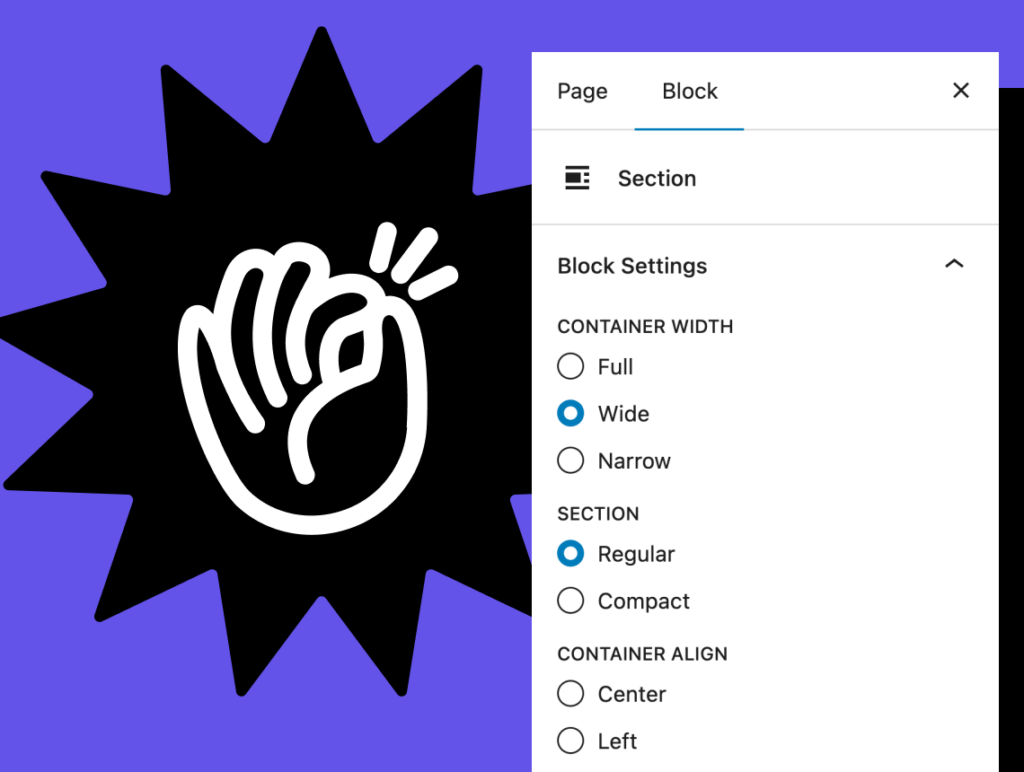
Native Gutenberg blocks, built in PHP
FanCoolo WP gives you native block attributes and WordPress sidebar controls, without React or a build step.
More comparisons
- Oxygen vs Gutenberg in 2026: Which Should You Build With?
- Bricks vs Gutenberg: Which Is Better for Your WordPress Site?
- Elementor vs Gutenberg: Which Should You Use in 2026?
- Page Builder or Block Theme for Client Sites?
- Custom Gutenberg Blocks: React or PHP?
- WordPress Code Snippet Plugins Compared (2026)
- Self-Hosted Plugin Updates vs WordPress.org: Which Is Right for Your Plugin?
