Elementor vs Gutenberg: Which Should You Use in 2026?
Elementor made WordPress page building visual for millions of people. The block editor (Gutenberg) is what WordPress ships with, and with block themes it now designs whole sites, not just posts. If you’re choosing for a new site, or thinking of moving an existing one, here’s a straight comparison.
Side by side
| Elementor | Gutenberg | |
|---|---|---|
| Learning curve | Very easy, drag and drop | Easy for content, more to learn for layouts |
| Design freedom | High, lots of widgets and settings | High with block themes and theme.json |
| Output and speed | Heavier markup and more CSS/JS by default | Lean markup; block themes load only the CSS of blocks on the page |
| Where content lives | Elementor’s own data in post meta | HTML in the post content |
| If the builder is removed | Pages lose their layout | Core blocks keep working with any theme |
| Editing for clients | Full builder, easy to break layouts | Normal editor; patterns and blocks can be locked |
| Cost | Free core, Pro license for most sites | Free, part of WordPress |
| Custom components | Custom widgets (PHP + Elementor API) | Custom blocks (React, or PHP with tools) |
Where Elementor wins
- Getting started. Someone with no web experience can build a decent page in an afternoon.
- Ready-made widgets and templates, plus a huge ecosystem of add-ons.
- Visual controls for everything, without touching code.
Where Gutenberg wins
- Performance. Less markup and fewer assets by default, which helps Core Web Vitals.
- No lock-in. Content is saved as HTML in the post. Switching themes or tools later doesn’t turn pages into shortcode soup.
- Staying with WordPress. Every new core feature (block bindings, the Interactivity API, the Font Library) lands in the block editor first.
- Safer client editing. With locked patterns and custom blocks, clients change text and images without moving your layout.
The one thing that made builders necessary
For years the honest reason to pick a builder was that making your own reusable components in Gutenberg meant a React project with a build step. Since WordPress 7.0, core can also register simple blocks from PHP alone (PHP-only block registration): the editor generates the controls for string, number, integer and boolean attributes, and nested blocks aren’t supported. Elementor custom widgets are PHP, which most WordPress developers already write.
That gap is closing: FanCoolo WP builds native Gutenberg blocks in PHP. You write the output in PHP, style it with SCSS, and add sidebar fields with a visual attributes manager. Editors get real blocks in the normal editor, and you never set up React. See how to create a custom Gutenberg block without React.
Moving from Elementor to Gutenberg
There’s no automatic converter that gives clean results. The practical path:
- Build the design system first (block theme or
theme.json, colors, fonts, spacing). - Turn repeated sections (heroes, cards, CTAs) into patterns or custom blocks.
- Rebuild pages one by one, starting with the most visited.
- Keep Elementor active until the last page is moved, then deactivate it.
Which should you choose?
- Elementor if you want the fastest visual start and don’t mind the extra weight and lock-in.
- Gutenberg for sites that should be fast, last for years, and be edited safely by clients, especially once you can build your own blocks in PHP.
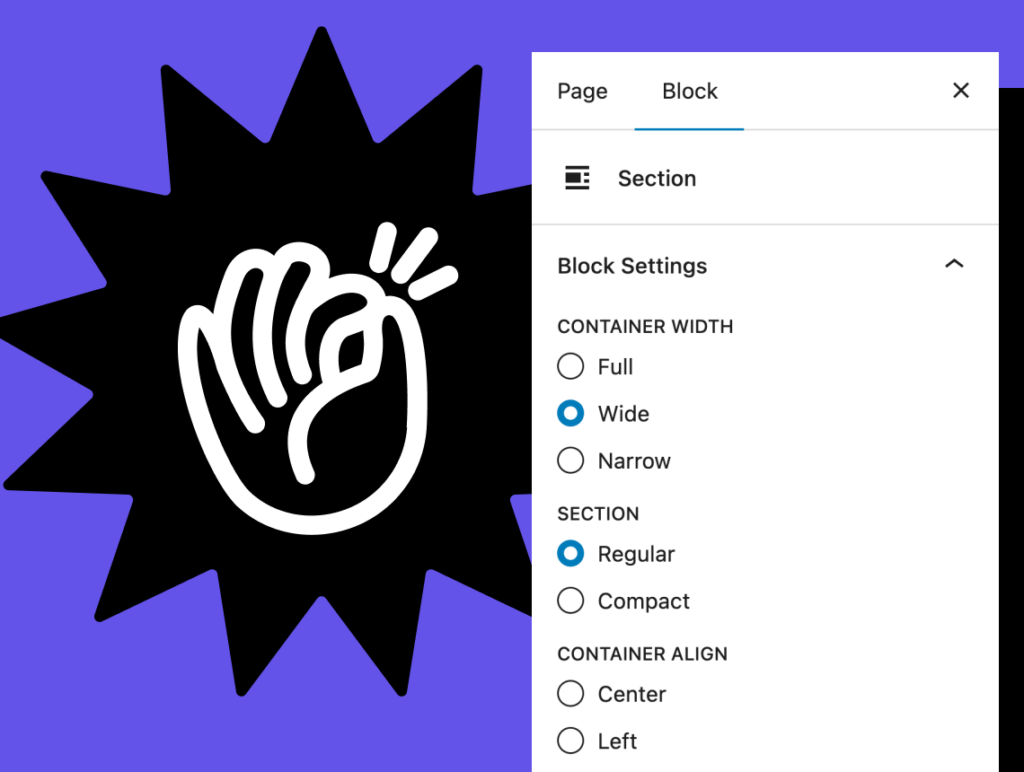
Custom blocks without React
FanCoolo WP: native Gutenberg blocks in PHP and SCSS, with visual fields, symbols and hot reload.
More comparisons
- Oxygen vs Gutenberg in 2026: Which Should You Build With?
- Bricks vs Gutenberg: Which Is Better for Your WordPress Site?
- Page Builder or Block Theme for Client Sites?
- ACF Blocks vs Native Gutenberg Blocks: Which Should You Use?
- Custom Gutenberg Blocks: React or PHP?
- WordPress Code Snippet Plugins Compared (2026)
- Self-Hosted Plugin Updates vs WordPress.org: Which Is Right for Your Plugin?
