How to Create a Custom Shortcode in WordPress
Shortcodes are small tags like [year] or [cta text="Buy now"] that WordPress replaces with content when a page is displayed. Even with blocks, they’re still the quickest way to drop a dynamic bit of content into a post, a widget or a builder element that accepts text.
A first shortcode
Register it with add_shortcode(). The callback must return the output, not echo it:
add_shortcode( 'year', function () {
    return date_i18n( 'Y' );
} );
Now © [year] My Company in any post shows the current year and updates itself every January.
Shortcodes with attributes
Attributes make one shortcode flexible. Use shortcode_atts() to set defaults:
add_shortcode( 'cta', function ( $atts ) {
    $atts = shortcode_atts( [
        'text' => 'Get started',
        'url'  => '/contact/',
    ], $atts, 'cta' );

    return sprintf(
        '<a class="cta-button" href="%s">%s</a>',
        esc_url( $atts['url'] ),
        esc_html( $atts['text'] )
    );
} );
Usage: [cta text="Book a call" url="/book/"], or just [cta] for the defaults.
Enclosing shortcodes
Shortcodes can wrap content: [note]Read this first[/note]. The content arrives as the second argument:
add_shortcode( 'note', function ( $atts, $content = '' ) {
    return '<div class="note">' . wp_kses_post( do_shortcode( $content ) ) . '</div>';
} );
do_shortcode() lets other shortcodes work inside it.
The rules that avoid bugs
- Return, don’t echo. Echoing prints the output at the top of the page instead of where the shortcode is.
- Escape everything:
esc_html,esc_url,esc_attr,wp_kses_postfor HTML content. - Use a unique name.
[button]may clash with a plugin; prefix it ([acme_button]). - Don’t put heavy queries in a shortcode used on every page without caching.
Where to put the code
Anywhere PHP runs on every request: a child theme’s functions.php, a small custom plugin, or a code manager. With Scripts Organizer you create a Code Block with the Shortcode location and write PHP, plain HTML, or even include <script> or <style>, and Scripts Organizer gives you the shortcode to paste. Shortcodes can be scheduled like other code blocks, and you can show each shortcode’s name in the admin list (Scripts Organizer → Features → “Display shortcode in the Admin Column”) so you can copy it without opening the code block. Note that a Scripts Organizer shortcode is meant to be used once per page.
Shortcode or block?
For content editors reuse all the time, with fields and a visual preview, a custom block is friendlier: see how to create a custom Gutenberg block without React. Shortcodes remain perfect for small inline values (year, prices, a user’s name) and for builders that only accept text.
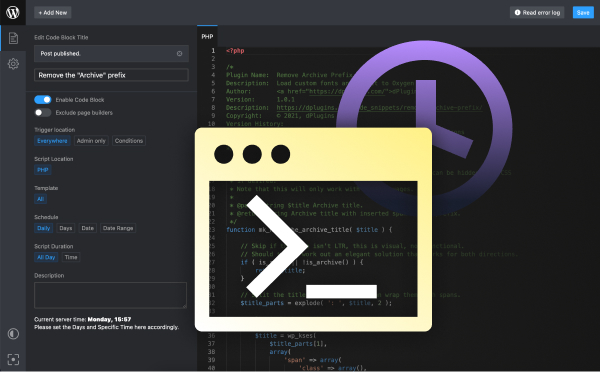
Shortcodes without editing theme files
Scripts Organizer turns a code block into a shortcode, with PHP, HTML, scripts and styles, plus scheduling.
Related guides
- How to Add Custom Code to WordPress Safely: PHP, CSS and JS in WordPress without breaking the site.
- How to Add Code to the WordPress Header and Footer: Analytics, pixels and scripts in the right place.
- How to Disable Scripts on Specific WordPress Pages: Unload plugin CSS and JS where they aren't needed.
- How to Load CSS and JavaScript Only Where It's Needed in WordPress: Conditional loading for your own CSS and JS.
Browse all WordPress tutorials.
