How to Use SCSS in WordPress Without a Build Tool
SCSS makes CSS much easier to maintain: variables for colors and spacing, nesting that follows your HTML, mixins for repeated patterns, and partials that split a big stylesheet into small files. Browsers only understand CSS, though, so SCSS has to be compiled. Usually that means Node.js or a compiler app on your computer. It doesn’t have to.
What SCSS gives you
$brand: #4f46e5;
$radius: 12px;

@mixin card {
  border-radius: $radius;
  box-shadow: 0 10px 30px rgba(0, 0, 0, .08);
}

.pricing {
  display: grid;
  gap: 2rem;

  &__plan {
    @include card;
    padding: 2rem;

    &--featured { border: 2px solid $brand; }
  }
}
Change $brand once, and every place that uses it updates.
The usual way: compile locally
Install sass (via npm or a desktop app), compile style.scss to style.css, upload the CSS, and enqueue it in your theme. It’s fine for theme developers, but every small tweak means compiling and uploading again, and anyone else editing styles needs the same tools.
Compiling SCSS inside WordPress
A code manager can compile SCSS for you when you save. With Scripts Organizer:
- Create a Code Block, choose the Header location and the SCSS language.
- Write SCSS. When you save, it’s compiled to CSS. If there’s an error, SCSS safe mode tells you what and where, instead of breaking the site.
- Choose inline output for small, critical styles, or tick the option to generate a file for bigger stylesheets, so browsers can cache it.
- Add conditions if the styles only belong on some pages.
Partials
Split variables, mixins and component styles into SCSS Partials (their own menu in Scripts Organizer). Then, in a code block, open the SCSS Partials Manager, select the partials you need and drag them into order (variables before the code that uses them). One “merger” code block can pull everything together into your site stylesheet.
With hot reload enabled (Scripts Organizer → Features), pressing Ctrl + S saves and refreshes every open tab of your site, so you see changes immediately.
When a local build is still better
- You ship a theme or plugin to others and want the CSS in version control.
- You use PostCSS tooling beyond SCSS (autoprefixer pipelines, purging).
For site-level styles, tweaks and client sites, compiling inside WordPress removes a whole toolchain.
Building custom blocks? They can use SCSS the same way: see SCSS in custom Gutenberg blocks.
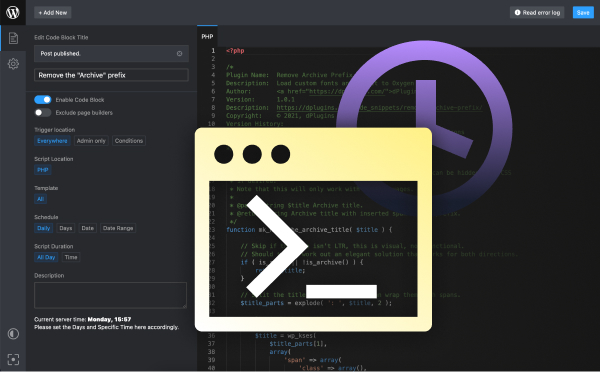
SCSS compiled inside WordPress
Scripts Organizer compiles SCSS on save, with partials, error checking, file output and hot reload.
Related guides
- How to Create a Custom Shortcode in WordPress: Reusable [shortcodes] with attributes, done right.
- How to Add Custom Code to WordPress Safely: PHP, CSS and JS in WordPress without breaking the site.
- How to Add Code to the WordPress Header and Footer: Analytics, pixels and scripts in the right place.
- How to Disable Scripts on Specific WordPress Pages: Unload plugin CSS and JS where they aren't needed.
Browse all WordPress tutorials.
